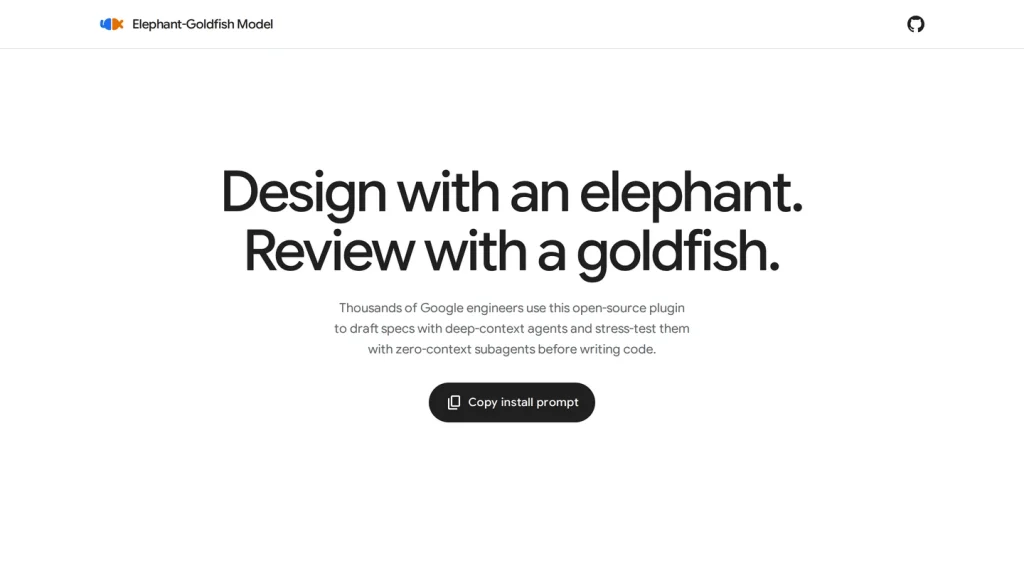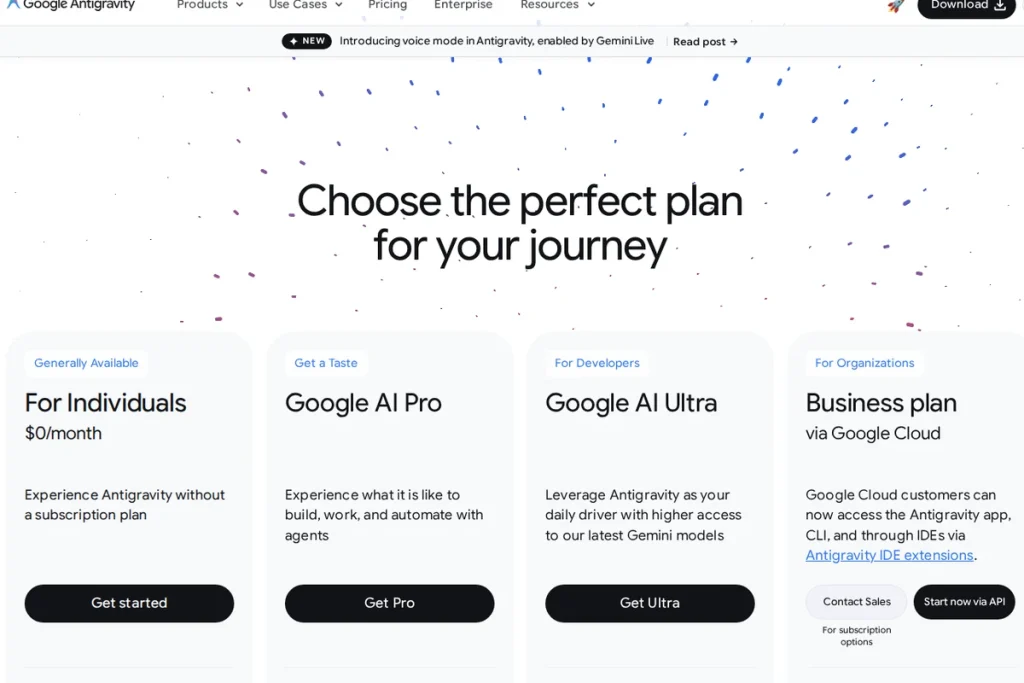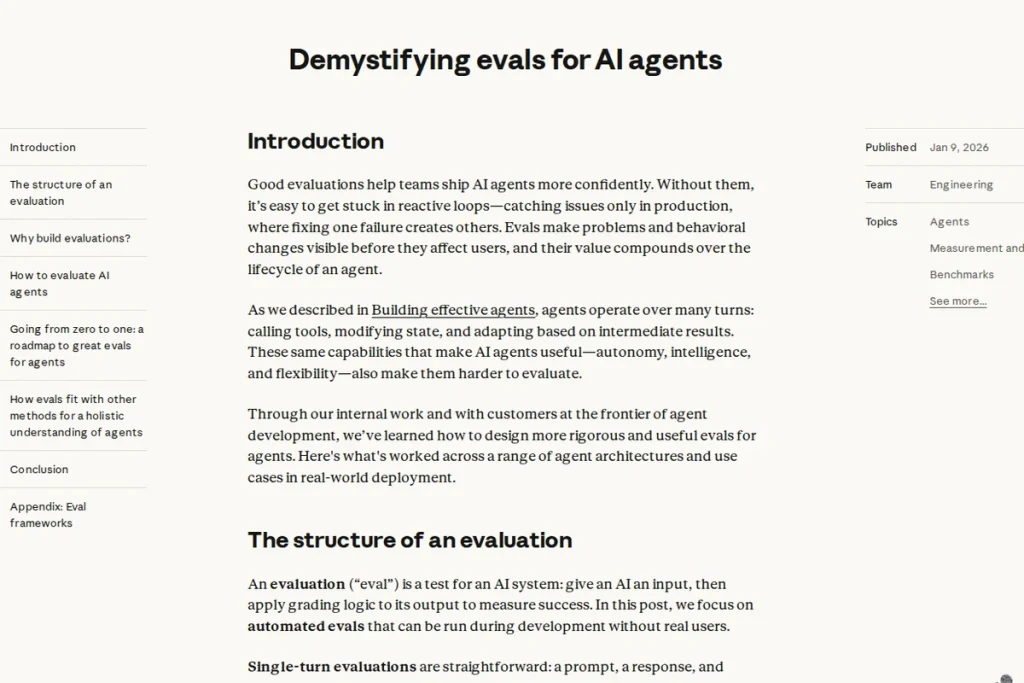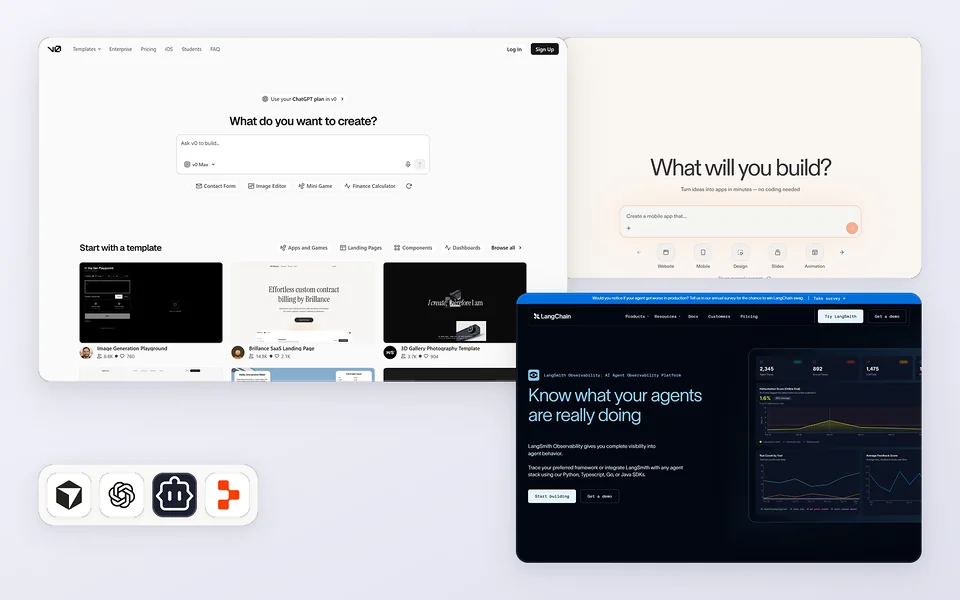
Modern AI development splits into four complementary layers: AI-native IDEs for interactive coding, terminal and async cloud agents for multi-file refactors, prompt-to-app builders for rapid UI prototypes, and observability platforms for tracing agent runs. Most teams get the best mileage by pairing one daily IDE (Cursor, Windsurf, or Google Antigravity) with a terminal/async agent (Claude Code, Codex, or Google Jules) and adding LangSmith once agents move toward production.
Compare AI coding agents, IDEs, and app builders
| Tool | Core Strength | Pricing | Form Factor | Best For |
|---|---|---|---|---|
| Cursor | AI-first IDE for multi-file planning, editing, and PR review | Free Hobby; Pro USD 20/month, Pro+ USD 60/month, Ultra USD 200/month; teams billed per user. | Desktop IDE | Daily full-stack engineering in an AI-native editor |
| Windsurf | Cascade agent IDE with Todo planning, terminal, and checkpoints | Free + paid plans | Desktop IDE | Guided multi-step edits with diagnostic investigation |
| Claude Code | Codebase-wide terminal & cloud coding agent for complex refactors | Paid plans | CLI / Cloud / Desktop | Cross-package migrations, debugging, and scheduled PR tasks |
| Codex | OpenAI coding agent across CLI, IDE, and cloud task sandboxes | Free access is limited; Plus USD 20/month; Pro USD 100, 200 or 500/month; API usage billed separately. | CLI, IDE & Cloud | Delegating bounded bug fixes, tests, and PR reviews |
| Google Antigravity | Multi-surface agentic dev platform with parallel & browser-in-loop agents | Free + paid plans | IDE, CLI & Agent Surfaces | Parallel local agents, browser verification, and custom workflows |
| Google Jules | Autonomous GitHub coding agent running in isolated cloud tasks | Free + paid plans | Web / GitHub Integration | Async dependency updates, test fixes, and draft PRs |
| Aider | Open-source Git terminal pair-programmer supporting cloud or local LLMs | Free open-source client | Open-Source CLI | Developers wanting Git-clean diffs with their own API/Ollama key |
| Cline | Open-source coding agent with editor, CLI, and BYOK model flexibility | Free open-source core | IDE Extension / CLI / Desktop | Transparent file/terminal permissions with custom model keys |
| Replit | Browser-based cloud IDE + Agent for building and hosting apps | Freemium | Cloud Workspace | Spinning up and hosting internal tools or MVPs without local setup |
| v0 | Prompt and visual-to-UI builder tuned for React, Next.js, and Vercel | Freemium | Web Builder | Rapidly generating polished frontend components and Next.js apps |
| Lovable | Natural-language full-stack web builder exporting editable code | Freemium | Web Builder | Non-engineers and PMs shipping interactive web prototypes |
| LangSmith | Agent tracing, regression evals, prompt hub, and managed hosting | Free Developer tier; Plus $39/seat/mo + LSU usage | Cloud Platform & SDK | Debugging LLM agent trajectories and measuring prompt changes |
How to build your dev stack by role
- Interactive daily engineering (AI IDEs): Choose Cursor or Windsurf for inline diffs, codebase indexing, and fast iteration; use Google Antigravity for parallel local agents and browser-in-the-loop UI checks.
- Terminal & asynchronous repo agents: Use Claude Code or Codex in the terminal for multi-file migrations and test verification, or offload background GitHub PRs to Google Jules.
- Open-source & BYOK control: Pick Aider or Cline when you need open-source transparency, strict Git commit hygiene, or local Ollama / custom enterprise API routing.
- Rapid MVPs & agent reliability: Prototype interfaces quickly in v0, Lovable, or Replit, and trace agent tool calls and regression evals in LangSmith.
Frequently asked questions
Should I use an AI IDE like Cursor/Windsurf or a terminal agent like Claude Code/Codex?
AI IDEs shine when you are actively steering code architecture line by line with visual diffs. Terminal and async agents like Claude Code, Codex, and Google Jules excel when delegating well-scoped bug fixes, dependency upgrades, or test suites across many files.
What are the best open-source or bring-your-own-key coding agents?
Aider and Cline both provide open-source cores that work across cloud APIs and local models, letting you control exact file context, terminal approvals, and model spending.
When should I choose v0, Lovable, or Replit instead of a full IDE?
Use v0 for React/Next.js UI components and Vercel-ready frontends, Lovable for fast natural-language web prototypes with exportable code, and Replit when you want coding, database, and one-click cloud hosting in a single browser tab.
Why is LangSmith included in an AI coding stack?
Once you build AI features or custom agents rather than just writing traditional code, you need trace inspection and evaluation datasets to catch tool-call failures and regressions—LangSmith covers that observability layer with a free Developer tier.
Who it is for
- Software engineers choosing between AI IDEs and autonomous CLI/cloud coding agents
- Teams requiring open-source or BYOK coding tools with strict Git review workflows
- Founders and builders shipping MVPs with v0, Lovable, Replit, and LangSmith
Getting started
- Pick one interactive AI editor—Cursor, Windsurf, or Google Antigravity—for daily coding.
- Add a terminal or async agent (Claude Code, Codex, Jules, Aider, or Cline) for multi-file tasks.
- Use v0, Lovable, or Replit to validate UI prototypes quickly before committing to full architecture.
Workflow steps
- Write a tight specification and test expectation before letting any coding agent edit multiple files.
- Inspect diffs and run unit/integration checks locally or in isolated sandboxes before merging PRs.
- Connect LangSmith tracing and evaluation sets if your project ships custom LLM agent workflows.
Before you begin
- Subscription plans (Cursor, Codex, Claude Code) and BYOK tools (Aider, Cline) bill compute differently—compare predictable monthly seats against metered API usage.
- Passing generated unit tests does not replace human review for edge cases, security boundaries, and maintainability.