Weaviate
CodingWeaviate is an open-source AI vector database featuring hybrid search, built-in vectorization, multi-tenancy and Query Agent, with an always-free $0/month cloud tier (10 GB disk).
An AI coding workspace with local agents, Cascade, and tools for building and maintaining software.
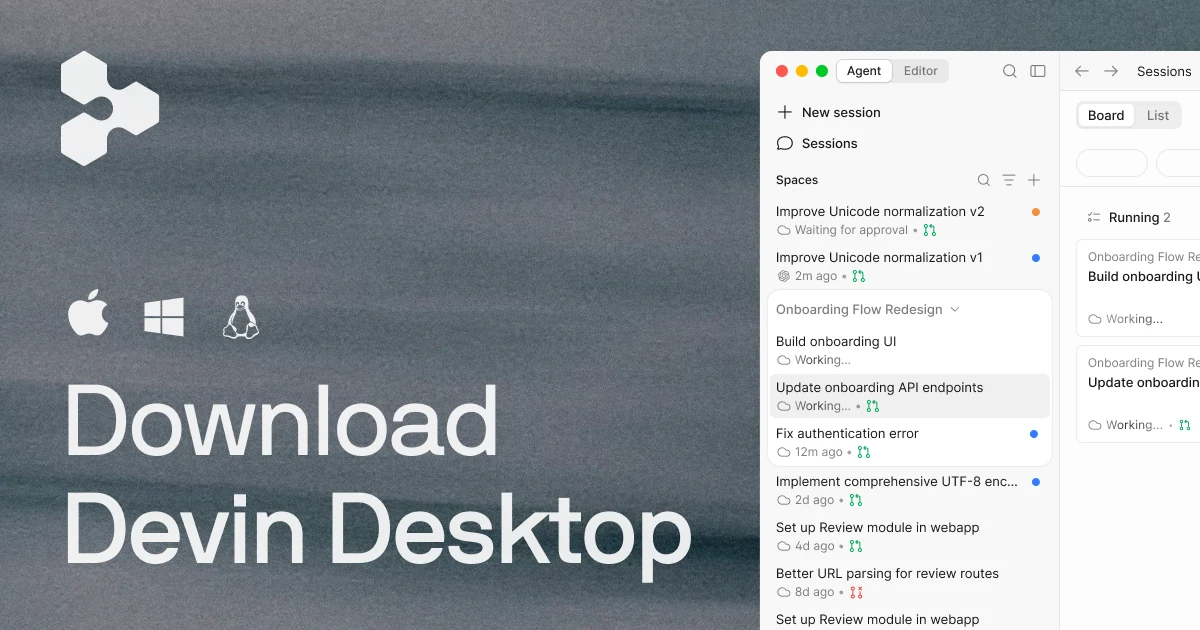
Windsurf is the IDE foundation now presented through Devin Desktop, a command center for managing agents locally or in the cloud. The IDE, extensions, workflows, settings, and in-progress work remain part of the experience after the rename.
Software developers, engineering teams, and organizations coordinating AI-assisted coding work across repositories.
Send Problems-panel diagnostics or highlight an editor error, ask Cascade to investigate, and review the resulting explanation and code changes before accepting them.
Describe the feature, let Cascade create a Todo list and plan, then work through edits, terminal commands, lint fixes, and checkpoints in one conversation.
Use Chat mode with codebase questions and Web Search to understand implementation choices, locate relevant files, and turn findings into a focused coding plan.
Official product image. Click to inspect the details.
Cascade edits codebases in Code mode and answers code or programming questions in Chat mode, where suggested code can be accepted and inserted.
Built-in planning supports longer tasks through a continuously refined plan and an in-conversation Todo list that can be updated through natural-language requests.
Cascade can use terminal, Analyze, Search, Web Search, and MCP tools, detect required packages, and suggest installation or project-running commands.
Web Search lets Cascade retrieve information for reference in its suggestions, adding external research context alongside the active codebase conversation.
Memories and rules customize agent behavior, while new information can update the ongoing plan and help later interactions follow established project guidance.
Named snapshots let users mark project states and navigate back to them; individual conversation steps also provide a revert action for generated changes.
Problems-panel entries can be sent to the agent, and highlighted editor errors can be handled with Explain and Fix for focused debugging assistance.
Workflows automate repetitive trajectories, while App Deploys provide a one-click deployment path within the agent workspace.
Send Problems-panel diagnostics or highlight an editor error, ask Cascade to investigate, and review the resulting explanation and code changes before accepting them.
Describe the feature, let Cascade create a Todo list and plan, then work through edits, terminal commands, lint fixes, and checkpoints in one conversation.
Use Chat mode with codebase questions and Web Search to understand implementation choices, locate relevant files, and turn findings into a focused coding plan.
Launch Devin Desktop or the supported Windsurf experience and open the repository you want to inspect or modify.
Open Cascade with Cmd/Ctrl+L or the Cascade icon, then select Code for changes or Chat for questions and explanations.
Include selected editor or terminal text, send relevant Problems-panel entries, or add project guidance through memories, rules, or ignore files.
Ask for a plan, inspect the Todo list, and review proposed edits, tool calls, package installation, and terminal commands before proceeding.
Run project checks, address lint errors, create a named checkpoint when useful, and review changes before keeping or reverting them.
Plans include Free at $0, Pro at $20 per month, Max at $200 per month, Teams at $80 per month plus $40 per full seat, and Enterprise with contact-based pricing.
$0 Free access option listed on the product page.
$20 per month Paid individual plan listed on the product page.
$80/mo + $40/mo per full seat monthly Team plan listed on the product page.
Devin Desktop is the new name for Windsurf. It builds on Windsurf’s IDE foundation and adds a command center for managing agents, while retaining the full IDE experience.
the IDE, extensions, workflows, settings, and in-progress work remain intact and migrate with the rename.
Yes. Cascade’s Code mode can create and modify code in the active codebase. Chat mode is optimized for questions and may propose code for insertion.
Yes, multiple Cascades can run simultaneously. Editing the same file concurrently can cause racing edits, so worktrees may help isolate related work.
Add paths to .devinignore or the legacy .codeiumignore file at the workspace root. Enterprise users can also enforce global rules through ~/.codeium/.
sharing Cascade conversations is currently available only to Teams and Enterprise customers.
Explore platforms, inputs and outputs, licensing, and access requirements.
AI responses may contain mistakes. Cascade and other ACP agents are unavailable in Restricted Mode. Reverts are irreversible. Two Cascades editing the same file can race, and sharing conversations is limited to Teams and Enterprise. Tool calling has a default 40-invocation limit per prompt; continuing consumes another prompt credit.
Loading experiences…
Bring a real task and see how it fits the way you work.
User experiences