JetBrains Junie
CodingJunie combines a coding agent with planning, model choice and JetBrains development workflows. Use the CLI, supported IDE integration or repository automation to work on scoped code changes.
A free open-source terminal coding assistant that edits a Git project through conversation, uses repository context and can connect to cloud or compatible local language models.
Aider brings a conversational coding workflow into the terminal. It can modify existing files or create new ones in a project, using the files you add and a map of the wider repository for context. It fits developers who prefer to keep their existing editor and command-line tools while delegating a defined patch.
The official usage guide emphasizes choosing relevant files rather than loading everything into a conversation. That is a practical distinction: a smaller, well-chosen context can make the task easier to understand and review. You remain responsible for deciding whether the resulting code meets the project’s requirements.
Implement a small command-line feature
Repair a failing function
Refactor a repeated pattern
Update configuration or documentation
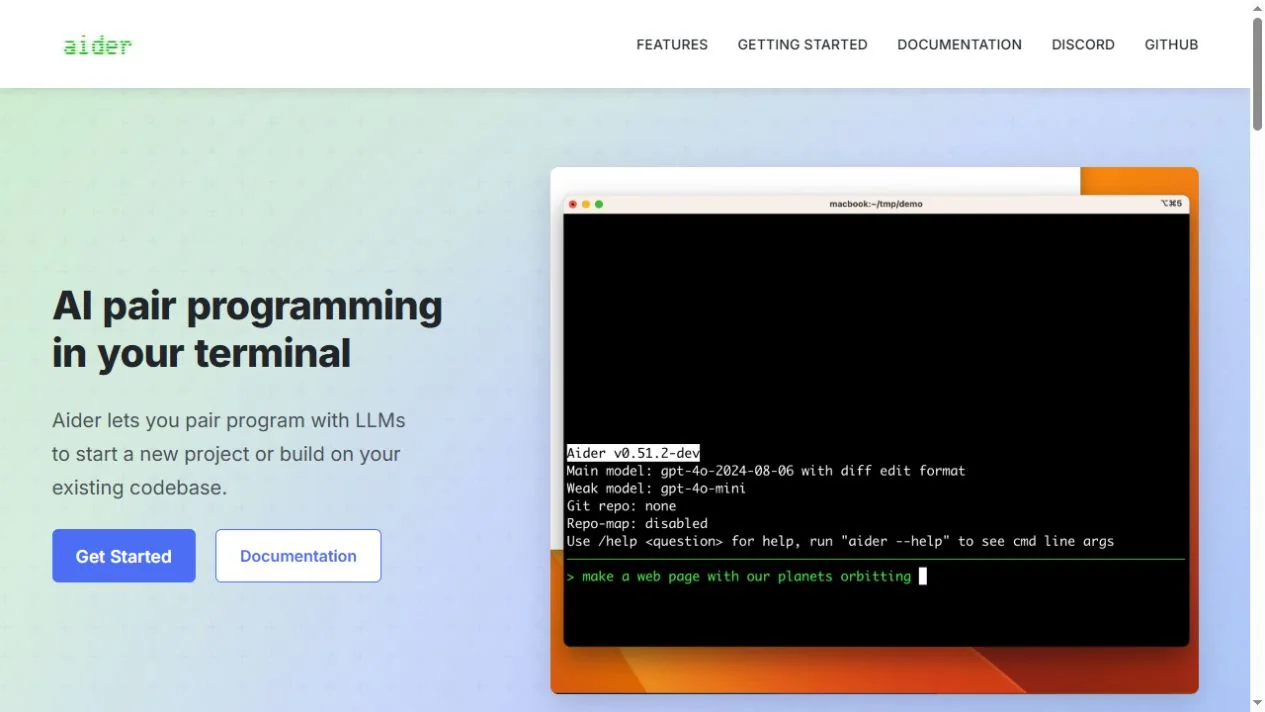
Official product image. Click to inspect the details.

Prepare a reviewable repository
Install and connect a model
Add the relevant files
Inspect and validate
Example prompt or task: Update this command so an empty input returns a clear validation message instead of crashing. Preserve existing successful behavior, edit only the necessary files and run the relevant check.
This is an example task structure, not a claim that every repository has the described command or that automated editing is always correct.
The software is free. Hosted inference can charge for tokens, while local inference needs suitable hardware and a compatible model.
Aider’s Apache-2.0 source provides an ongoing free client. It does not bundle unlimited access to commercial language models. When connected to a paid API, the provider can charge for the context and output used throughout the session, including repeated attempts.
A compatible local model can provide a route without commercial per-token billing, using your own computing resources. The model’s license, memory needs and practical editing ability still apply. Compare a representative small task before assuming the cheapest endpoint is the most efficient choice for a larger project.
The client is free open-source software. Model inference and infrastructure are separate.
Yes. Its main workflow works with files in a codebase, including existing files and new files you ask it to create.
The official guide recommends adding relevant files. Excess context can confuse the task and increase token usage.
It can connect to compatible local models, subject to configuration and practical model capability.
Yes. The terminal workflow can be used alongside an existing editor or supported IDE workflow.
Only the behavior covered by that test is checked. Review the diff and use validation appropriate to the actual change.
No. Check current provider documentation and supported configuration rather than treating older examples as permanent recommendations.
Explore platforms, inputs and outputs, licensing, and access requirements.
Aider is primarily a terminal tool that can sit alongside your preferred editor. Follow the current installation guide instead of copying old model names from a screenshot. The relevant runtime and configuration depend on the chosen provider and operating system.
Context selection is part of the workflow. Too much unrelated code can increase cost and make the task less clear; too little can hide a necessary dependency. Start with the smallest useful set, inspect the agent’s understanding and add related material when a concrete gap becomes apparent.
The selected model provider receives the context sent for inference unless you use an entirely local configuration. A local terminal interface alone does not establish that proprietary source code remains on the device.
Keep API keys in supported configuration and exclude secrets from the material you add. Review Git commits and generated files before sharing the patch, especially when the workspace contains unrelated private data or local configuration.
Reviewed October 3, 2026. Product facts come from the official sources below. Suggested projects, prompts and review methods are FindGoodAI editorial guidance, not measured performance results.
Loading experiences…
Saved tools are private. Approved comments are public; edits return to moderation. Comment counts include approved comments and replies. Each person has one rating. New ratings are automatically approved; withdrawn, unapproved or invalid ratings do not count. Share real experiences and avoid spam, private information or personal attacks.
For moderation appeals or data requests: support@findgoodai.com
Bring a real task and see how it fits the way you work.
User experiences