

Sources & references
Installation and nightly builds ↗
An independent headless browser for dynamic web extraction and AI automation, with CDP, MCP and script replay.
Lightpanda is an independent headless browser for web extraction, automation and AI agents. Written mainly in Zig, it executes JavaScript with V8, maintains the DOM and exposes page interactions through the CLI, CDP, WebDriver BiDi and native MCP. It can read dynamic content, extract HTML or Markdown and run fixed workflows.
Version 1.0, released October 2, 2026, ended the Beta phase. The engine does not provide complete graphical page rendering: text PNG/PDF exports come from Markdown layout and cannot replace full CSS screenshots or visual acceptance tests. Validate Web API and client behavior on the target sites.
Local software is open source with AGPL-3.0-only as the default license. Supply your own environment and compute. Cloud meters hosted sessions in browser hours, with model and bring-your-own proxy fees separate. Start with a representative set of authorized pages and measure completeness, success rate, latency and memory before expanding.
Dynamic web extraction: Extract lists, details, links and script-generated fields from authorized pages. Define the output schema and sample checks so missing data and error pages are visible.
AI web research: Supply Markdown or structured results to a model with source URLs and check dates. Verify model summaries against the original page evidence.
MCP agent tooling: Expose navigation, extraction and scripts to an agent, separating tasks through sessions. Handle authorization and outcome checks for login, submission or external writes.
Migrate extraction clients: Connect a small Playwright or Puppeteer job first, compare required fields, failures, resources and waiting behavior, then expand page by page.
Replay fixed workflows: Export a checked workflow to PandaScript for recurring reading or form prechecks. Keep success conditions, versions and failures, and recheck after page changes.
Browser resource evaluation: Compare time, peak memory and completeness on the same sites, workload and outputs. Account separately for local compute, model calls and proxy charges.
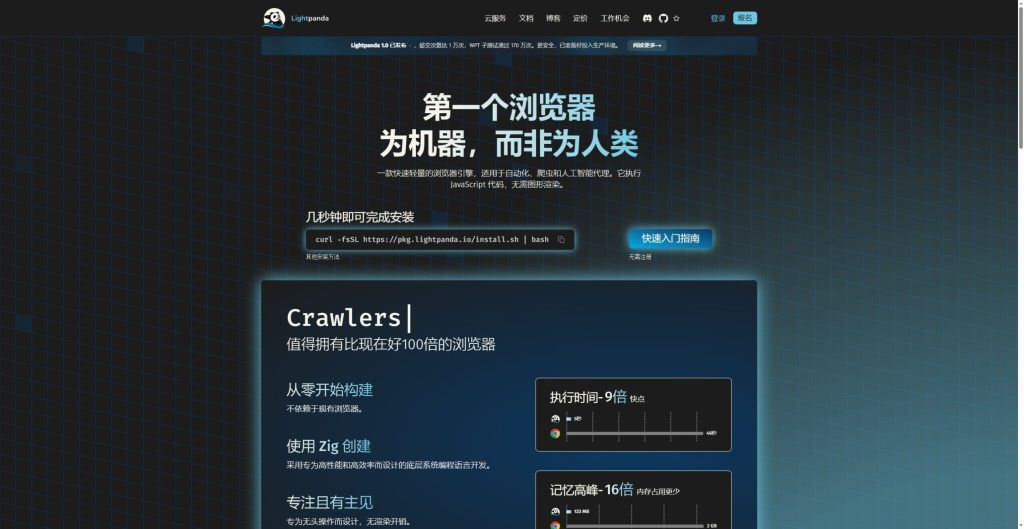
Official product image. Click to inspect the details.
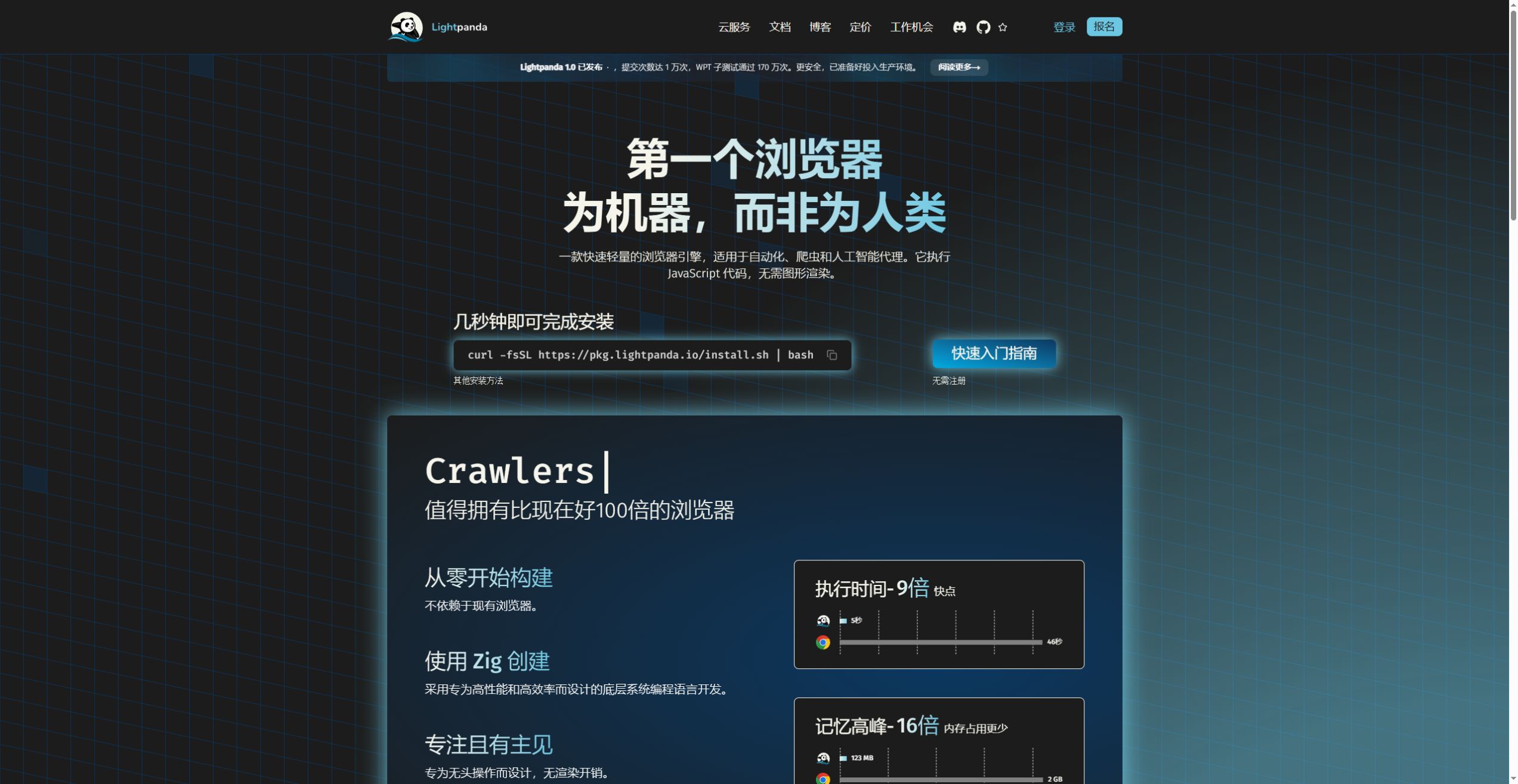
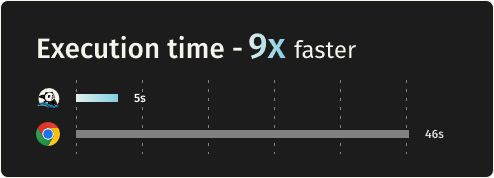
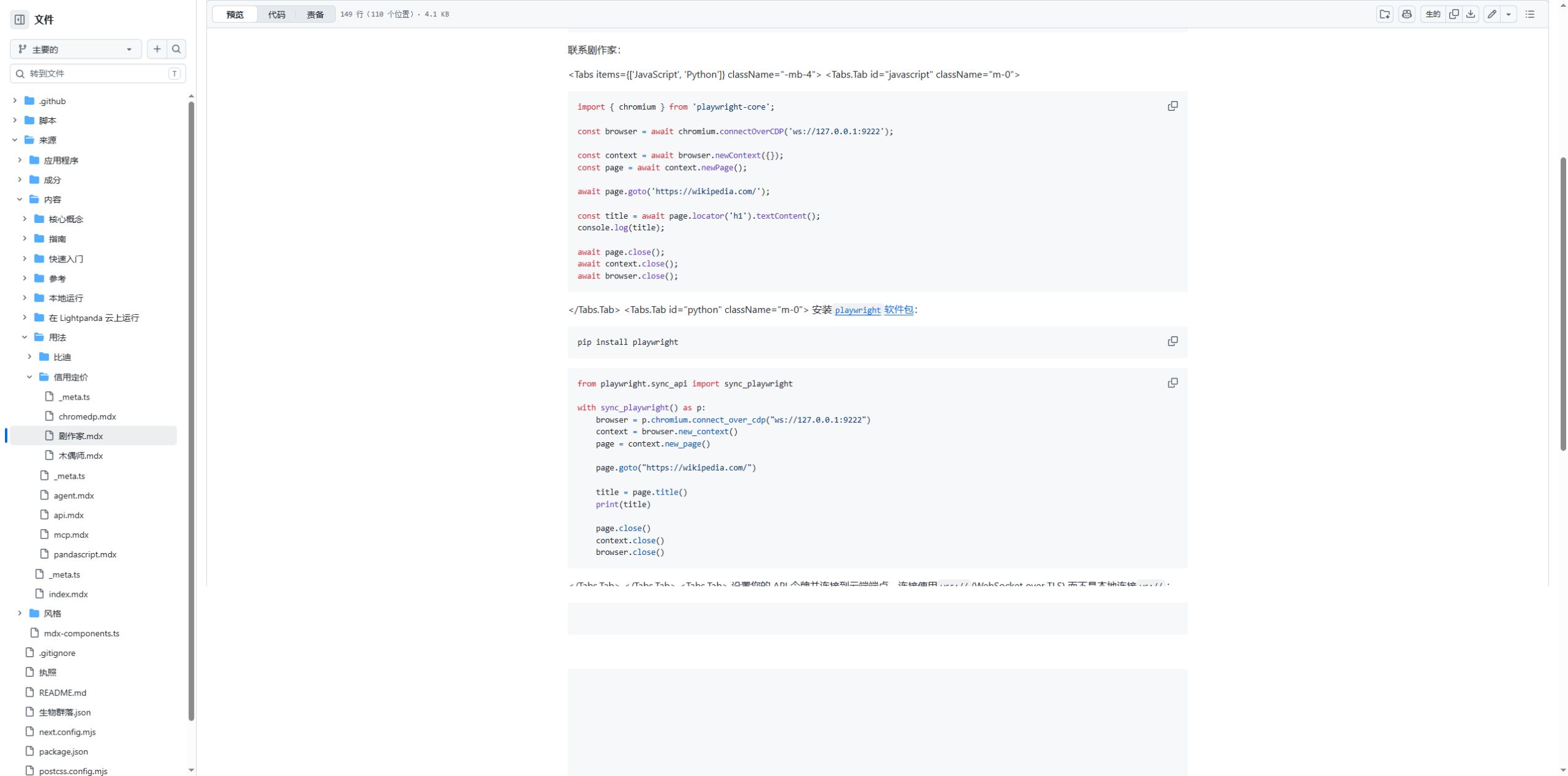
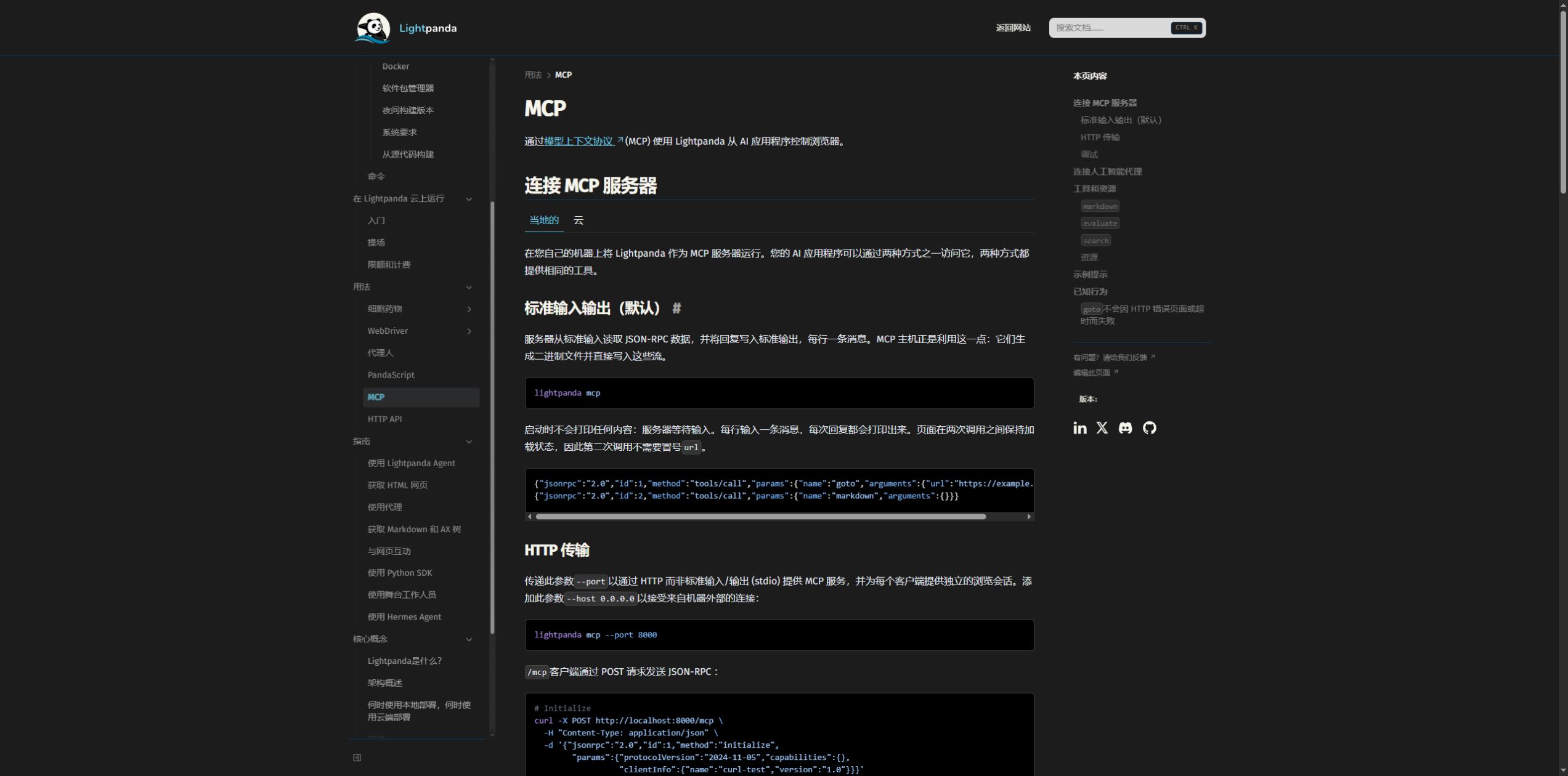
Choose a build and environment: Install a Linux or macOS build matching the architecture; use WSL2 on Windows. Distinguish stable from nightly, run lightpanda version and record it.
Read a demonstration page: Start with fetch --obey-robots --dump markdown on the project demo. Inspect text, links and dynamic fields, and check that the result is not an error or login page.
Start local CDP: Run lightpanda serve --obey-robots --host 127.0.0.1 --port 9222 for local access. The client endpoint is ws://127.0.0.1:9222.
Connect and validate fields: Create a context and page with playwright-core or puppeteer-core and read one defined field. Add waits, forms and cookies step by step, keeping response status and extracted results.
Connect an MCP session: Start lightpanda mcp --obey-robots for stdio. HTTP clients retain Mcp-Session-Id after initialization. Use separate sessions for separate tasks and close them afterward.
Define task success: Check httpStatus, required fields and output types. Handle 404, 500, timeouts, redirects and empty lists; a successful tool call alone does not establish a correct task result.
Save a replayable workflow: Configure a provider when model planning is needed, export PandaScript and use lightpanda run session.js. Save demonstration data rather than keys or private cookies.
Measure before scaling: Record success rate, completeness, time and peak memory. For Cloud, track accumulated hours and concurrency allowances too. Increase volume within site permissions and request budgets.
Install a Linux or macOS build matching the architecture; use WSL2 on Windows. Distinguish stable from nightly, run lightpanda version and record it.
Start with fetch --obey-robots --dump markdown on the project demo. Inspect text, links and dynamic fields, and check that the result is not an error or login page.
Run lightpanda serve --obey-robots --host 127.0.0.1 --port 9222 for local access. The client endpoint is ws://127.0.0.1:9222.
Create a context and page with playwright-core or puppeteer-core and read one defined field. Add waits, forms and cookies step by step, keeping response status and extracted results.
Start lightpanda mcp --obey-robots for stdio. HTTP clients retain Mcp-Session-Id after initialization. Use separate sessions for separate tasks and close them afterward.
Check httpStatus, required fields and output types. Handle 404, 500, timeouts, redirects and empty lists; a successful tool call alone does not establish a correct task result.
Configure a provider when model planning is needed, export PandaScript and use lightpanda run session.js. Save demonstration data rather than keys or private cookies.
Record success rate, completeness, time and peak memory. For Cloud, track accumulated hours and concurrency allowances too. Increase volume within site permissions and request budgets.
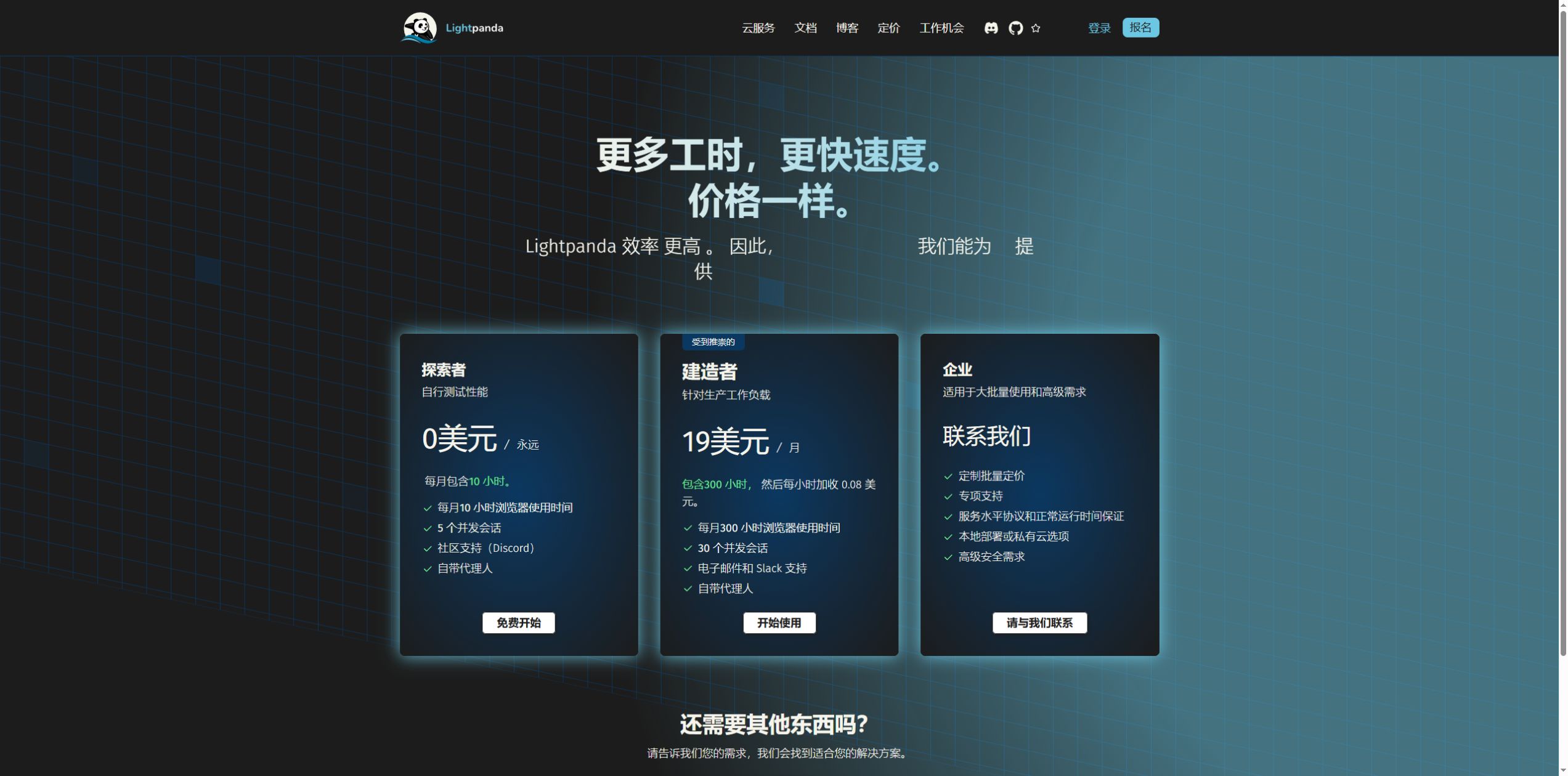
Cloud Explorer: ten monthly hours and five sessions free; Builder $19/month. Checked October 15, 2026.
Local open-source use; Cloud has free Explorer and paid Builder / Enterprise plans. Prices checked October 15, 2026.
Free Cloud allowance; bring-your-own proxy charges are separate.
Includes 300 browser hours; overage $0.08 per hour.
Capacity, support, SLA or private deployment arranged for the workload.
Browser hours accumulate across open sessions. Model, bring-your-own proxy and local compute costs are separate.
It is a headless engine for programs and agents, controlled through the CLI, automation protocols and tool services. Gallery images show the official site and docs in Chrome, not a Lightpanda desktop interface.
Version 1.0 was released on October 2, 2026, ending the Beta phase. Older articles, forks and nightly builds may describe different states. This profile was checked on October 15, 2026.
It is not a Chromium or WebKit fork. The engine is primarily Zig, with V8 for JavaScript, Libcurl for HTTP and html5ever for HTML. Sharing V8 does not mean sharing the whole Chrome browser implementation.
Yes. It executes JavaScript and maintains the DOM for dynamic content and interactions. Web API coverage still differs, so check actual sites rather than assuming every complex page behaves like Chrome.
Text PNG/PDF exports are laid out from page Markdown, not fully rendered CSS screenshots. Color, font, layout, Canvas and visual regression checks require a browser with the appropriate rendering capability.
No. The detailed published test uses 933 URLs, 25 parallel tasks and a specific AWS environment and client. Lightpanda uses multiple processes and Chrome multiple tabs; the single-task gap also differs. We did not rerun it.
chromium.connectOverCDP is a Playwright CDP client interface. When pointed to the Lightpanda WebSocket, the server engine is Lightpanda. Verify selectors, waiting, cookies and the protocol commands you use.
No native Windows binary is currently supplied. Use the Linux build in WSL2 or a compatible container environment, checking CPU architecture and glibc requirements.
No. Send the Mcp-Session-Id obtained during initialization with later requests to continue that separate session. Calls without it use the default shared session. Close sessions when tasks finish.
Do not rely solely on the tool success flag. MCP navigation can return a result for some 404, 500 or timeout cases. Check httpStatus, the target URL and required fields to identify error pages or incomplete content.
A fixed script without LLM calls avoids the corresponding repeated inference charge. It still uses browser compute, networking and possibly paid proxies. Open Cloud sessions consume browser hours.
Local open-source use does not require a Cloud subscription; supply your own environment and resources. Cloud is a separate hosted service with free and paid plans. Check source, Cloud and third-party model terms separately.
The October 15, 2026 page lists ten monthly browser hours and up to five sessions open at once. Five sessions running one hour consume five hours. Concurrency is not a total API-call allowance; exceeding it returns 429.
Current documentation lists a 15-minute CDP connection limit and a five-minute MCP idle limit. Save intermediate results, close unused sessions and handle disconnects. Free usage stops at the monthly allowance; paid overage is metered.
Telemetry is enabled by default and can be disabled with LIGHTPANDA_DISABLE_TELEMETRY=true. Model providers, search and external pages involve separate network communication. Private pages, logs and scripts can contain cookies or content; review configuration and retention.
The LICENSING file specifies AGPL-3.0-only by default. Check source and notice obligations for modifications, distribution and network services. Cloud and third-party components have separate terms; open source does not mean unconditional use.
Explore platforms, inputs and outputs, licensing, and access requirements.
These commands represent separate entry points, not an installation script to execute line by line. Use ./ for a binary in the current directory; use lightpanda after adding it to PATH.
./lightpanda version
./lightpanda fetch --obey-robots --dump markdown https://demo-browser.lightpanda.io/campfire-commerce/
./lightpanda serve --obey-robots --host 127.0.0.1 --port 9222
chromium.connectOverCDP('ws://127.0.0.1:9222')
lightpanda mcp --obey-robots
lightpanda mcp --host 127.0.0.1 --port 9223 --obey-robots
lightpanda agent --no-llm
lightpanda run session.js
Telemetry is enabled by default and can be disabled with LIGHTPANDA_DISABLE_TELEMETRY=true. Model providers, search and external pages involve separate network communication. Private pages, logs and scripts can contain cookies or content; review configuration and retention.
Keep default CORS checks and bind workstation services to 127.0.0.1. Run tasks within site permission and request budgets; --obey-robots enables robots checks.
Checked October 15, 2026 against public source, the 1.0 announcement and official documentation. The browser and benchmark were not run for this profile.
Installation and nightly builds ↗
Loading experiences…
Saved tools are private. Approved comments are public; edits return to moderation. Comment counts include approved comments and replies. Each person has one rating. New ratings are automatically approved; withdrawn, unapproved or invalid ratings do not count. Share real experiences and avoid spam, private information or personal attacks.
For moderation appeals or data requests: support@findgoodai.com
Study language model training with a small model, from pretraining and SFT to tool use.
Call multiple AI models through one API and choose provider, fallback and privacy routing rules. OpenRouter passes through model prices, charges fees when purchasing credits, and applies a plan-dependent allowance then a 5% BYOK fee.
Use Gemini CLI to work with code and files from a terminal through a supported API key or enterprise account. Google moved individual free and Pro/Ultra account access to Antigravity CLI in June 2026; check the authentication route before installing.
A practical path from version selection and Markdown extraction to CDP and MCP connections, with response checks, Cloud billing and text-image export limits.
Bring a real task and see how it fits the way you work.


User experiences