Suggested first-project workflow
1. Create a GroqCloud key on Free plan
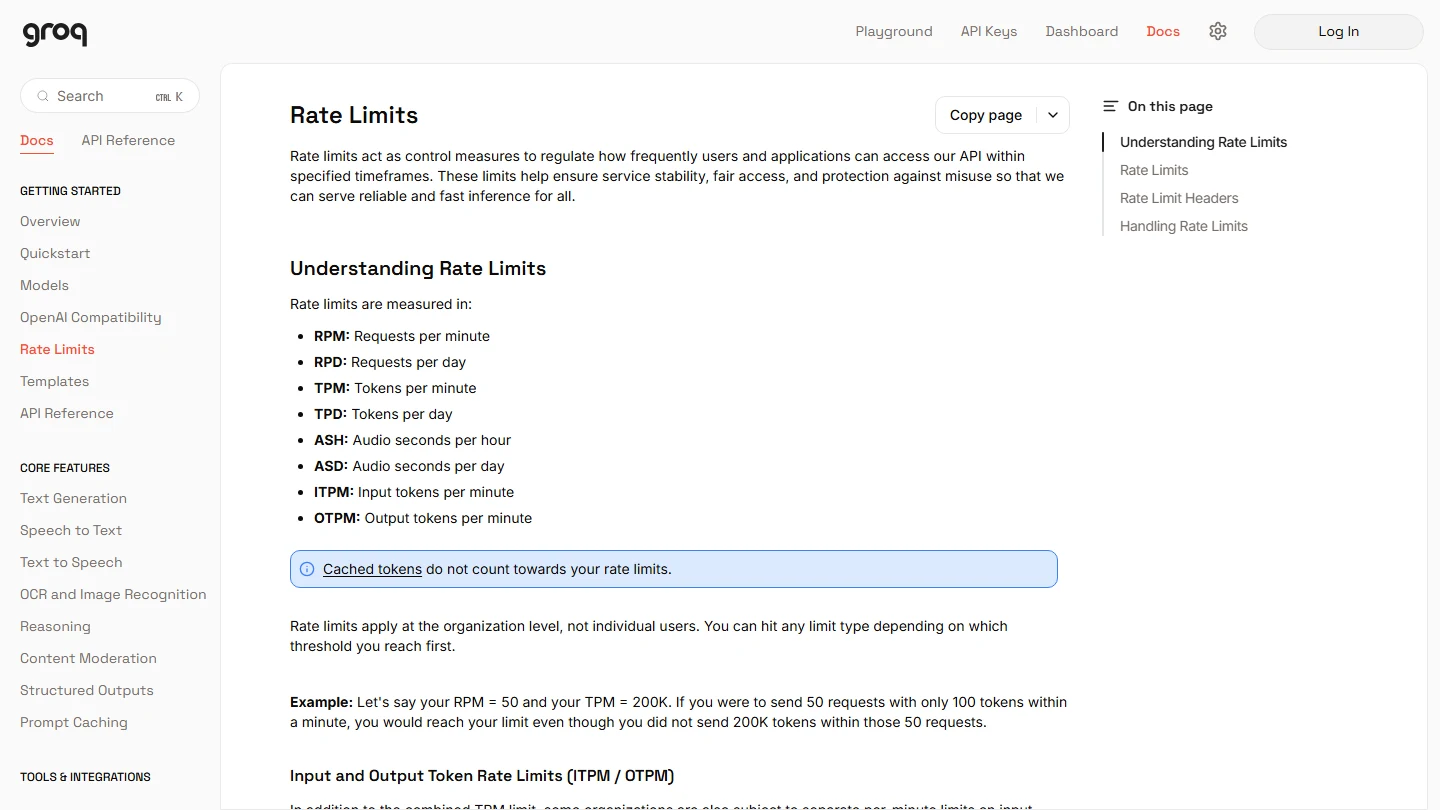
Sign in at console.groq.com, create a workspace API key with no credit card needed, and inspect exact per-model RPM/TPM caps in Limits.
2. Point an OpenAI SDK to GroqCloud
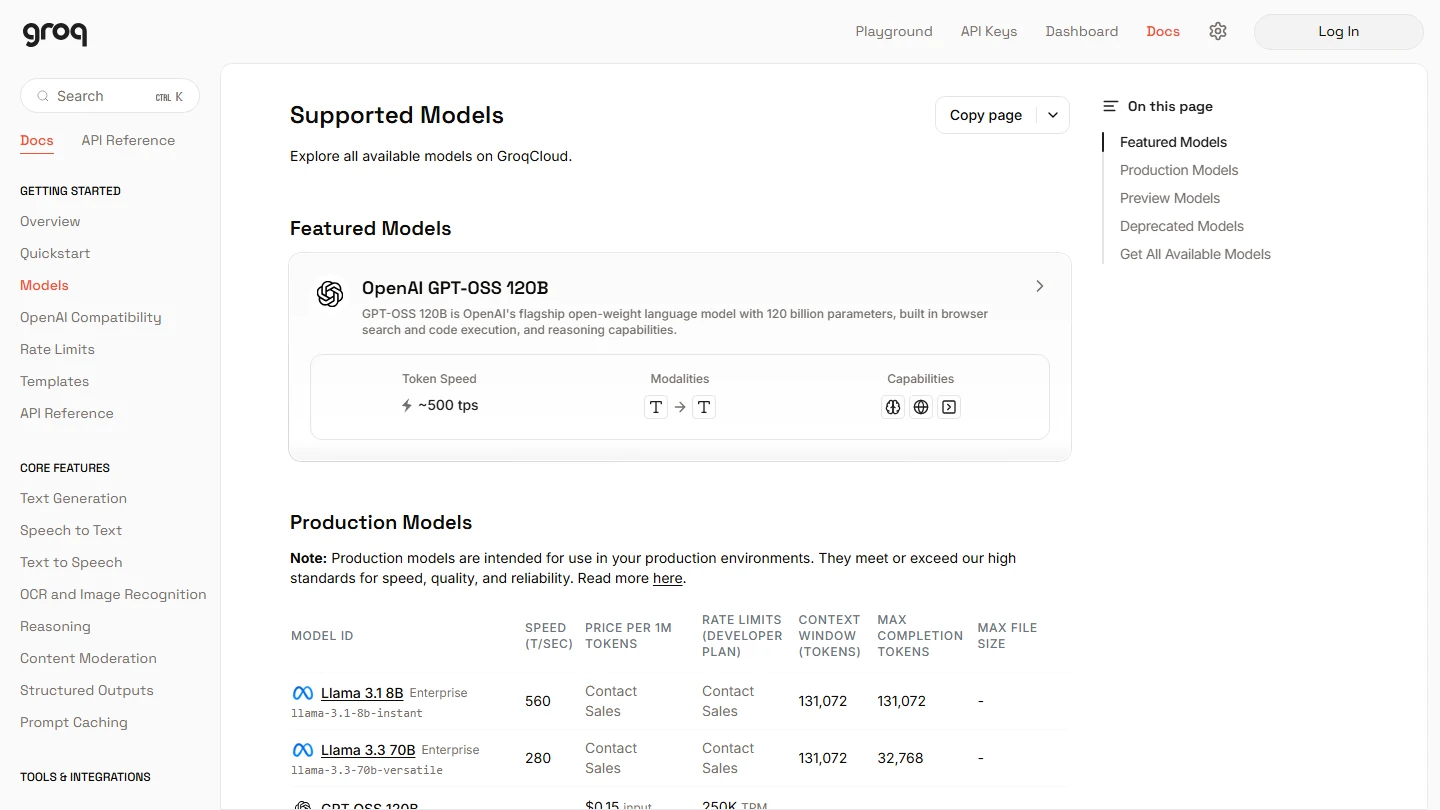
Install the official `groq` package or point OpenAI SDK `base_url` to GroqCloud, starting with `openai/gpt-oss-120b` or `openai/gpt-oss-20b`.
3. Place static instructions first for caching
Keep system instructions, tool schemas, and few-shot blocks fixed at the front of messages so supported models automatically earn the 50% cache discount.
4. Set spend caps & upgrade to Developer
When higher throughput or Batch/Flex tiers are needed, add a payment method with Spend Limits configured to cap monthly API charges.


User experiences