Promptfoo
CodingPromptfoo is an MIT-licensed CLI and testing platform for LLM evaluations, guardrails, and automated AI red teaming, free forever with 10,000 monthly red-team probes.
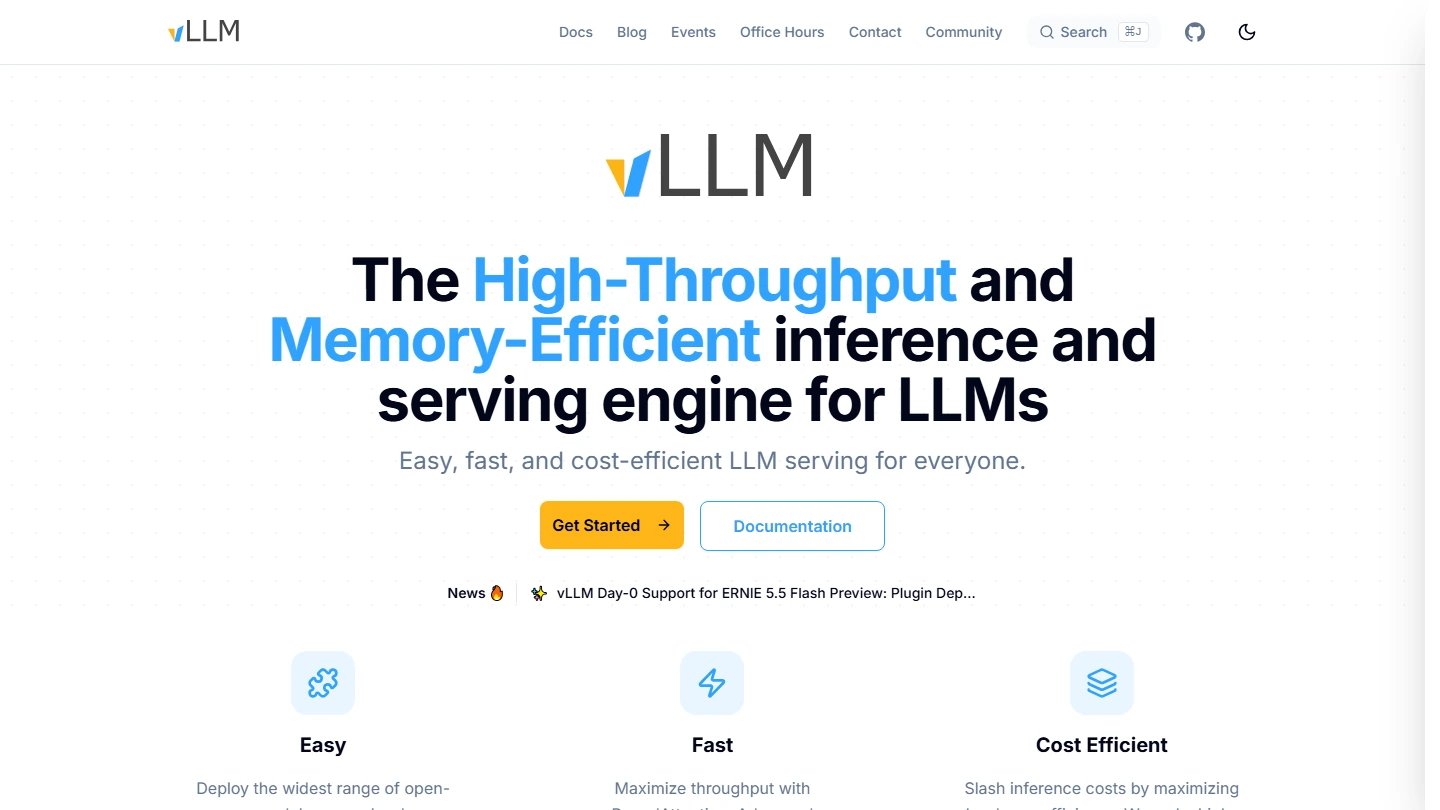
vLLM is an Apache-2.0 open-source LLM inference and serving engine featuring PagedAttention, continuous batching, and OpenAI/Anthropic-compatible APIs, 100% free to self-host.
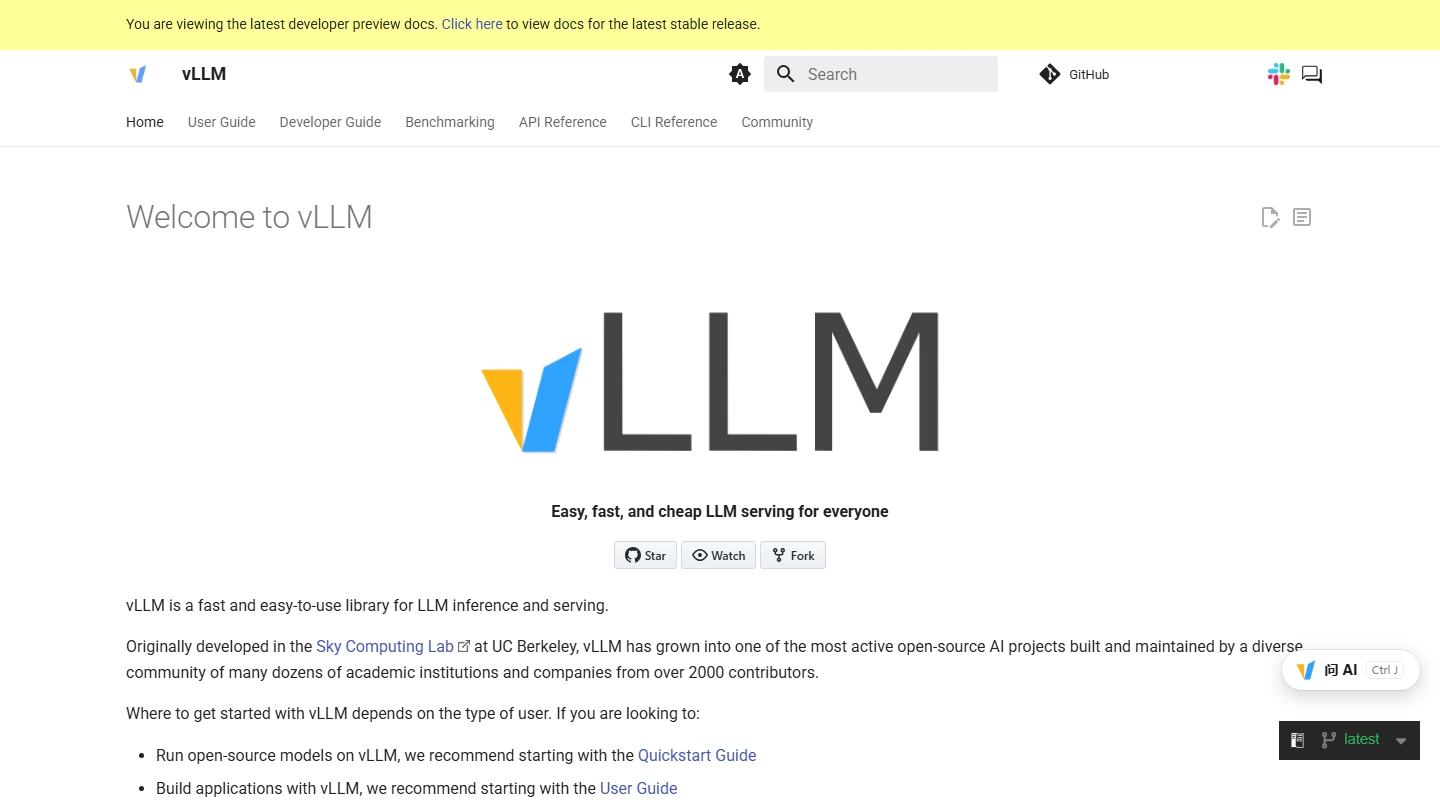
Originally developed in UC Berkeley’s Sky Computing Lab and now maintained by a global open-source community of over 2,000 contributors, vLLM is a high-throughput, memory-efficient inference and serving engine for large language and multimodal models. Its core PagedAttention algorithm eliminates KV-cache fragmentation, pairing with continuous batching, chunked prefill, prefix caching, and optimized CUDA/HIP kernels so production GPU clusters achieve dramatically higher utilization and lower cost per token.
Editorial suggestion: While tools like Ollama excel at single-user desktop convenience, vLLM is the standard open-source engine when you need high-concurrency multi-user API serving, tensor/pipeline parallelism across multiple GPUs, or production-grade quantization (FP8, AWQ, GPTQ, NVFP4). There are no software license tiers or per-token fees—you simply install via uv/pip or Docker and pay only for your own GPUs.
Private high-concurrency LLM API clusters
Multi-LoRA fine-tuned model serving
Offline batch inference & synthetic data
Coding agent & gateway local backend
Official product image. Click to inspect the details.


Official examples and public-page captures; these are not results from a paid-feature trial.
Manage attention KV cache in non-contiguous blocks with prefix caching, chunked prefill, CUDA/HIP graphs, and speculative decoding for peak GPU utilization.
Serve models behind an OpenAI-compatible HTTP endpoint, Anthropic Messages API, or gRPC with streaming, tool calling, reasoning parsers, and structured outputs.
Run Llama, Qwen, DeepSeek, Gemma, Mistral, MiniMax, and multimodal VLMs with FP8, MXFP8/MXFP4, NVFP4, INT8/INT4, GPTQ, AWQ, GGUF, and multi-LoRA.
Scale with tensor, pipeline, data, expert, and context parallelism across NVIDIA CUDA, AMD ROCm, Intel XPU/Gaudi, TPUs, CPUs, Apple Silicon, and Ascend NPUs.
Check Python and GPU/accelerator setup
Install vLLM cleanly using uv or pip
Launch the OpenAI-compatible API server
Connect clients and benchmark throughput
Prepare Python 3.10+ (3.12+ recommended) with supported CUDA (such as 12.9/13.0), ROCm, XPU, or CPU drivers, or pull the official Docker image.
Run uv pip install vllm –torch-backend auto (and optionally vllm download-kernels) to install the release wheel and precompiled kernels.
Run vllm serve <model-name> with your chosen Hugging Face model, quantization flag, and tensor-parallel-size across available GPUs.
Point OpenAI SDK clients or LiteLLM to your vLLM endpoint, and evaluate latency/throughput with vLLM’s built-in benchmarking tools or GuideLLM.
vLLM is 100% open source under the Apache-2.0 license and completely free ($0 software cost) for personal, research, and commercial production use. There are no seat fees, per-token markups, gated enterprise binaries, or usage caps in the project itself—the community funds development through GitHub Sponsors, OpenCollective, and hardware/cloud compute donations from ecosystem sponsors.
Your only cost when running vLLM is the underlying compute hardware—whether local workstations, on-premise GPU servers, or cloud GPU instances (such as Modal, AWS, GCP, or Lambda). For teams deploying on Kubernetes, companion open-source projects in the vLLM ecosystem—including AIBrix, Production Stack, LLM Compressor, GuideLLM, and vLLM Playground—are also freely available on GitHub.
Yes. vLLM is licensed under the Apache-2.0 open-source license with zero software fees, per-token charges, or commercial restrictions; you only pay for your own GPU or CPU infrastructure.
Ollama focuses on single-machine developer convenience with GGUF models, whereas vLLM is built for high-concurrency GPU serving using PagedAttention, continuous batching, FP8/AWQ quantization, and multi-GPU parallelism.
Yes. Running vllm serve exposes a drop-in OpenAI-compatible API server (plus Anthropic Messages API and gRPC support) with streaming, tool calling, and structured outputs.
Alongside NVIDIA CUDA GPUs, vLLM supports AMD ROCm, Intel Gaudi and XPU, x86/ARM/PowerPC CPUs, Google Cloud TPUs, AWS Neuron, Apple Silicon, IBM Spyre, and Huawei Ascend plugins.
Yes. vLLM supports FP8, MXFP8/MXFP4, NVFP4, INT8, INT4, GPTQ, AWQ, and GGUF quantization as well as efficient multi-LoRA serving across dense and MoE layers.
vLLM targets Linux environments for production GPU serving; Windows users typically run it inside WSL2 (Windows Subsystem for Linux) or Linux Docker containers.
Explore platforms, inputs and outputs, licensing, and access requirements.
These tools and curated collections overlap with parts of the workflow; compare the specific task, export requirements and current plan rather than treating them as identical products.
Because vLLM runs exclusively on hardware you control with no external SaaS control plane, prompts, model weights, and KV caches never leave your network boundary. Operators remain responsible for securing API authentication, network ingress, TLS, and Hugging Face model license compliance for the specific weights they choose to download and serve.
Loading experiences…
Bring a real task and see how it fits the way you work.
User experiences