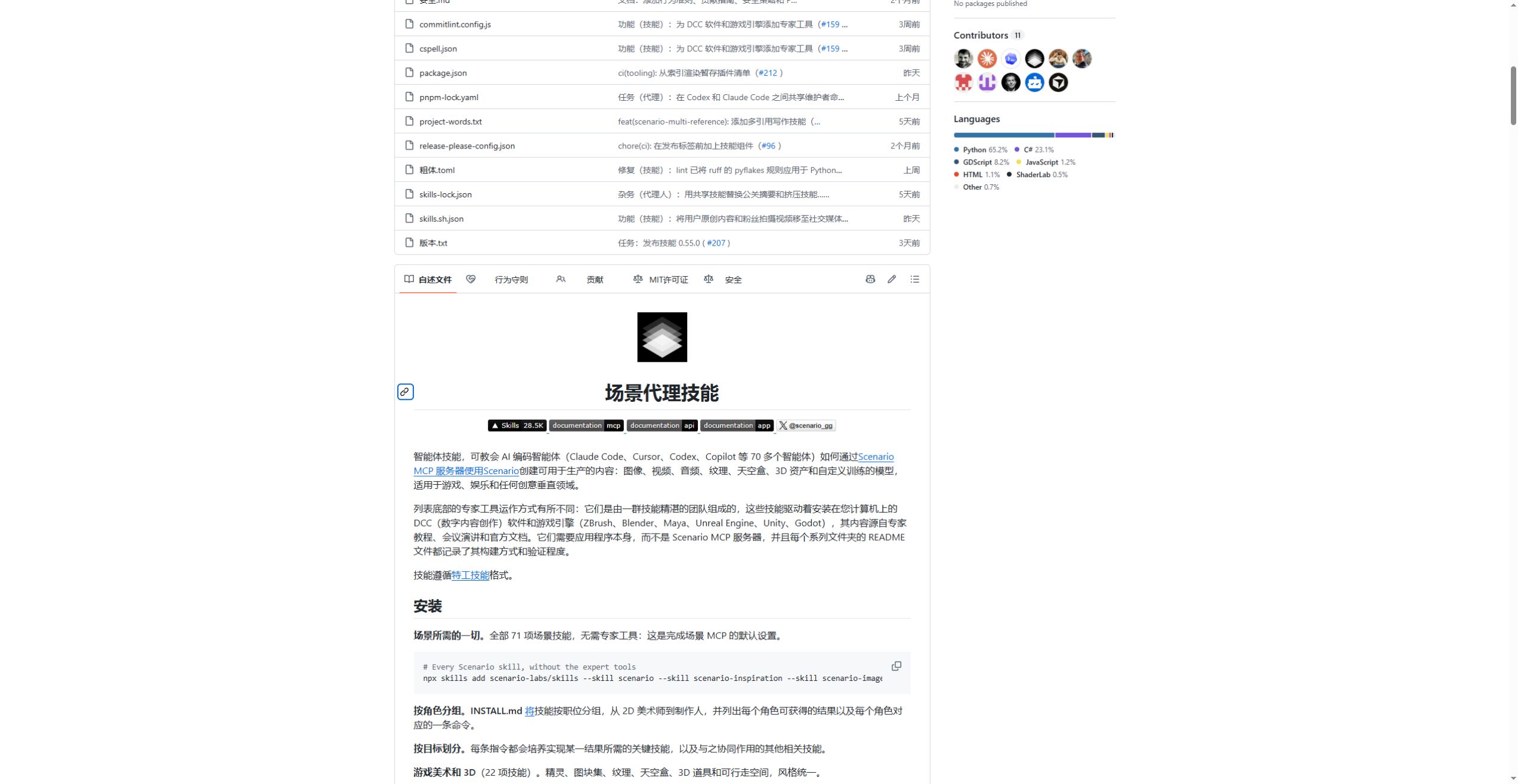
A set of game icons or a product video usually involves several steps: selecting a model, organizing references, revising the output and exporting files. scenario-labs/skills turns those procedures into skills a coding assistant can load. The repository targets Agent Skills clients; its README names Claude Code, Cursor, Codex and Copilot among the environments that can use it.
Choose a deliverable first
Start the selection with the asset you need. For a product still, look at scenario-product-shots. For inventory icons, look at scenario-game-assets. A recurring character can use scenario-consistency and scenario-identity-library together. Video projects have separate skills for shots, editing, voices, music, captions and assembly.
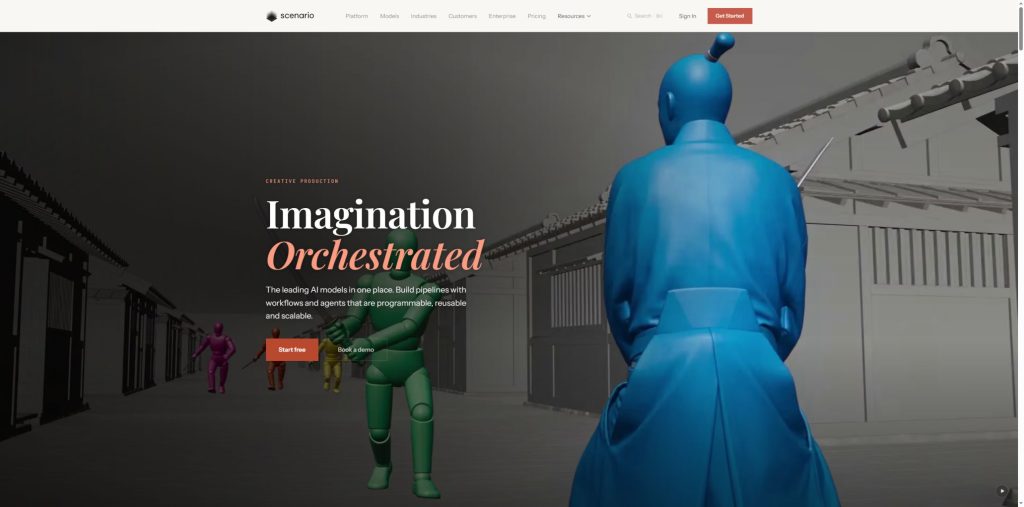
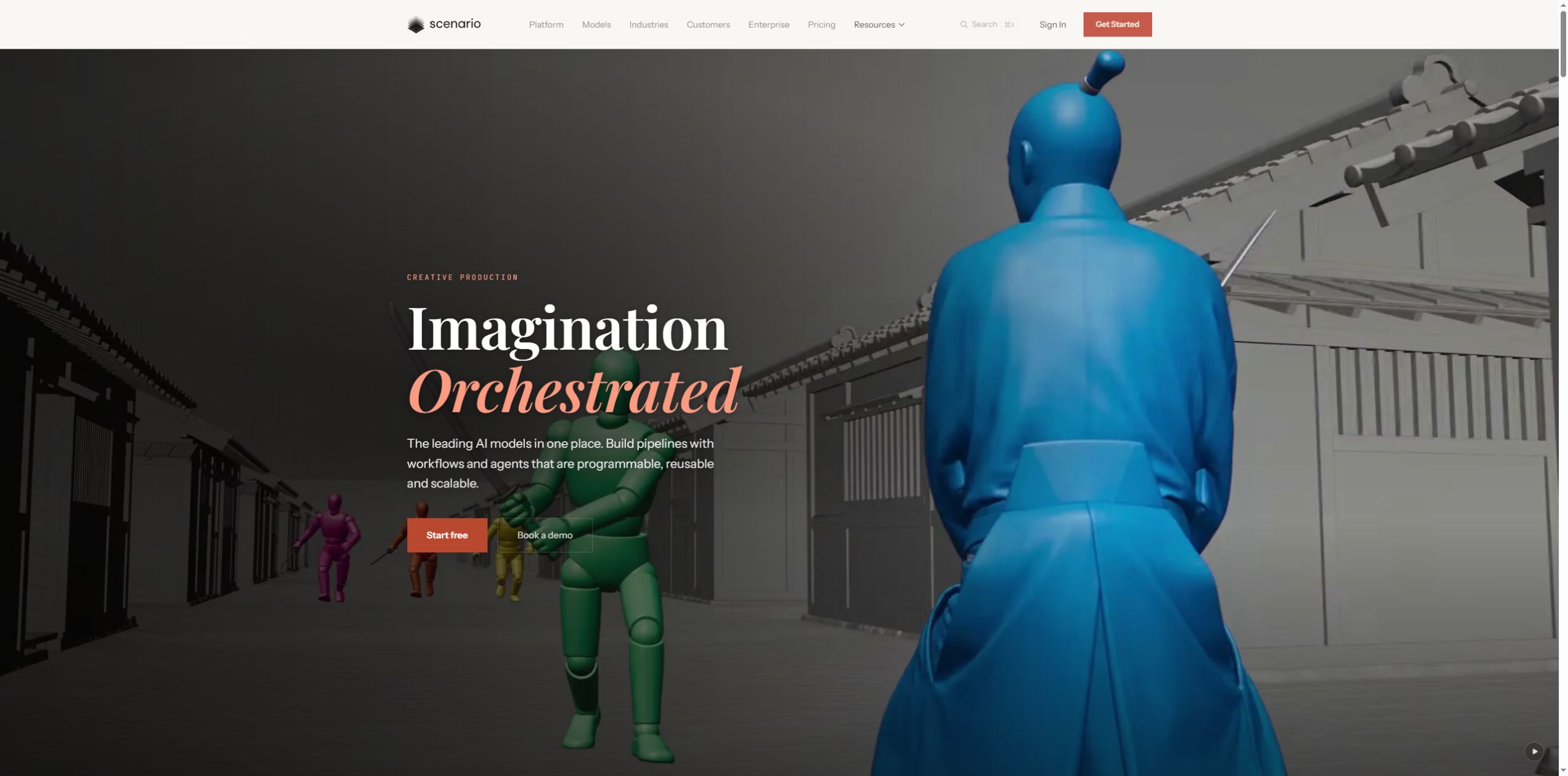
The skill folders contain procedures, references and, in some cases, helper scripts. Scenario’s service performs the hosted image, video and 3D generation. The screenshot below shows its public product presentation and the types of material the service addresses.
Installation and connection are separate steps
In an environment with Node.js and npx, this command opens the skill selection menu:
npx skills add scenario-labs/skills
To install only the core skill, use npx skills add scenario-labs/skills --skill scenario. INSTALL.md provides combinations grouped by profession and goal. A task with several stages can use the corresponding group so the assistant has instructions for later edits and export.
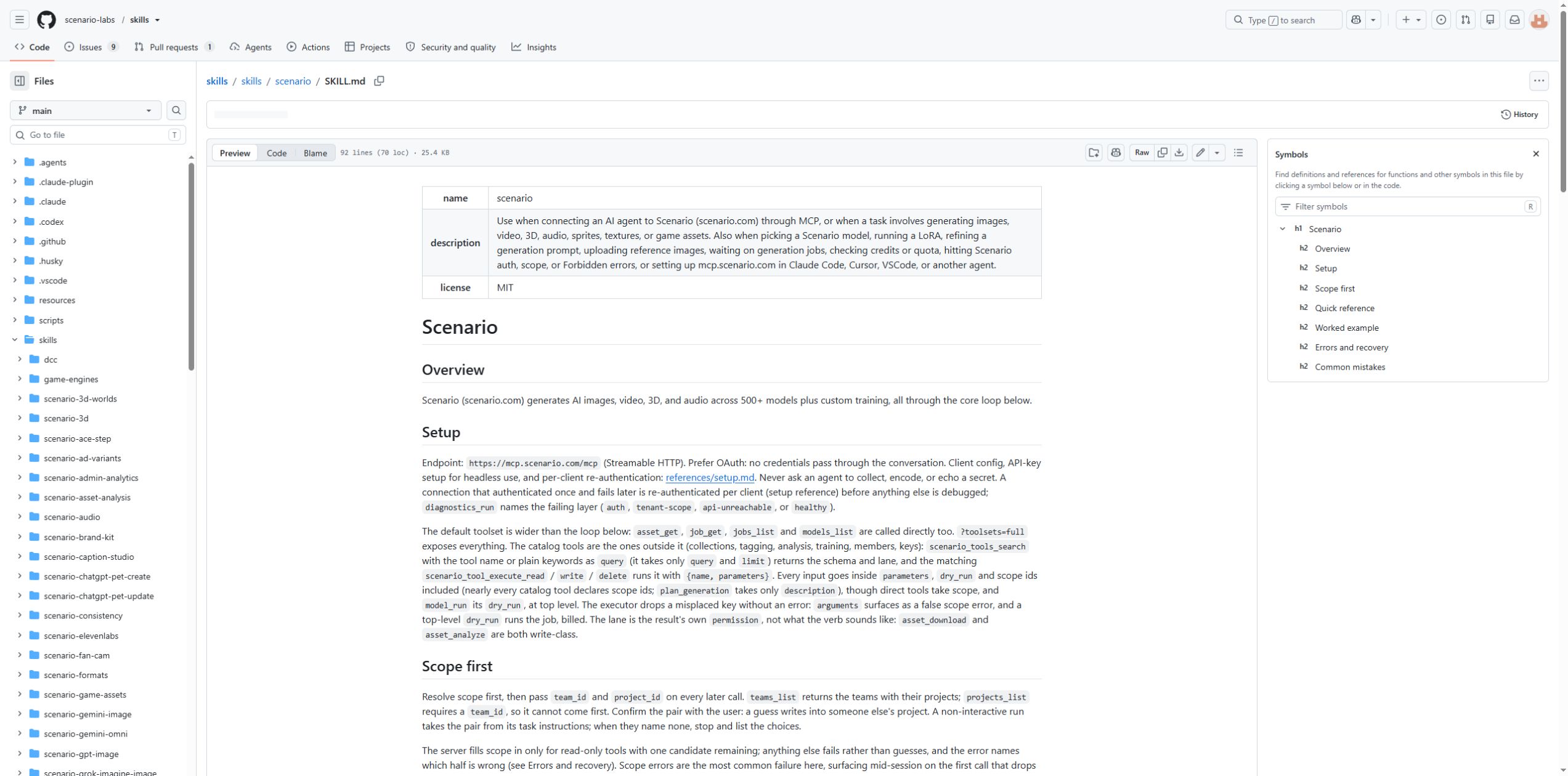
Next, add https://mcp.scenario.com/mcp to the client’s MCP configuration and sign in to Scenario. Claude Code users can run:
claude mcp add --transport http scenario https://mcp.scenario.com/mcp
The skills supply the procedure; the MCP connection supplies the working tools. Once both are ready, describe the task, reference material, dimensions and budget.
Keeping an asset set consistent
Consider four item icons for the same game. Define the shared style, view, colors and transparent-background requirement, then describe each item separately. When a character or product has an established appearance, reference images can be accompanied by a list of features to retain. This example describes task organization; no icon set was generated for this article.
The core skill finds a model and reads its input schema. A dry_run can show the credit cost before the job is submitted. Once the results arrive, preview each image, check its text and details, and download or collect the keepers. Resizing, text overlays or captions can then use the relevant follow-up skills.
Local applications offer another route
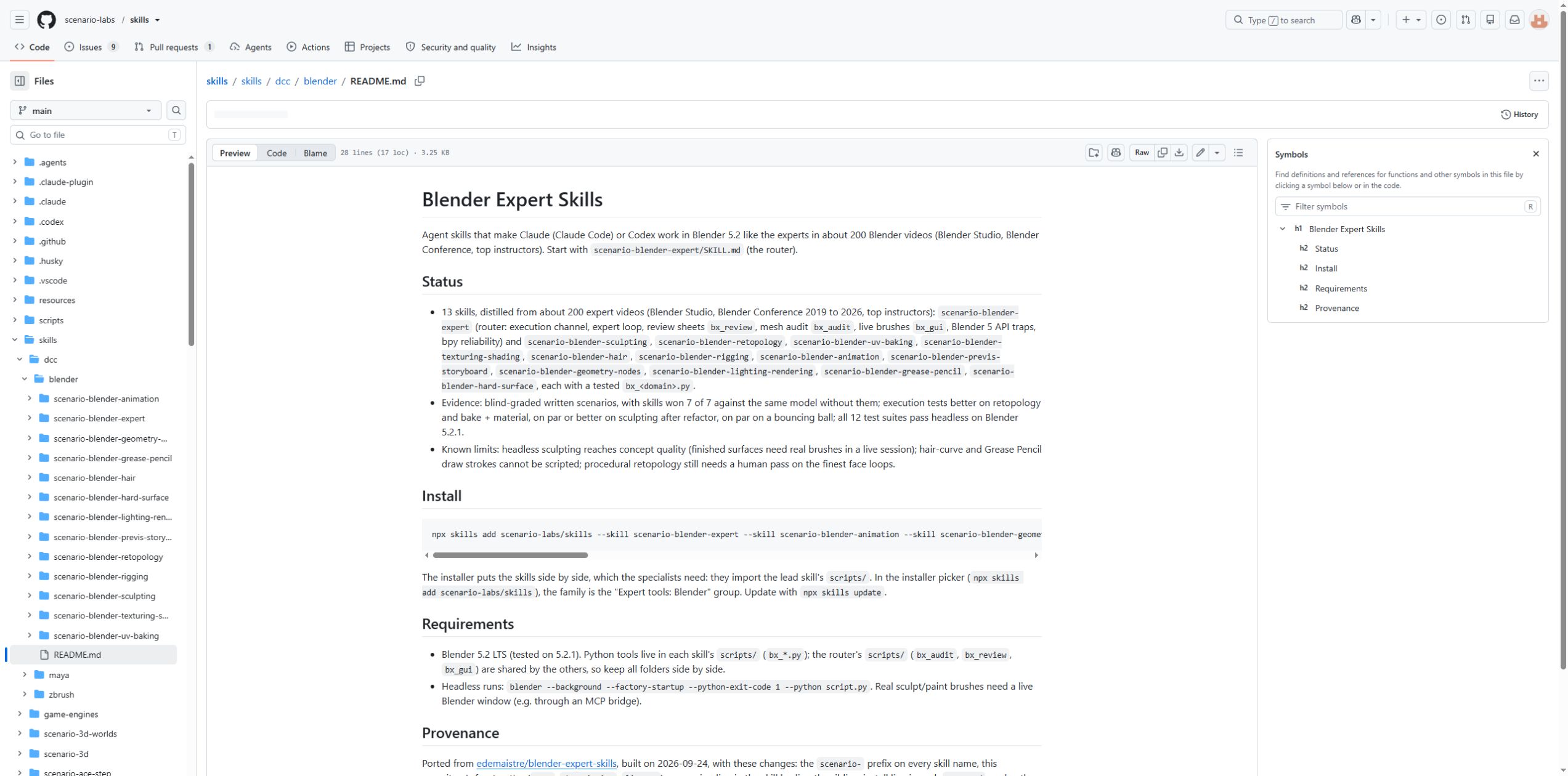
The expert skills cover Blender, Maya, ZBrush and several game engines. They describe work in the installed application and require that software on the computer. The Blender family includes materials, topology, UVs, animation and lighting. Its documentation also records the test environment and steps that still need an artist’s intervention.
What to prepare before a job
Hosted generation needs a Scenario account and available credits. Generation, training and higher-specification output consume credits. The pricing page offers free exploration and paid plans. The repository itself uses the MIT license. For references, client material or existing project files, check that you can provide the material to the chosen service and keep the originals.
The project suits people who want to organize creative work in a coding assistant. A small, clearly specified job is easier to inspect: name the dimensions, inputs, save location and completion criteria, finish one round, then expand to the full asset set.
Project links: GitHub repository · installation guide · Scenario website. Project documentation and screenshots: Scenario, © 2026 Scenario, MIT License. This article was prepared from public documentation; no account was connected to run generation jobs.
Copy the link to save or share this article.