

YouWare
ProductivityExplore YouWare for research reports, slides, spreadsheets and websites, with a practical brief-to-review workflow, credit limits and current pricing caveats.
Presentation and report workflowsSpreadsheet assistance
Build app-to-app workflows, add AI steps and give assistants controlled access to business actions. Zapier helps connect the tools a team already uses without turning every handoff into a software project.
Zapier connects triggers and actions across business applications. Its current platform also includes Tables, Forms, MCP and AI workflow tools. You can collect a request, enrich or summarize it, create a record and notify a teammate through one connected process. The valuable question is which repetitive handoff the team wants to eliminate: moving a lead, routing a ticket or turning an approved document into a task.
A practical first Zap keeps the original input and puts the AI result into a separate field. For example, an enquiry can produce a short summary, an urgency category and a draft reply, while a person still approves external communication. Test incomplete forms and duplicate events as well as successful examples. This reveals whether the automation is genuinely useful when real work is less tidy than a demonstration.
Customer enquiries: Create a summarized record and route it to a team before replying.
Administrative handoffs: Move approved form data into a spreadsheet or project application.
Content tracking: Create tasks and notifications when a draft changes status.
Official product image. Click to inspect the details.
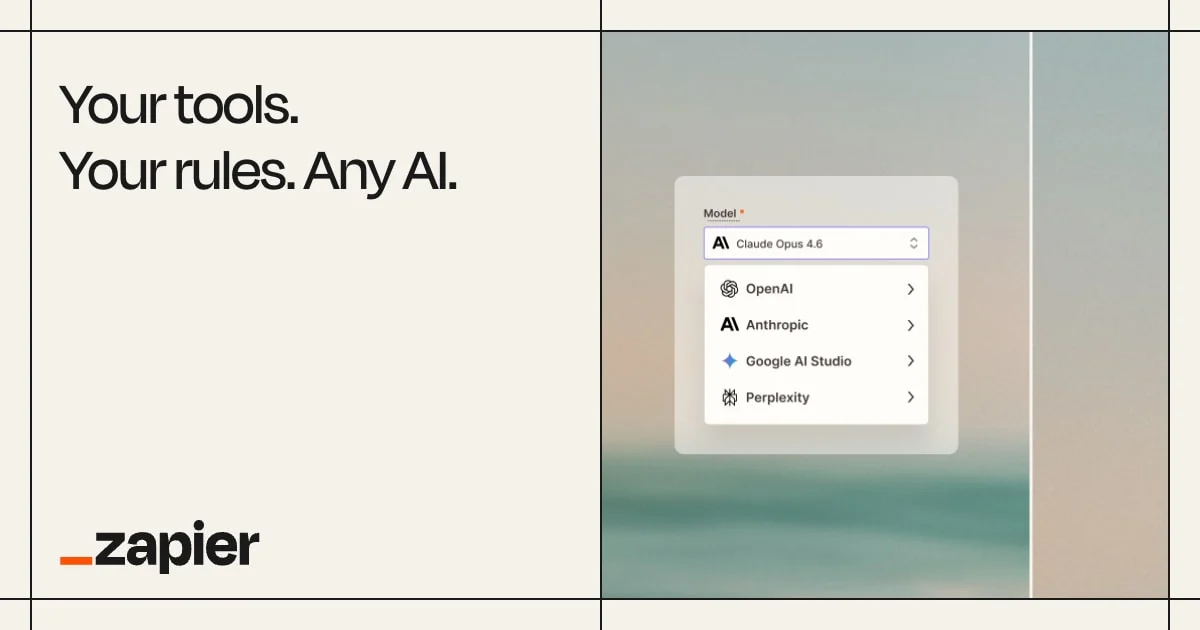
Connect a business event to a sequence of actions in other applications.
Use Copilot to help describe and assemble an automation, then inspect the proposed steps.
Use Forms and Tables to collect and retain information that workflows can process.
Add extraction or generation inside a workflow rather than copying text between tools.
Connect compatible AI assistants to allowed app actions through Zapier MCP.
Define one outcome: Choose a trigger and a final record that you can verify easily.
Connect the apps: Authorize only the apps needed and use sample records during setup.
Constrain the AI step: Specify required fields, allowed categories and what to do when information is missing.
Review usage and activate: Test the complete chain, inspect task usage and set the intended overage behavior.
Choose a trigger and a final record that you can verify easily.
Authorize only the apps needed and use sample records during setup.
Specify required fields, allowed categories and what to do when information is missing.
Test the complete chain, inspect task usage and set the intended overage behavior.
Free; paid plans scale by task allowance
Free lists 100 tasks per month and two-step Zaps. The pricing page displays Professional from $19.99/month and Team from $69/month; the chosen task tier, currency and monthly or annual billing affect the final price. Premium apps and multi-step workflows depend on the plan.
AI steps, code, MCP and SDK can draw from the task pool with different usage rates. Agents and Chatbots appear as additional products. Check whether pay-per-task overages are enabled before activating a high-volume trigger.
It is an automation platform that can include AI processing and app actions.
Yes, with the Free plan's task and workflow limits.
Usage rates depend on the action; inspect the current task-rate documentation.
Compatible assistants can use allowed actions through Zapier MCP.
Premium app access is a paid-plan feature.
Behavior depends on the account's overage setting; confirm it before activation.
Explore platforms, inputs and outputs, licensing, and access requirements.
A connector can expose only the operations its integration supports. AI tasks need clear output fields, while task overages and external API limits can affect continuous operation.
Workflow data moves among Zapier and authorized services. Review connected-account permissions, keep external sends subject to approval and check the applicable account retention controls.
Loading experiences…
Explore YouWare for research reports, slides, spreadsheets and websites, with a practical brief-to-review workflow, credit limits and current pricing caveats.
Create on-brand marketing copy and compare variants using audience-focused performance predictions.
An AI writing workspace for developing characters, outlining stories and revising fiction scenes.
Bring a real task and see how it fits the way you work.


User experiences