

Raycast AI
ProductivityAI assistance, models, and automations from Raycast
Multi-model interfaceAI Agent
Make room for focus, habits and flexible meetings around an existing calendar. Reclaim.ai helps people plan realistic time, with automation that can adapt when the week changes.
Reclaim.ai uses calendar-aware scheduling to protect focus time, place recurring habits and coordinate meetings. Its current plans describe scheduling agents for focus, habits, buffers, smart meetings and meeting quality. This is broadly useful to people whose calendar is crowded but whose important work still needs uninterrupted blocks. It works best when users honestly define their working hours, priorities and the flexibility of each commitment.
Begin with one weekly focus target and one recurring habit. Mark appointments that cannot move, then inspect how the scheduler places flexible blocks around them. Avoid filling every empty slot: include recovery time and realistic buffers. After several days, compare the plan with what you actually did and adjust durations or priorities rather than repeatedly overriding the calendar.
Focused individual work: Reserve protected blocks for tasks that need sustained attention.
Recurring routines: Fit a routine into a changing week without a rigid daily slot.
Team meeting coordination: Schedule flexible recurring meetings around participants' calendars.
Official product image. Click to inspect the details.
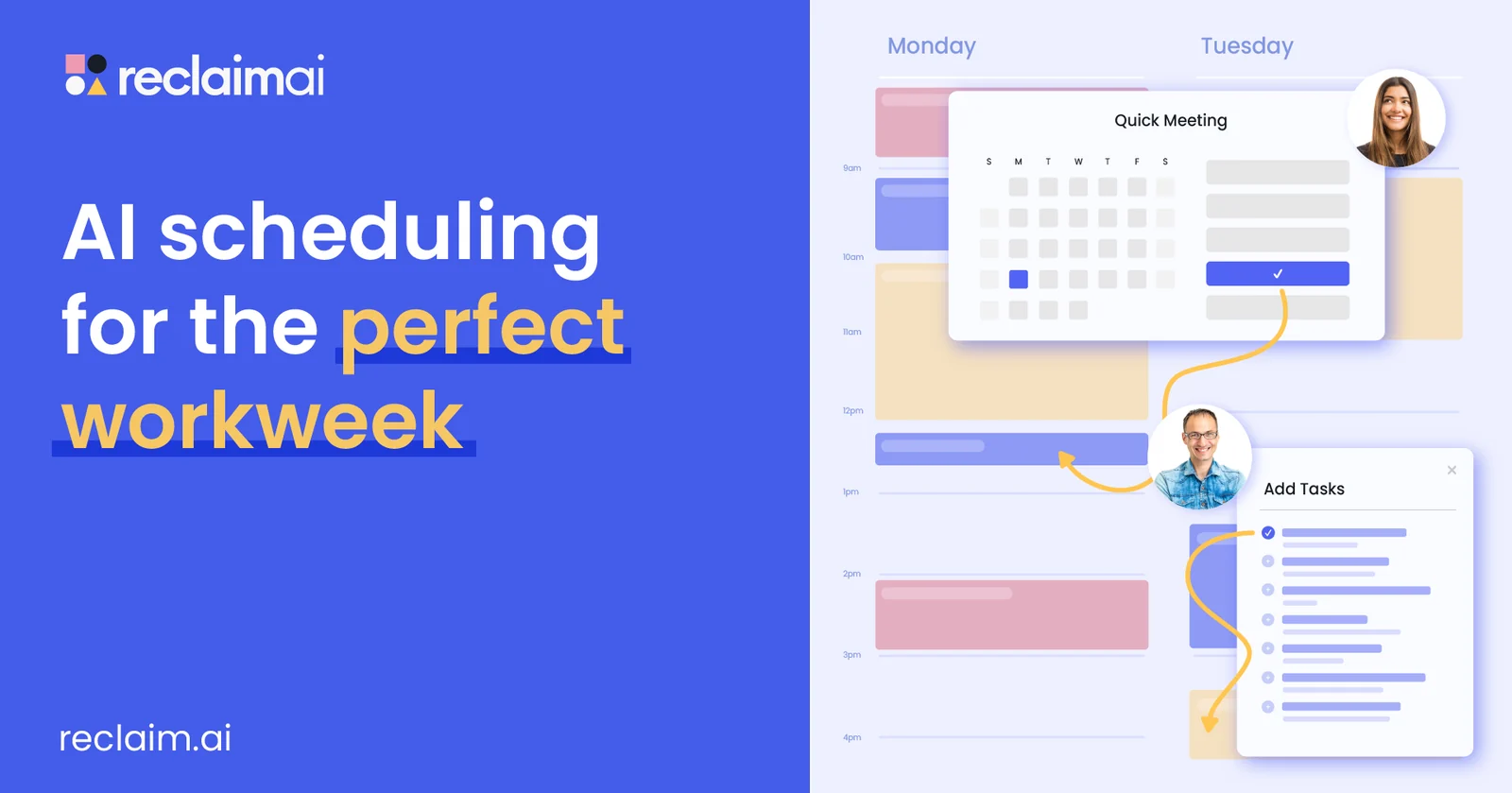
Defend a weekly focus goal around existing calendar commitments.
Find suitable time for recurring routines within allowed scheduling windows.
Reserve breaks around relevant meetings where the feature is enabled.
Coordinate flexible recurring meetings and resolve scheduling conflicts.
Set priorities, working hours and flexibility so the plan fits actual constraints.
Connect the right calendar: Check account compatibility and grant the permissions required for scheduling.
Set working hours: Define available time, fixed commitments and realistic buffers.
Add a small focus goal: Try one habit and one focus target before enabling many agents.
Review the actual week: Compare scheduled blocks with completed work and refine durations or priorities.
Check account compatibility and grant the permissions required for scheduling.
Define available time, fixed commitments and realistic buffers.
Try one habit and one focus target before enabling many agents.
Compare scheduled blocks with completed work and refine durations or priorities.
Free Lite; Starter monthly selection $12/seat/month
Lite is described as free forever and includes the listed basic scheduling capabilities. Starter displays $10/seat/month in one billing selection and $12 in the monthly selection. Higher plans expand scheduling and team features; read the active billing toggle before comparing prices.
The page separately describes attendee-user charges for certain Smart Meetings and contains launch-promotion wording. Do not rely on an expired promotion or assume every meeting participant is included in a seat price; inspect the final team quote.
It works with connected calendar information to improve scheduling.
Lite is described as a permanent free entry.
Focus Time is a listed scheduling feature.
Eligible flexible blocks and meetings can be rescheduled; define fixed commitments clearly.
Some Smart Meeting configurations have attendee-user pricing.
Start with working hours, one habit and one small focus goal.
Explore platforms, inputs and outputs, licensing, and access requirements.
A schedule cannot create more available hours than a week contains. Keep durations realistic and check conflicts, attendee costs and the required calendar integration before using it across a team.
Calendar permissions can expose event information and allow scheduling changes. Inspect the requested access and limit confidential event details where your organization requires it.
Loading experiences…
Saved tools are private. Approved comments are public; edits return to moderation. Comment counts include approved comments and replies. Each person has one rating. New ratings are automatically approved; withdrawn, unapproved or invalid ratings do not count. Share real experiences and avoid spam, private information or personal attacks.
For moderation appeals or data requests: support@findgoodai.com
Bring a real task and see how it fits the way you work.
User experiences