

Raycast AI
ProductivityAI assistance, models, and automations from Raycast
Multi-model interfaceAI Agent
Plan tasks against the time actually available and keep projects, meetings and work notes connected. Motion combines AI scheduling with a wider work-management suite for individuals and teams.
Motion's current product combines AI projects, tasks, calendar, meetings, documents and related work tools. Its calendar plans task time using the priorities, deadlines and durations a user provides, then adapts when circumstances change. This is useful for a person who has a long task list but needs a realistic plan for doing the work, and for teams coordinating project responsibilities and capacity.
Start with a few genuine commitments, not an entire backlog. Enter realistic durations, the actual deadline and whether a task can be split. Compare the resulting calendar with your working hours and existing appointments. When the plan shows too much work for the available time, adjust scope or commitments; accepting a busy-looking calendar does not remove a capacity problem.
Individual work planning: Convert a short priority list into realistic calendar blocks.
Small-team projects: Coordinate ownership, deadlines and available capacity.
Changing schedules: Replan flexible work after a meeting or priority changes.
Official product image. Click to inspect the details.
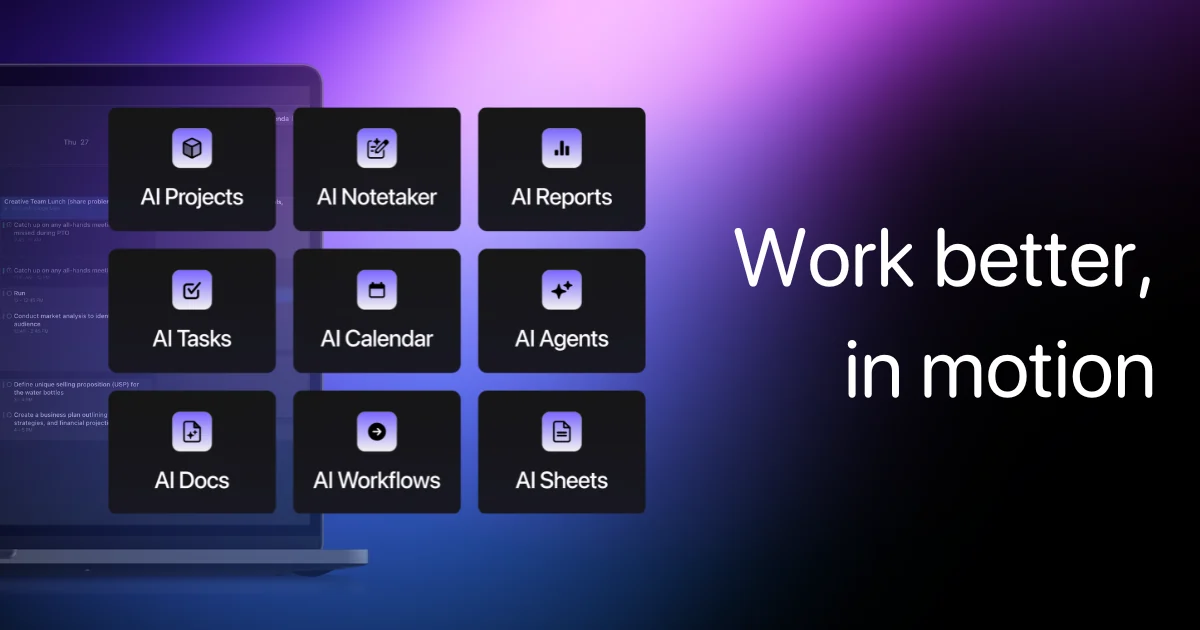
Place tasks around meetings using deadlines, priorities and available time.
Keep work organized with project context and responsible people.
Use plan-supported AI assistance to turn work into an actionable schedule.
Keep supporting work information alongside the project environment.
Eligible plans add capacity, dashboards and other team-management controls.
Set working constraints: Enter working hours, fixed meetings and realistic buffers.
Add a small task set: Include duration, priority, deadline and the correct owner.
Inspect the schedule: Look for overload, impossible deadlines and misplaced focus work.
Adjust and review usage: Update estimates after completing work and monitor the plan's AI credits.
Enter working hours, fixed meetings and realistic buffers.
Include duration, priority, deadline and the correct owner.
Look for overload, impossible deadlines and misplaced focus work.
Update estimates after completing work and monitor the plan's AI credits.
Trial; Pro AI displayed $19/seat/month, billing selection applies
The current pricing page displays Pro AI at $19/seat/month with 7,500 credits per seat each month, and Business AI at $29 with 15,000 credits in the selected view. It offers monthly and annual toggles, so confirm the active cycle and final quote rather than assuming the displayed equivalent is a monthly contract.
Motion offers a free trial rather than a documented permanent free full suite. Business adds team capacity, advanced reports, timelines, time tracking and permissions. Check the credit allowance and any additional-use charges alongside the subscription cost.
The current suite also lists projects, tasks, docs and related AI work tools.
The public pricing page offers a trial; check its signup terms.
Supply realistic durations, actual deadlines and clear priorities.
It can expose or rearrange work, but commitments may still need to be reduced.
The plans list AI-credit allowances and separate usage conditions.
Annual equivalents and monthly subscriptions have different commitments.
Explore platforms, inputs and outputs, licensing, and access requirements.
Scheduling quality depends on honest duration estimates and accurate deadlines. AI credits, integration compatibility and plan-specific team controls can affect the workflow.
Connected calendars and project records provide work context to the hosted service. Review calendar access, team permissions and what confidential information can be included.
Loading experiences…
Saved tools are private. Approved comments are public; edits return to moderation. Comment counts include approved comments and replies. Each person has one rating. New ratings are automatically approved; withdrawn, unapproved or invalid ratings do not count. Share real experiences and avoid spam, private information or personal attacks.
For moderation appeals or data requests: support@findgoodai.com
Bring a real task and see how it fits the way you work.
User experiences