
Sider
AssistantsRead pages with Chat, handle browser tasks with Hand and customize your browsing experience with Code. Sider adds an AI workspace to the sites and documents you already use.
Chat beside the sourceHand browser tasks
Mistral’s hosted AI assistant, now named Vibe after Le Chat, for search, document work and supported task or coding workflows, with a limited ongoing Free plan.
Mistral Vibe is the current name of the hosted assistant previously known as Le Chat. Official product and help pages confirm the rename, while the current documentation describes an evolving experience for quick answers, research, documents and longer tasks. The product also connects to coding-oriented interfaces, with access depending on the selected plan.
This is a different product from the open-source Vibe transcription application by thewh1teagle. Here, Vibe refers specifically to Mistral’s assistant and related workflows. The historical Le Chat name remains useful for identifying older links, but current instructions should be checked against today’s official interface rather than an old screenshot.
Prepare a source-based brief
Understand a working document
Draft a reusable deliverable
Investigate a coding problem
Official product image. Click to inspect the details.
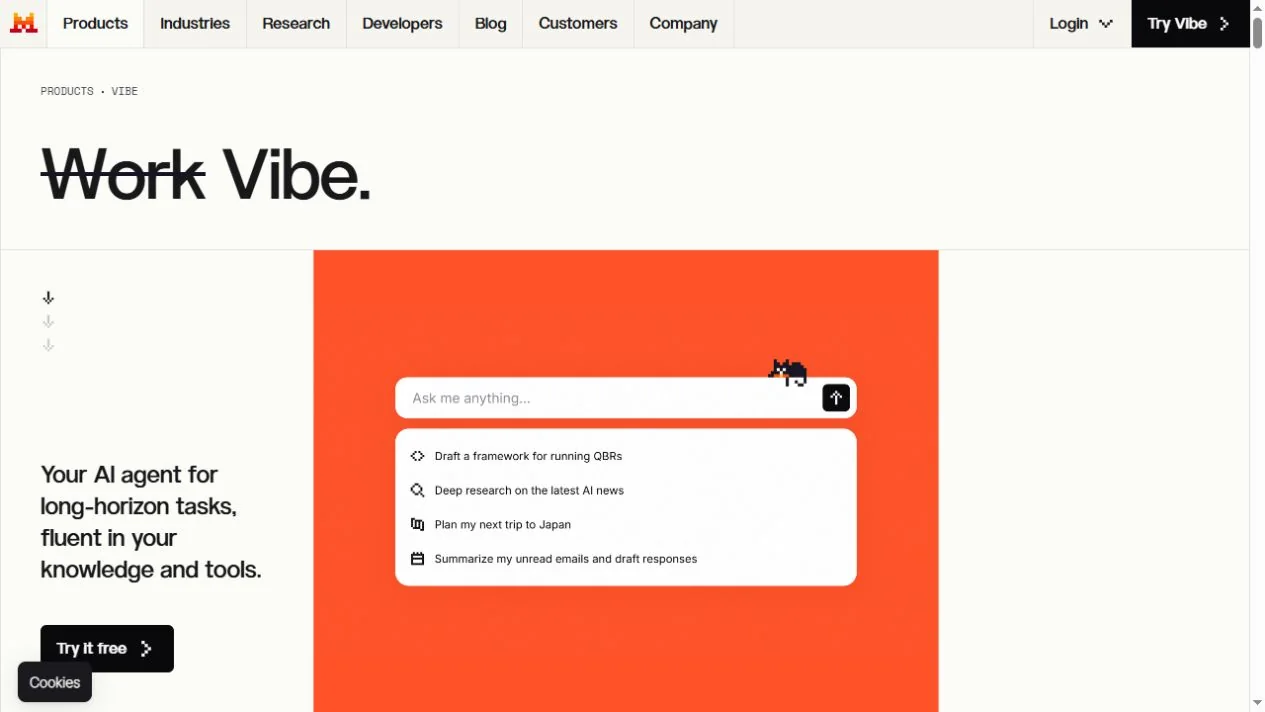
Open the current official entry
Check the available mode
Supply a bounded task
Review the result and permissions
Example prompt or task: Using only the attached document and clearly linked sources, draft a two-page briefing. Separate confirmed facts, interpretation and missing evidence. List the source for each important number and do not invent supporting references.
This is a suggested editorial workflow. It is not a measured claim about accuracy, speed or autonomous task completion.
Current official product pages use Vibe. Features and interface rollout can vary, so older Le Chat screenshots may differ.
Mistral’s current pricing page includes an ongoing Free plan with limited usage. This creates a free starting route for supported assistant tasks, but not a promise of unlimited messages, unrestricted coding or identical access to all advanced features.
Paid plans can expand limits and access. The product is changing, so check the current pricing page and account interface for the exact combination of research, coding, voice, media and connectors that you need. Consumer assistant access, API usage and enterprise deployment should be evaluated as separate commercial arrangements.
Official pages now call it Mistral Vibe and explain the rename. Older URLs and references may still use Le Chat.
No. The standalone transcription application by thewh1teagle is a separate product with a separate listing.
Yes, the current pricing page includes a limited Free plan. Review the current limits before relying on it for repeated work.
Official materials describe supported document inputs. Format support and limits should be checked in the current interface.
Do not assume that. Coding access and limits depend on the current plan and the chosen interface.
Some concepts remain useful, but names, modes and plan details can differ after the rename and rollout changes.
Current documentation describes temporary-chat behavior. Read its conditions and legal exceptions before treating it as appropriate for sensitive material.
Explore platforms, inputs and outputs, licensing, and access requirements.
The hosted assistant has web and mobile entry points, while coding workflows can use additional interfaces described in the official documentation. A model being released with downloadable weights does not automatically mean this hosted product, every model or all enterprise deployment options are free.
Current documentation describes changes to how chat and work experiences are combined, including a progressive rollout. Avoid building a guide around an assumed permanent set of three mode buttons. Check the current screen, the selected task and its plan conditions before following older instructions.
Connected services can expose information beyond what you manually type, so inspect permissions before enabling a connector. Use only files you are allowed to submit and avoid assuming that a hosted assistant processes everything on your own device.
Current documentation distinguishes temporary chats from ordinary history, including handling conditions and exceptions. Consult the current policy for the selected account and feature. For team use, decide which materials may be uploaded and who may receive the generated output before adopting a repeated workflow.
Reviewed October 3, 2026. Product facts come from the official sources below. Suggested projects, prompts and review methods are FindGoodAI editorial guidance, not measured performance results.
Loading experiences…
Saved tools are private. Approved comments are public; edits return to moderation. Comment counts include approved comments and replies. Each person has one rating. New ratings are automatically approved; withdrawn, unapproved or invalid ratings do not count. Share real experiences and avoid spam, private information or personal attacks.
For moderation appeals or data requests: support@findgoodai.com
Bring a real task and see how it fits the way you work.
User experiences