
Muse (Meta)
AssistantsMeta’s Muse is a personal AI agent that emails, books travel, fills forms and shops, asking before sensitive steps. Mostly free in the US, Canada and Singapore.
Acts on the web for youPlans that keep running
Explore Comet, the Perplexity AI browser: page research, tab-aware assistance, supported platforms, free browser access and paid agent limits explained.
Comet puts a Perplexity assistant beside the pages you are reading. It is a separate browser product, rather than another name for the Perplexity website. The official download page lists Mac, Windows, iOS and Android. Its useful starting point is a concrete browsing task: understand a long article, compare open sources, or prepare a response while keeping the relevant page in view.
Editorial suggestion: evaluate it on a small research assignment before moving your everyday workflow. Choose three public sources, ask the same question of each, and inspect the passages behind the answer. This makes omissions visible. A convenient summary is useful, but it does not establish that a claim is true or that an action was completed correctly.
Source comparison
Reading assistance
Draft preparation
Official product image. Click to inspect the details.
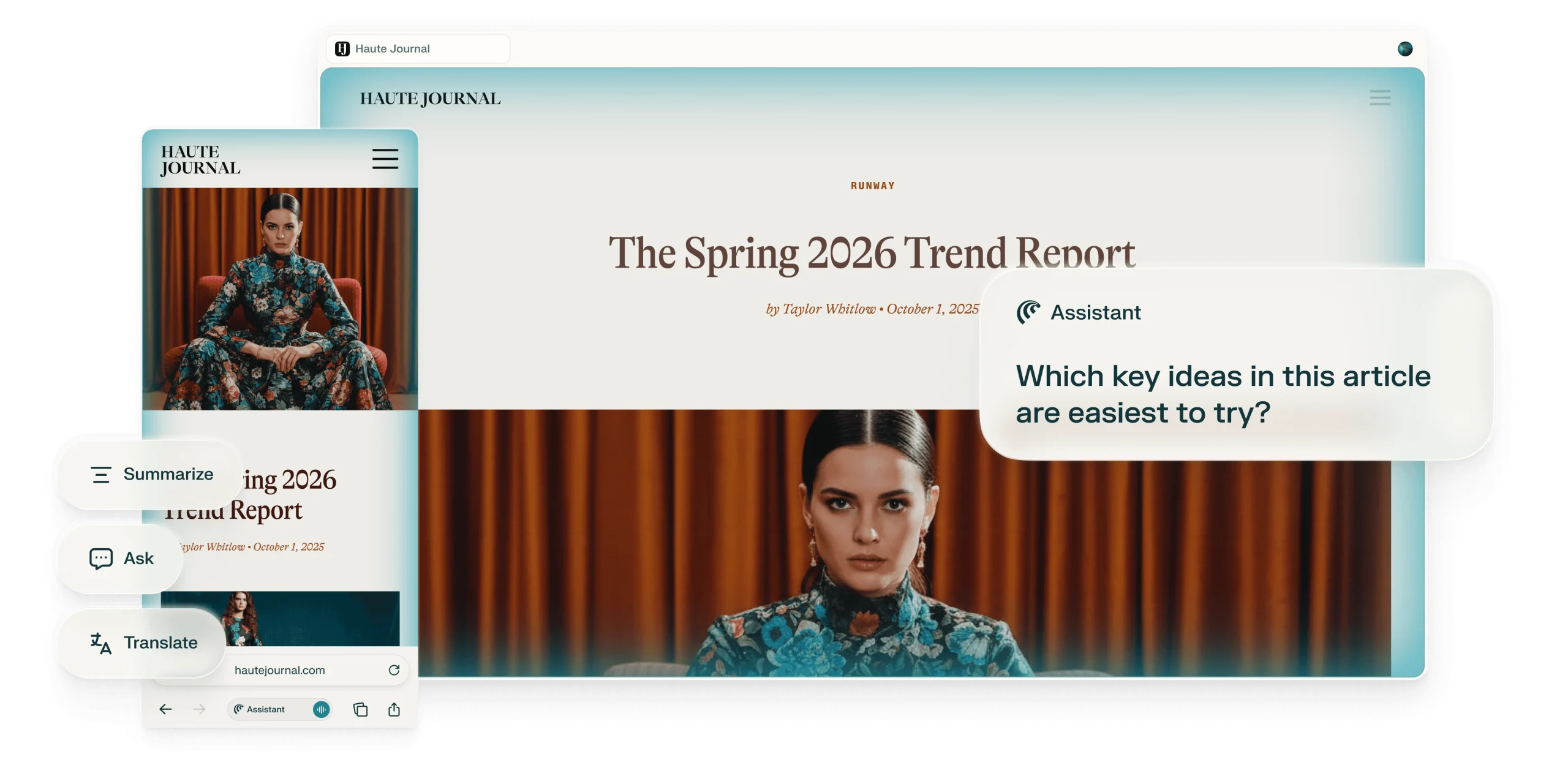
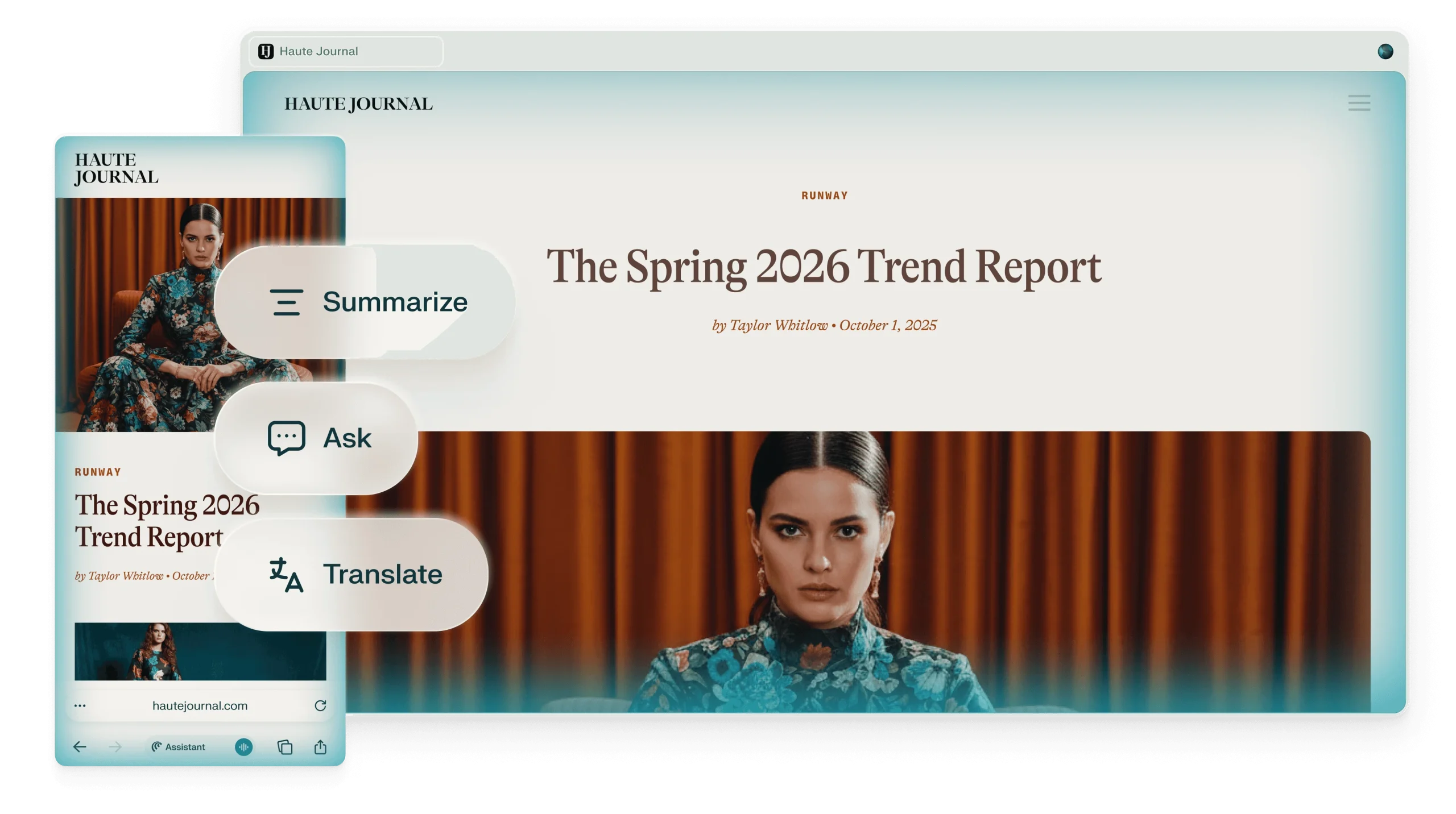
Official examples and public-page captures; these are not results from a paid-feature trial.
Ask for an explanation of the page you are viewing and follow up on unfamiliar terms. Keep the source open so you can distinguish the author’s statements from the assistant’s interpretation.
The official product examples show comparing coverage across webpages. For a useful comparison, specify the criteria and ask for a separate source for each conclusion, rather than one blended answer.
Comet also presents browser tasks such as preparing email responses and navigating websites. Access depends on your subscription and platform. Review recipients, destinations and final text before allowing a consequential action.
1. Choose the official installer
2. Set a narrow reading task
3. Compare deliberately
4. Review access and results
Open the Comet download page and choose your device. Check account and organization requirements before importing a browser profile. You can begin with public material instead of connecting email or other private services immediately.
Open one public article and request a short explanation with links to its evidence. State the audience and the question you need answered. If the response goes beyond the page, ask it to separate additional research.
Add two relevant tabs and define a comparison table yourself: feature, limitation, source and date. Check a few cells manually. This is a practical evaluation method, not a claim that Comet always produces accurate comparisons.
Before trying an agent task, check that your plan includes it and grant only the access required. Review the proposed action, then verify the website’s own confirmation. Keep an ordinary manual workflow available when the assistant cannot finish.
The browser is free to download. The current official plan comparison lists no Browser Agent (Comet Assistant) queries on Free; Pro and Education Pro have monthly limits, while Max has higher access. Free browser availability should therefore not be read as unlimited free agent actions. Paid prices and regional billing are shown in the account subscription flow.
No. It is a browser with Perplexity assistance integrated into browsing. You can still use the Perplexity website without installing it.
No. The official subscription table separates free browsing from Browser Agent queries; check your plan before relying on automation.
The download page lists Mac, Windows, iOS and Android. Consult the current installer for system requirements and feature availability.
That is a promoted use case. Ask for source-by-source evidence and verify key details yourself.
Start with public webpages. Connect an account only when a specific task needs it and you understand the granted access.
No. This profile is based on official documentation and product examples; it does not report a completed private-account task.
Explore platforms, inputs and outputs, licensing, and access requirements.
These tools overlap with parts of the workflow; compare the specific task, export requirements and current plan rather than treating them as identical products.
Comet’s terms describe exchanging data with third-party services when acting on your requests. Local browser data and Perplexity account data have separate deletion paths. For client work, check the privacy notice and your organization’s rules before sharing a page or connecting a service. Do not treat ordinary browsing and a cloud assistant request as identical data flows.
Loading experiences…
Meta’s Muse is a personal AI agent that emails, books travel, fills forms and shops, asking before sensitive steps. Mostly free in the US, Canada and Singapore.
A creative platform combining AI-assisted story writing with anime-style image generation and editing.
Character.AI is a conversational entertainment platform built around fictional personas. Its appeal is sustained dialogue, character discovery and collaborative storytelling rather than authoritative answers to factual questions.
Bring a real task and see how it fits the way you work.

User experiences