

Higgsfield AI
Video creationAI-native tools for generating and editing images, videos, and creative content
Text and reference video creationMotion recasting with Genjutsu
Capture a digital process and turn it into a short explanatory video with steps, narration and sharing options. Guidde helps teams teach software tasks and answer repeat support questions.
Guidde creates video documentation for processes in web applications, with broader capture and AI narration options on eligible plans. A team can turn a workflow into a concise explanation, add branding and share it with colleagues or customers. Its purpose differs from cinematic video generation: the value comes from showing the correct operational steps and delivering them where people need help.
Pick a task that users repeatedly ask about and record it using safe sample data. Trim anything that does not help the viewer complete the task. Narration should explain why a step matters, not simply repeat every button label. Test the video with someone unfamiliar with the procedure and correct any missing prerequisite before putting it in a help center.
Software onboarding: Explain a frequently used tool task to new colleagues.
Customer support: Reuse a concise video response for recurring setup questions.
Internal training: Keep instructions in a format people can watch while working.
Official product image. Click to inspect the details.
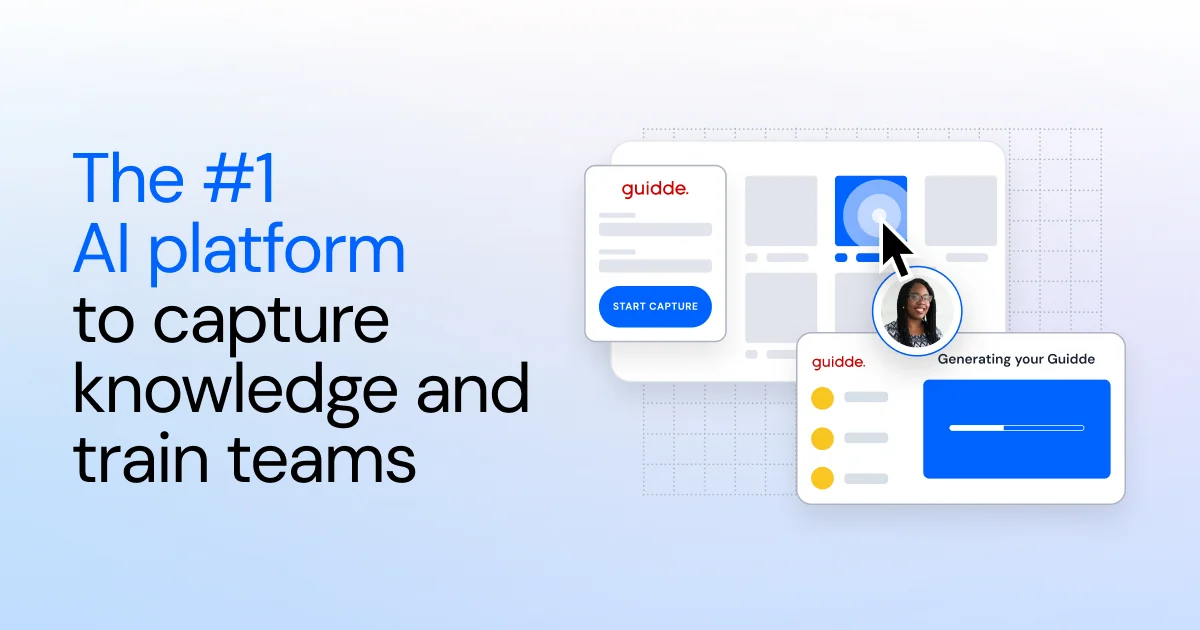
Turn software steps into a short how-to guide.
Refine the sequence and wording so the instructions match the audience.
Record narration or use eligible text-to-voice features.
Deliver guides by link or within the team's support environment.
Eligible plans add branding, sensitive-information blur and export options.
Choose a useful question: Define the exact task and what the viewer must know beforehand.
Capture the clean workflow: Use a sample account and perform only the required steps.
Edit narration and visuals: Remove dead time, explain decisions and blur sensitive fields where supported.
Share and maintain: Check audience access and update the guide after interface changes.
Define the exact task and what the viewer must know beforehand.
Use a sample account and perform only the required steps.
Remove dead time, explain decisions and blur sensitive fields where supported.
Check audience access and update the guide after interface changes.
Free up to 25 guides in the comparison table; Pro $29/month monthly
The Free plan's comparison table lists 25 how-to videos. Pro displays $29/creator/month monthly or $19 on annual billing; Business displays $59 monthly or $39 annually. The page also contains repeated card text with differing free wording, so use the comparison table and account checkout to confirm the allowance.
A seven-day Business trial does not make every export permanently free. Paid tiers distinguish video count, watermark removal, text-to-voice, desktop capture and privacy controls; Enterprise adds organization-oriented features.
It focuses on operational how-to videos and knowledge guidance.
The current comparison table shows 25; confirm in the account.
Text-to-voice is included on eligible plans, such as Business.
Desktop capture is a paid-plan distinction.
The pricing FAQ distinguishes viewers from paid creator roles.
Check steps, narration, sensitive fields and the viewer's access.
Explore platforms, inputs and outputs, licensing, and access requirements.
A polished video can still show an incorrect or outdated procedure. Capture sources, voice options, exports and translation are plan-dependent; validate the complete task before sharing.
Capture can include customer details and private application records. Use sample data, inspect the frame content and apply suitable video access controls before sharing outside the team.
Loading experiences…
Bring a real task and see how it fits the way you work.
User experiences