
Sources & references
D-ID — Official product page ↗
D-ID turns scripts and approved portrait material into avatar-led communication. Its platform spans prerecorded videos and interactive visual agents, so it is useful to distinguish a rendered presentation from a live conversational experience before selecting a product.
D-ID turns scripts and approved portrait material into avatar-led communication. Its platform spans prerecorded videos and interactive visual agents, so it is useful to distinguish a rendered presentation from a live conversational experience before selecting a product.
Training teams, product educators and developers adding an avatar interface to a service. It is particularly relevant when the same message needs several language versions.
Create a 30-second onboarding explanation in two languages and ask a native speaker to compare terminology and delivery.
Training teams, product educators and developers adding an avatar interface to a service. It is particularly relevant when the same message needs several language versions.
Create a 30-second onboarding explanation in two languages and ask a native speaker to compare terminology and delivery.
Official product image. Click to inspect the details.
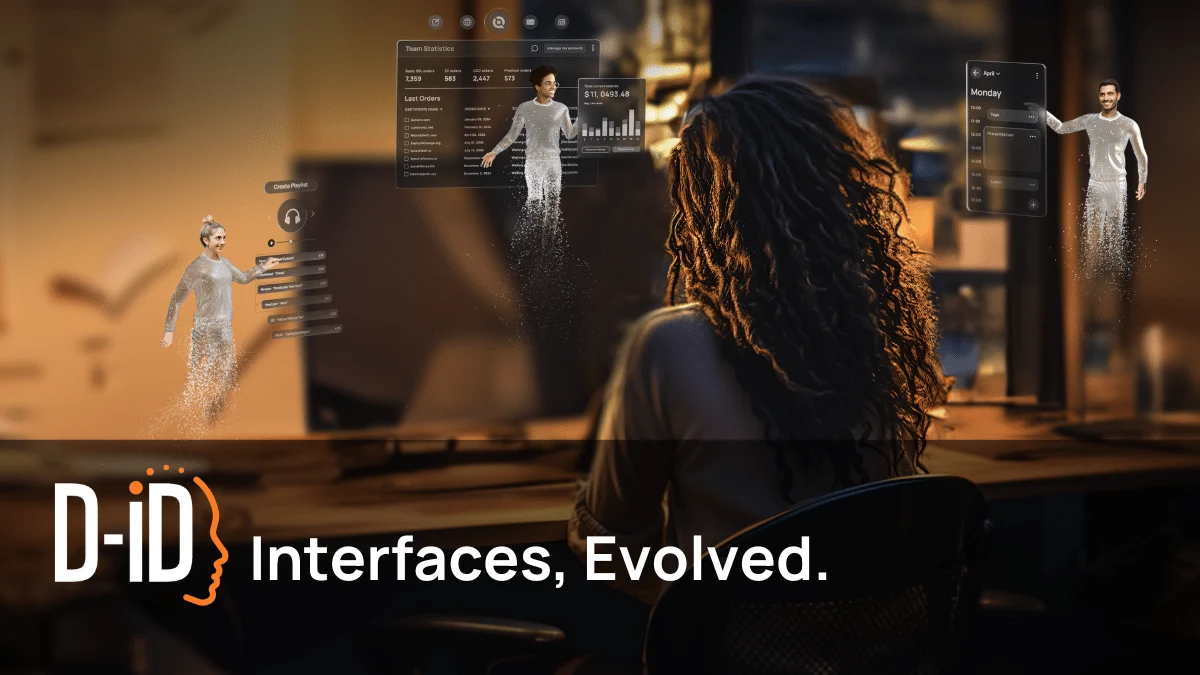
Create avatar videos from scripts and supporting business material.
Use supported images or video to create a presenter, with the required rights and consent.
Prepare localized versions and verify pronunciation, terminology and pacing with native speakers.
Create a conversational visual experience rather than a fixed video when the task requires questions and responses.
Developer interfaces allow avatar generation or streaming to be incorporated into an application.
Choose prerecorded video or a live agent based on the task.
Prepare a short script and authorized presenter material.
Generate a sample and check lip sync and pronunciation.
Review output rights and disclose synthetic presentation where needed.
Choose prerecorded video or a live agent based on the task.
Prepare a short script and authorized presenter material.
Generate a sample and check lip sync and pronunciation.
Review output rights and disclose synthetic presentation where needed.
Studio and API have separate offerings. Video minutes, presenter types, watermarking and commercial rights vary by plan. Prerecorded videos and interactive agents serve different production workflows.
Training teams, product educators and developers adding an avatar interface to a service. It is particularly relevant when the same message needs several language versions.
Create a 30-second onboarding explanation in two languages and ask a native speaker to compare terminology and delivery.
Studio and API have separate offerings. Video minutes, presenter types, watermarking and commercial rights vary by plan. Prerecorded videos and interactive agents serve different production workflows.
Web Studio and developer APIs. Scripts and portraits → avatar videos or live interactions
An avatar does not make an inaccurate script reliable. Real-time agents also need knowledge boundaries, escalation paths and latency testing. Never assume permission to clone a person.
Review output rights and disclose synthetic presentation where needed. Treat this suggested workflow as a starting point and compare the result against the requirements of your own project.
Explore platforms, inputs and outputs, licensing, and access requirements.
An avatar does not make an inaccurate script reliable. Real-time agents also need knowledge boundaries, escalation paths and latency testing. Never assume permission to clone a person.
Upload footage, voices and likenesses only when you have the appropriate permission. Check the plan and asset licenses for the intended use. Review generated frames, audio and captions before sharing, especially where a synthetic result could be mistaken for a real recording.
D-ID — Official product page ↗
Loading experiences…
Bring a real task and see how it fits the way you work.
User experiences