
Higgsfield AI
Video creationAI-native tools for generating and editing images, videos, and creative content
Text and reference video creationMotion recasting with Genjutsu
Google Flow is a visual creation workspace for generating and organizing images and video. Its value lies in iterating on a scene with reference material and editing controls, then assembling a coherent sequence rather than collecting unrelated impressive clips.
Google Flow is a visual creation workspace for generating and organizing images and video. Its value lies in iterating on a scene with reference material and editing controls, then assembling a coherent sequence rather than collecting unrelated impressive clips.
Filmmakers exploring concepts, marketers preparing storyboards and creators testing a short visual narrative before a larger production.
Create a short product reveal with a fixed object, a single camera move and a neutral background; reject versions that alter the product shape.
Filmmakers exploring concepts, marketers preparing storyboards and creators testing a short visual narrative before a larger production.
Create a short product reveal with a fixed object, a single camera move and a neutral background; reject versions that alter the product shape.
Official product image. Click to inspect the details.
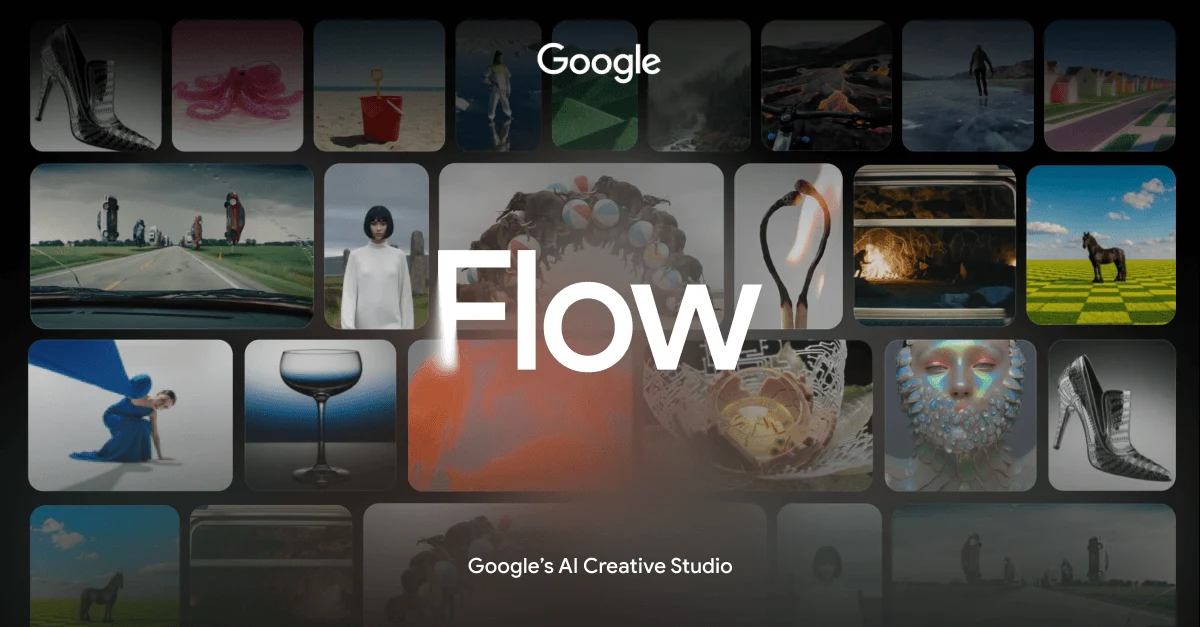
Describe the scene and use supported references to guide its appearance.
Use localized selection and natural-language edits to refine part of an image.
Explore what happens next in a shot while checking whether movement remains coherent.
Guide movements such as pans and zooms rather than leaving all staging unspecified.
Collections and workspace views help keep related images, clips and prompts together.
Outline a three-shot scene with one clear action per shot.
Create or import a consistent reference for the main subject.
Generate short variations and compare continuity.
Assemble the sequence and review sound, motion and details.
Outline a three-shot scene with one clear action per shot.
Create or import a consistent reference for the main subject.
Generate short variations and compare continuity.
Assemble the sequence and review sound, motion and details.
Free account access and Google AI subscriptions provide different generation allowances. Generation consumes AI credits according to the selected model and settings. Account eligibility and region affect access.
Filmmakers exploring concepts, marketers preparing storyboards and creators testing a short visual narrative before a larger production.
Create a short product reveal with a fixed object, a single camera move and a neutral background; reject versions that alter the product shape.
Free account access and Google AI subscriptions provide different generation allowances. Generation consumes AI credits according to the selected model and settings. Account eligibility and region affect access.
Web workspace; account and region requirements apply. Prompts and reference media → images and video sequences
Model support, credits and availability vary by region and account. Generated video can change faces, objects and spatial relationships between frames.
Assemble the sequence and review sound, motion and details. Treat this suggested workflow as a starting point and compare the result against the requirements of your own project.
Explore platforms, inputs and outputs, licensing, and access requirements.
Model support, credits and availability vary by region and account. Generated video can change faces, objects and spatial relationships between frames.
Upload footage, voices and likenesses only when you have the appropriate permission. Check the plan and asset licenses for the intended use. Review generated frames, audio and captions before sharing, especially where a synthetic result could be mistaken for a real recording.
Loading experiences…
Bring a real task and see how it fits the way you work.
User experiences