
Sources & references
Wondershare Filmora — Official product page ↗
Wondershare Filmora — Official documentation and feature details ↗
Wondershare Filmora is a video editor that combines a conventional multi-track timeline with AI analysis, captioning, audio cleanup and generation tools. It is useful for people who want assistance throughout editing but still need to arrange and finish the result themselves.
Wondershare Filmora is a video editor that combines a conventional multi-track timeline with AI analysis, captioning, audio cleanup and generation tools. It is useful for people who want assistance throughout editing but still need to arrange and finish the result themselves.
Tutorial makers, small businesses and regular video creators who need a broad editing toolkit without designing a workflow from separate utilities.
Edit a two-minute screen tutorial with clear voice, accurate captions and a reusable title style.
Tutorial makers, small businesses and regular video creators who need a broad editing toolkit without designing a workflow from separate utilities.
Edit a two-minute screen tutorial with clear voice, accurate captions and a reusable title style.
Official product image. Click to inspect the details.
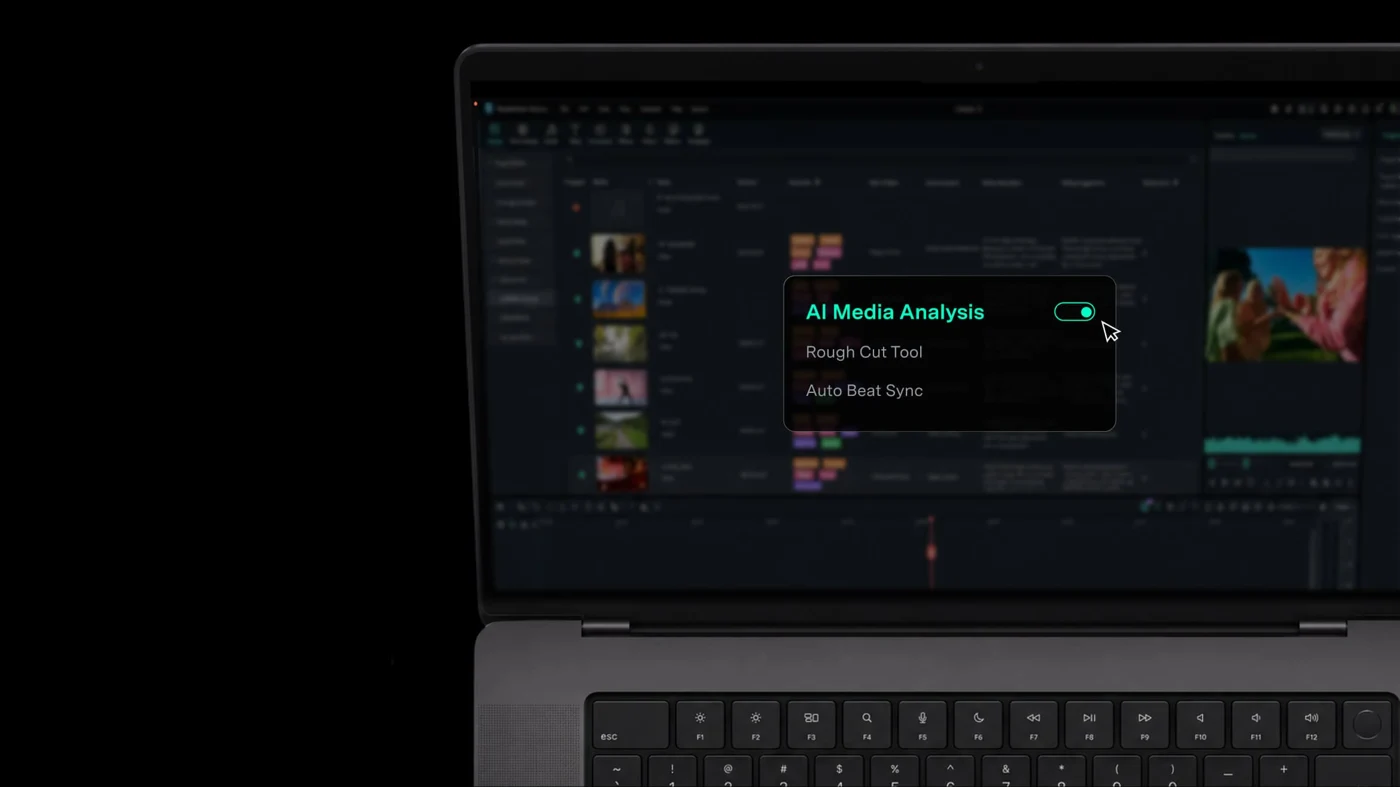
Identify useful scenes and spoken moments so a large import is easier to navigate.
Use transcription-related tools to navigate spoken footage and prepare captions.
Apply speech enhancement or noise reduction and listen for artificial artifacts.
Create supporting images or clips where the installed version and credit balance allow it.
Combine tracks, titles, transitions, color and export settings in a single project.
Import a small project and organize usable shots.
Generate a transcript and verify important terminology.
Improve sound and edit the story before adding effects.
Export a sample and confirm watermark and license conditions.
Import a small project and organize usable shots.
Generate a transcript and verify important terminology.
Improve sound and edit the story before adding effects.
Export a sample and confirm watermark and license conditions.
The trial supports evaluation but adds a watermark to exported video. A paid software license removes the trial watermark. AI credits and creative-asset subscriptions can have separate allowances and charges.
Tutorial makers, small businesses and regular video creators who need a broad editing toolkit without designing a workflow from separate utilities.
Edit a two-minute screen tutorial with clear voice, accurate captions and a reusable title style.
The trial supports evaluation but adds a watermark to exported video. A paid software license removes the trial watermark. AI credits and creative-asset subscriptions can have separate allowances and charges.
Windows/macOS; separate mobile editions. Video and audio → timeline projects and exported videos
A free download is not unrestricted export: the official site says free-version videos carry a watermark. AI credits, creative assets and software licenses can be separate entitlements.
Export a sample and confirm watermark and license conditions. Treat this suggested workflow as a starting point and compare the result against the requirements of your own project.
Explore platforms, inputs and outputs, licensing, and access requirements.
A free download is not unrestricted export: the official site says free-version videos carry a watermark. AI credits, creative assets and software licenses can be separate entitlements.
Upload footage, voices and likenesses only when you have the appropriate permission. Check the plan and asset licenses for the intended use. Review generated frames, audio and captions before sharing, especially where a synthetic result could be mistaken for a real recording.
Wondershare Filmora — Official product page ↗
Wondershare Filmora — Official documentation and feature details ↗
Loading experiences…
Bring a real task and see how it fits the way you work.
User experiences