

YouWare
ProductivityExplore YouWare for research reports, slides, spreadsheets and websites, with a practical brief-to-review workflow, credit limits and current pricing caveats.
Presentation and report workflowsSpreadsheet assistance
Turn a brief into slides and let Smart Slides handle much of the layout work. Beautiful.ai suits people preparing regular reports, proposals or pitches who need coherent design and editable content.
Beautiful.ai combines AI content generation with slide layouts that adapt as content changes. Its Smart Slides help keep spacing and alignment consistent, while themes and shared assets can support a team's visual identity. It is especially relevant when a user repeatedly needs a presentable deck and does not want to format every element manually. The user still owns the story: the tool cannot decide which evidence makes a proposal convincing.
Start with the audience, desired decision and three points the presentation must establish. Generate an outline before polishing slides. Replace guessed metrics with actual numbers and choose visuals that support the explanation. Export a sample deck early if you must deliver PowerPoint, because fonts, layout and editability should be checked in the recipient's software.
Business reports: Present a reviewed set of results and decisions with consistent layout.
Sales proposals: Develop a clear problem, approach and supporting proof for a client.
Internal training: Turn an outline into organized slides that colleagues can reuse.
Official product image. Click to inspect the details.
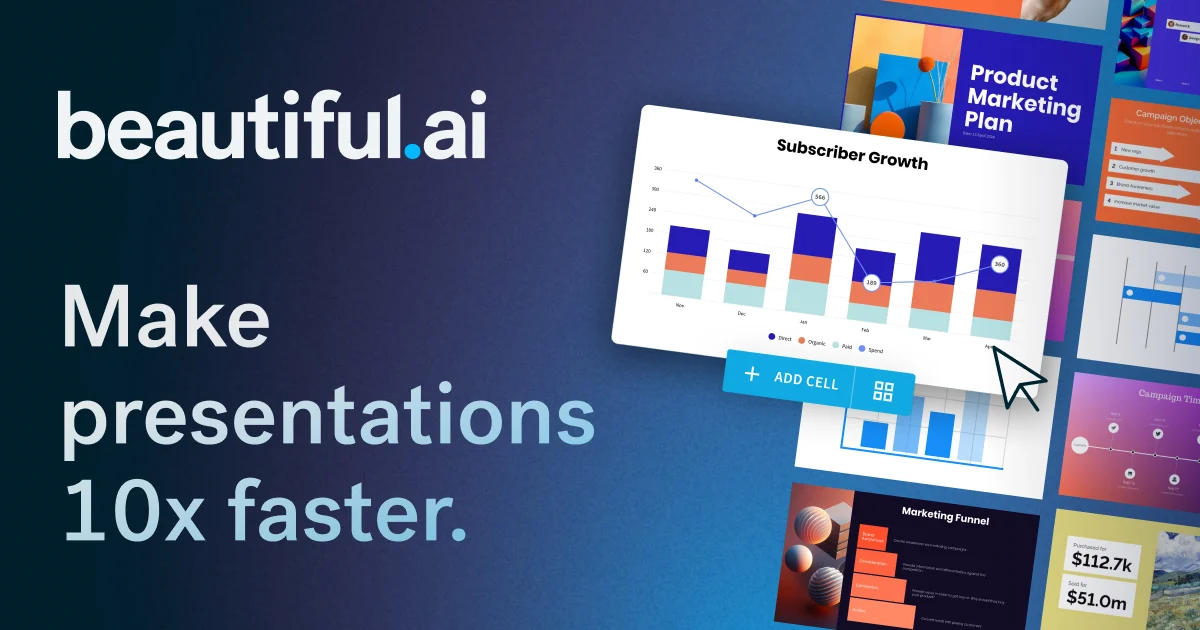
Generate an initial presentation from a prompt and supporting context.
Use adaptive layouts that rearrange visual elements as content changes.
Apply colors, fonts and logos consistently across a presentation.
Present charts and tables in layouts designed for explanation.
Use the supported import and export options for existing presentation delivery.
Define the narrative: Write the audience, decision and essential points before prompting.
Generate and edit an outline: Check the argument sequence before spending time on design.
Apply a theme and real data: Replace placeholders, inspect charts and reduce crowded slides.
Test the final format: Export and review the deck in the software the audience will use.
Write the audience, decision and essential points before prompting.
Check the argument sequence before spending time on design.
Replace placeholders, inspect charts and reduce crowded slides.
Export and review the deck in the software the audience will use.
Pro $14.50/month annually; 14-day card-required trial
The current page lists Pro at $14.50/month billed annually and an ad hoc monthly option at $45. A 14-day trial requires a card and converts to a paid charge if not cancelled. Team is described at $40/user/month annually or $50 monthly; its pricing card also contains a three-user statement, so confirm the final seat quote.
Compare individual slide creation with collaboration, shared assets and brand controls. Trial access is different from a permanent free plan; check cancellation and billing commitments before starting.
It can generate a draft deck, which remains subject to content review.
Adaptive layouts that help keep elements organized as content changes.
No; the trial is time-limited and requires a card.
The plans list supported PowerPoint exports; verify the exported deck.
No; replace unsupported claims with your actual evidence.
The page has differing seat wording; use the checkout total for the selected team.
Explore platforms, inputs and outputs, licensing, and access requirements.
Smart layouts simplify design but can constrain custom positioning. AI-generated facts and data must be checked, and exported slides should be reviewed for delivery compatibility.
Cloud decks and uploaded supporting files need suitable sharing permissions. Use the intended team workspace and remove sensitive client details from publicly shared examples.
Loading experiences…
Explore YouWare for research reports, slides, spreadsheets and websites, with a practical brief-to-review workflow, credit limits and current pricing caveats.
Create on-brand marketing copy and compare variants using audience-focused performance predictions.
An AI writing workspace for developing characters, outlining stories and revising fiction scenes.
Bring a real task and see how it fits the way you work.


User experiences