

YouWare
ProductivityExplore YouWare for research reports, slides, spreadsheets and websites, with a practical brief-to-review workflow, credit limits and current pricing caveats.
Presentation and report workflowsSpreadsheet assistance
Use AI with project records, team goals and repeatable workflows. Asana AI is a practical option for teams that want generated work to remain connected to tasks, owners and progress.
Asana's AI offering includes AI Studio, AI Teammates and Asana Dash alongside its project-management foundations. AI Studio is a no-code workflow builder for inserting AI into work that already moves through Asana. A request can be assessed, summarized or routed while the resulting task remains visible to the team. The product is most useful when existing projects are maintained well enough to supply meaningful context.
Begin with a request-triage project. Define the categories, mandatory information and person responsible for uncertain cases. Have AI propose a summary and classification, then let a reviewer decide whether to accept them. A team can also use maintained project records to prepare status reports, but should check whether missing updates have been mistaken for completed work.
Request triage: Suggest categories and summaries before a team accepts incoming work.
Project communication: Draft status updates from current project information.
Operations handoffs: Keep requests, decisions and responsible people in one tracked process.
Official product image. Click to inspect the details.
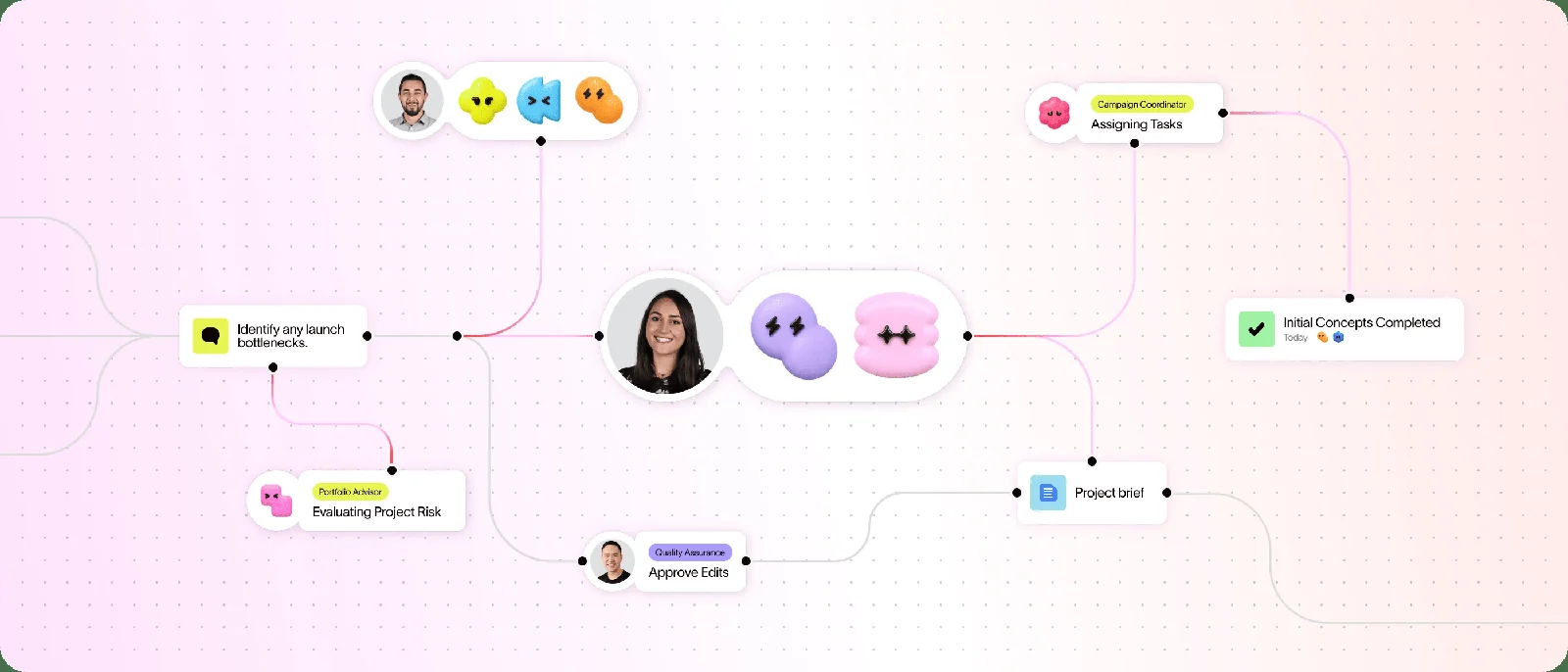
Build AI-supported workflows without writing a separate orchestration application.
Keep AI work tied to tasks, owners, goals and project information.
Use the available agent experience to support defined team work.
Use the AI work-assistant surface available on the account.
Collect consistent inputs and route work through the project's existing structure.
Prepare a small project: Add clear fields, owners and example requests.
Enable permitted AI: Confirm that the admin enables AI and that the selected plan includes the required product.
Build a bounded workflow: Ask AI to classify or summarize one step, with a manual route for ambiguous cases.
Review usage and outcomes: Compare results with the source tasks and monitor the billing account's AI credits.
Add clear fields, owners and example requests.
Confirm that the admin enables AI and that the selected plan includes the required product.
Ask AI to classify or summarize one step, with a manual route for ambiguous cases.
Compare results with the source tasks and monitor the billing account's AI credits.
Starter $10.99/user/month annually; AI usage limits apply
The public Starter price is $10.99/user/month billed annually or $13.49 monthly. Starter lists 50,000 AI Studio credits per billing account per month. Advanced lists 75,000 and Enterprise 200,000. These are shared billing-account allocations, not an unlimited allowance for each person.
AI Studio is available on paid Starter and higher plans, with Basic access and separate Plus or Pro options. The page also lists limited included requests for AI Teammates and Dash. Match the specific AI product, credits and seat count to your intended workflow.
The public pricing page lists AI Studio on Starter and higher paid plans.
The listed Studio allowance is per billing account.
AI Studio is presented as a no-code workflow builder.
A workflow can include AI processing and task routing; define review for uncertain cases.
Check the plan, organization settings, permissions and remaining allowance.
Use a small intake workflow where the original request and reviewer stay visible.
Explore platforms, inputs and outputs, licensing, and access requirements.
AI products have separate allowances, and administrator settings can disable access. A status report is only as reliable as the underlying project updates; review important classifications and commitments.
Use project membership and approved integrations to control context. Restrict internal requests to the appropriate team and check the organization AI settings before processing sensitive work.
Loading experiences…
Explore YouWare for research reports, slides, spreadsheets and websites, with a practical brief-to-review workflow, credit limits and current pricing caveats.
Create on-brand marketing copy and compare variants using audience-focused performance predictions.
Connect company knowledge across workplace apps, find relevant sources and use that context in AI answers and workflows.
Bring a real task and see how it fits the way you work.


User experiences