
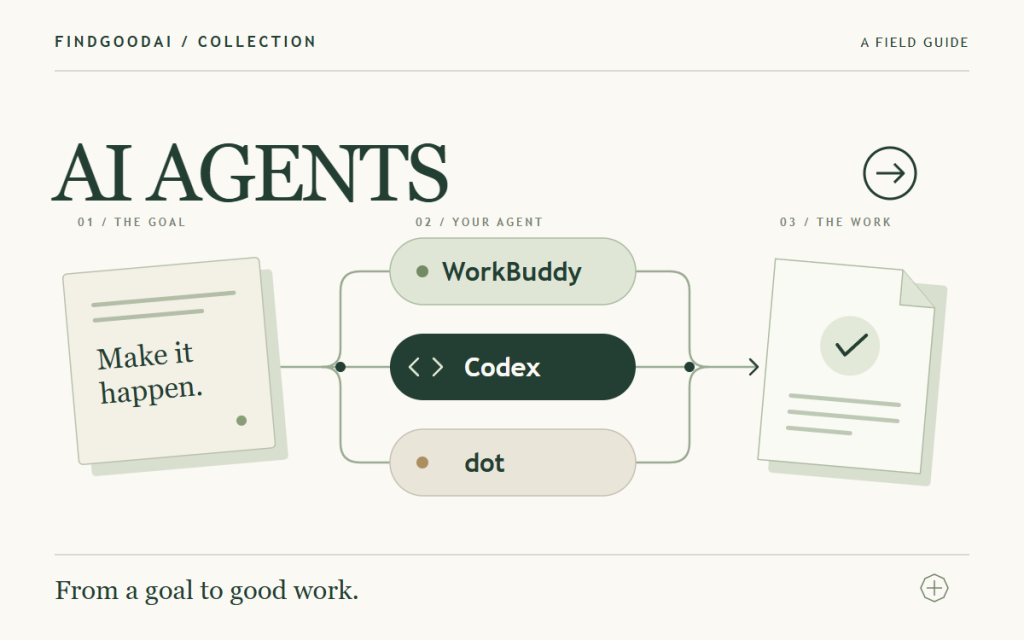
Features and use cases for six agents
Research, files, project updates and code changes often take several steps. These six tools bring agent capabilities to different working environments: they can use context and tools to turn materials into work you can review. Start with the task you want to finish.
Office work, coding and ongoing tasks
01 · WorkBuddy: delegate everyday office work
WorkBuddy is Tencent’s AI workspace for breaking down tasks, using tools and processing files. It suits research, document preparation and turning multiple inputs into a useful deliverable. Try a short research brief with linked sources, clear findings and a separate list of open questions.
02 · Codex: complete tasks in a real codebase
Codex helps you understand projects, change code, run checks, investigate bugs and review changes. It is a useful starting point when you have a repository or want to build a product. Give it a scoped feature or bug, the run instructions and acceptance criteria, then review the changes and test results.
03 · ChatGPT dot: keep ongoing work moving
ChatGPT dot is designed for work that continues between conversations. It can retain task context, use a computer and connected apps with the relevant access, and bring progress back to you. Consider it for an ongoing research topic or a longer-term goal. Define the scope, reporting cadence and completion criteria at the start.
Documents, code editors and team knowledge
04 · Claude: turn source material into useful deliverables
Claude is useful for working through documents, files and research. With the task, file and app capabilities available to your account, it can help produce reports, spreadsheets and project materials. Provide both the source material and the desired format; ask it to link findings to evidence and list missing information.
05 · Cursor: work with an agent inside your editor
Cursor’s Agent can search a project, edit files and run commands. It suits developers who want to inspect code and steer the work as it happens. Start with a page, a bug spanning several files or a missing check, and use the relevant files as context.
06 · Notion AI: work from your team’s shared knowledge
Notion AI brings agent capabilities to a workspace of pages, databases and project information. It can help find material and create or update pages and database records. Try turning meeting notes into decisions and action items on a chosen page. Available features depend on your plan and workspace permissions.
Pick around your next task
- Research, files and office deliverables: start with WorkBuddy; compare Claude for document analysis and writing.
- An existing codebase: delegate a complete task to Codex, or try Cursor if you prefer to steer from your editor.
- Ongoing follow-up: consider ChatGPT dot and define when it should report back and stop.
- Team work in Notion: start with Notion AI so results stay in the shared workspace.
A first task to try
Use the materials I provide to prepare a competitor research brief. Compare audiences, core features and pricing, with a source link for each factual claim. List anything you cannot confirm separately. First outline your plan, then create a one-page summary and an editable detailed report.
When adapting this prompt, keep four elements: the goal, the inputs, the output format and the acceptance criteria. For changes to an existing file or project, define the allowed scope too. Comparing two tools on the same small task makes their differences easier to judge.
Execution environments, connected apps and usage allowances vary. The tool pages below link to official information and access requirements.
Sources & references
WorkBuddy · Tencent Cloud product overview ↗
Codex · OpenAI engineering team guide ↗
Claude · Getting started with tasks ↗
