
Together AI
CodingTogether AI is a cloud for open models: serverless APIs for models such as Kimi, DeepSeek and Qwen, dedicated endpoints, fine-tuning and GPU clusters.
Serverless inferenceDedicated capacity
Hugging Face hosts millions of open models plus datasets and Spaces demo apps, with paid storage, GPUs and inference. Free to browse; PRO is $9 a month.
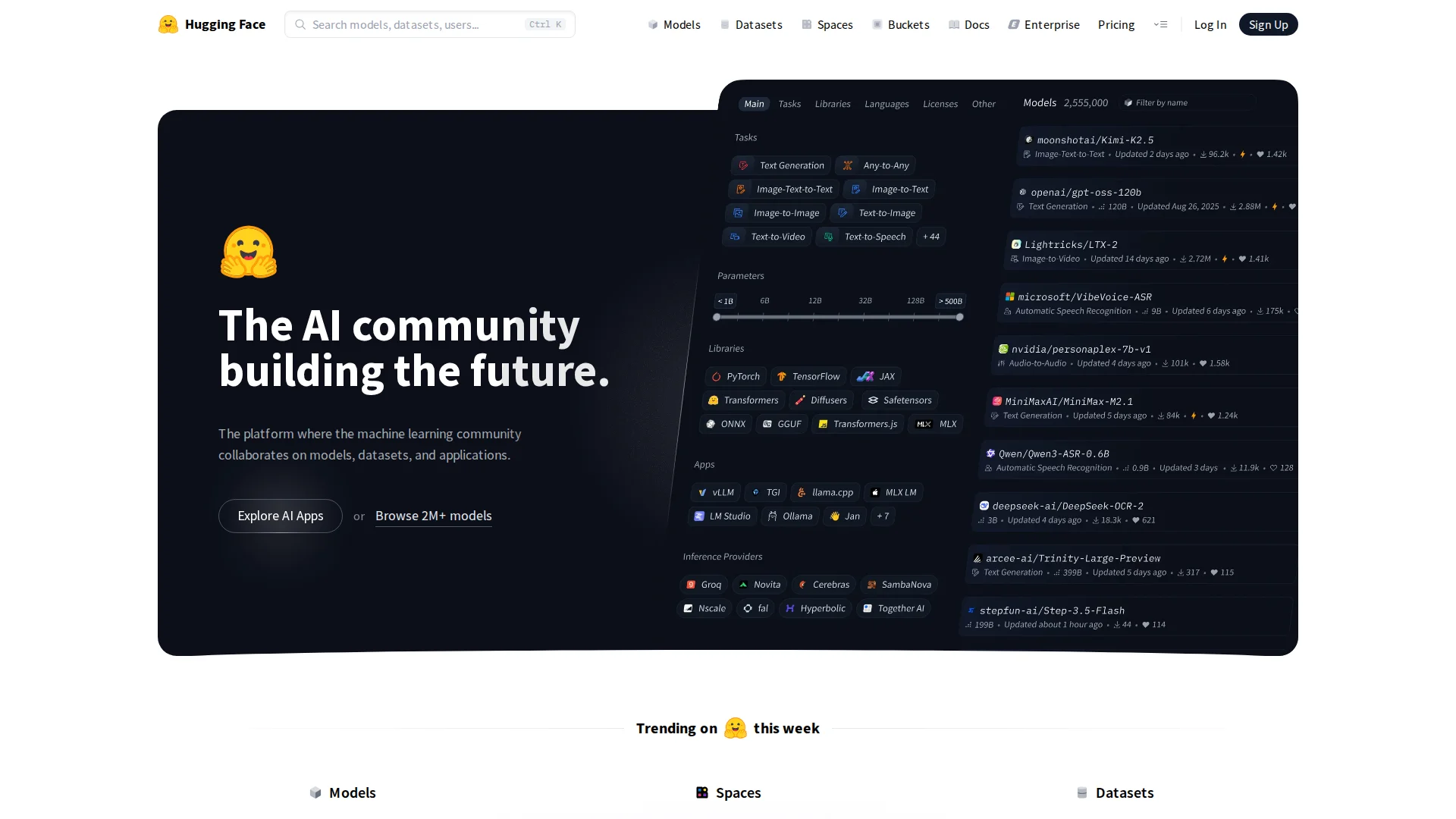
Hugging Face is where most open-weight models are published. Its Hub lists more than two million models, along with datasets and Spaces, small apps that let you try a model in the browser. Model pages, or model cards, carry the license, usage notes and benchmark results, and you can download weights or call models through Inference Providers. Its libraries, such as Transformers and Diffusers, are widely used to run them in code.
Editorial suggestion: when a new open model appears, start with its model card. Read the license, hardware notes and the evaluation table, then try a Space or a hosted provider before you download hundreds of gigabytes of weights.
Evaluate a new model
Download weights
Share a demo
Team collaboration
Official product image. Click to inspect the details.
Official examples and public-page captures; these are not results from a paid-feature trial.
Search and filter millions of models by task, library and license, with model cards and download counts.
Browse and download public datasets, with a viewer for previewing rows.
Host or try demo apps built with Gradio or Docker, on free CPU, ZeroGPU or paid GPUs.
Call models through Inference Providers, or deploy your own Inference Endpoint on dedicated hardware.
Create an account
Find a model
Try before downloading
Create an access token
Sign up at huggingface.co; browsing and public downloads work without paying.
Filter by task and license, then open the model card.
Use a linked Space or Inference Providers to test outputs.
Generate a token for downloads and API calls, with read-only scope where possible.
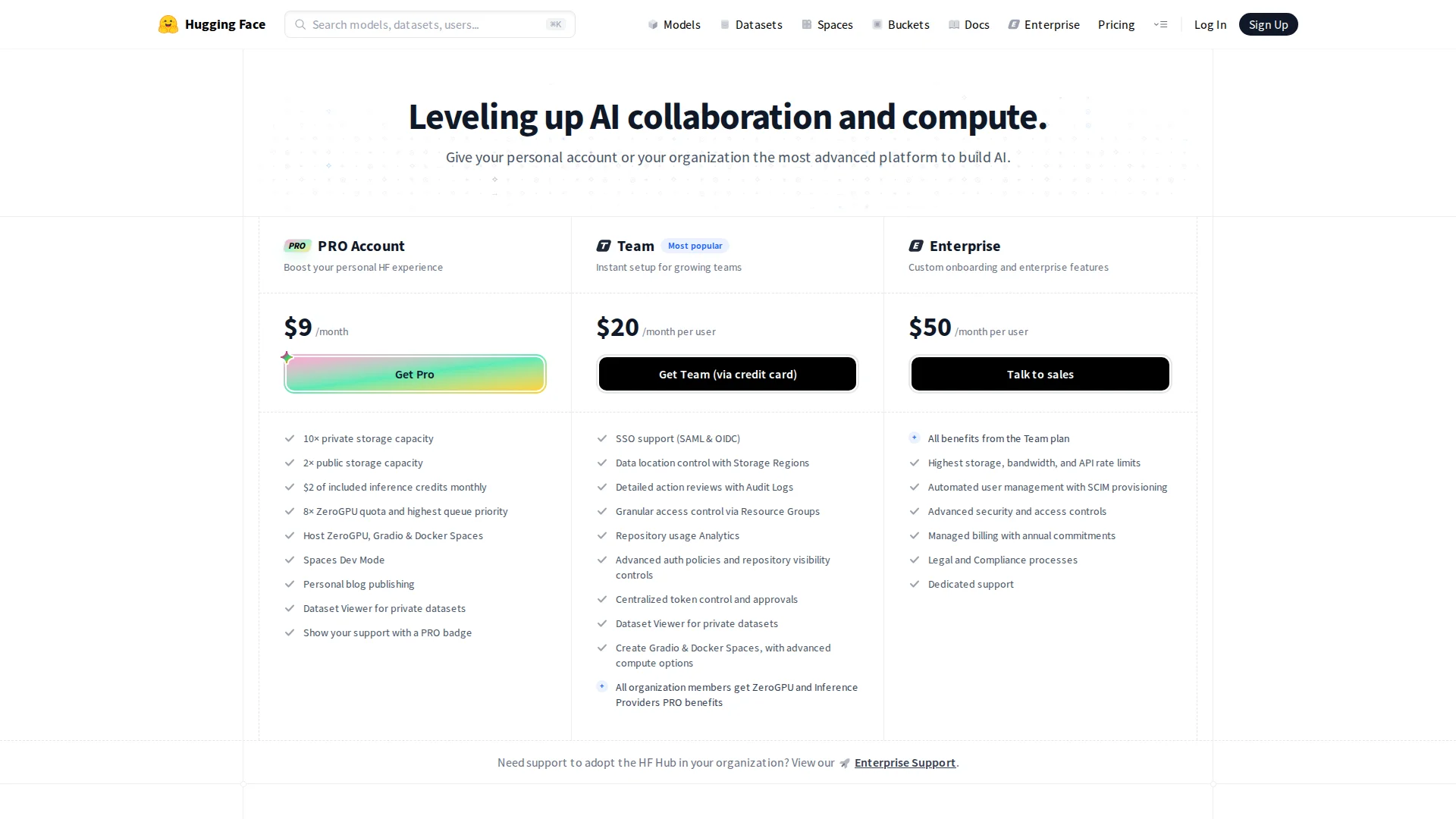
Browsing, public downloads and CPU Basic Spaces are free. PRO costs $9 a month and adds 10x private storage, $2 of monthly inference credits, 8x ZeroGPU quota with top queue priority, Spaces Dev Mode and private dataset viewing. Team costs $20 per user a month with SSO, audit logs and resource groups; Enterprise is $50 per user a month with the highest limits and SCIM.
Compute is billed separately: Spaces GPUs start at $0.40 an hour for an NVIDIA T4 and $2.50 an hour for an A100; Inference Endpoints start at about $0.03 an hour for a small CPU instance. Extra storage costs $12 per TB a month for public and $18 for private repositories.
Browsing, downloads and basic Spaces are free; PRO is $9 a month, and GPUs and endpoints are billed by the hour.
No. Each model has its own license on its model card; some restrict commercial use or require approval.
A small hosted app, usually built with Gradio or Docker, that lets people try a model in the browser.
Shared GPU capacity for Spaces that is free to use within a quota; PRO raises the quota eightfold.
Yes, through Inference Providers or a paid Inference Endpoint.
Team is $20 per user a month with SSO and audit logs; Enterprise is $50 per user a month.
Explore platforms, inputs and outputs, licensing, and access requirements.
These tools overlap with parts of the workflow; compare the specific task, export requirements and current plan rather than treating them as identical products.
Anything in a public repository or Space is visible to everyone, so keep secrets in Space settings rather than code, and use private repositories for internal work. Models on the Hub come from many publishers: check each license, and be careful with repositories that ask you to run custom code.
Loading experiences…
Bring a real task and see how it fits the way you work.
User experiences