Weaviate
CodingWeaviate is an open-source AI vector database featuring hybrid search, built-in vectorization, multi-tenancy and Query Agent, with an always-free $0/month cloud tier (10 GB disk).
Explore fal.ai for generative media APIs, model testing and application integration, including output-based billing, a first-call workflow and data controls.
fal.ai provides hosted generative media models and infrastructure for developers. The Model APIs route is for calling an existing model; Serverless is for deploying your own application or model, while Compute addresses dedicated infrastructure needs. These are related products with different operating and billing considerations, so choose the route that matches your actual task before comparing prices.
Editorial suggestion: start with one endpoint and a small evaluation set. Keep prompts, input files, parameters and result checks consistent so you can compare revisions. A successful HTTP request is only a technical milestone; your application also needs useful outputs, predictable cost, acceptable waiting time and a way to handle jobs that do not finish as expected.
Creative application features
Media workflow prototypes
Automation experiments
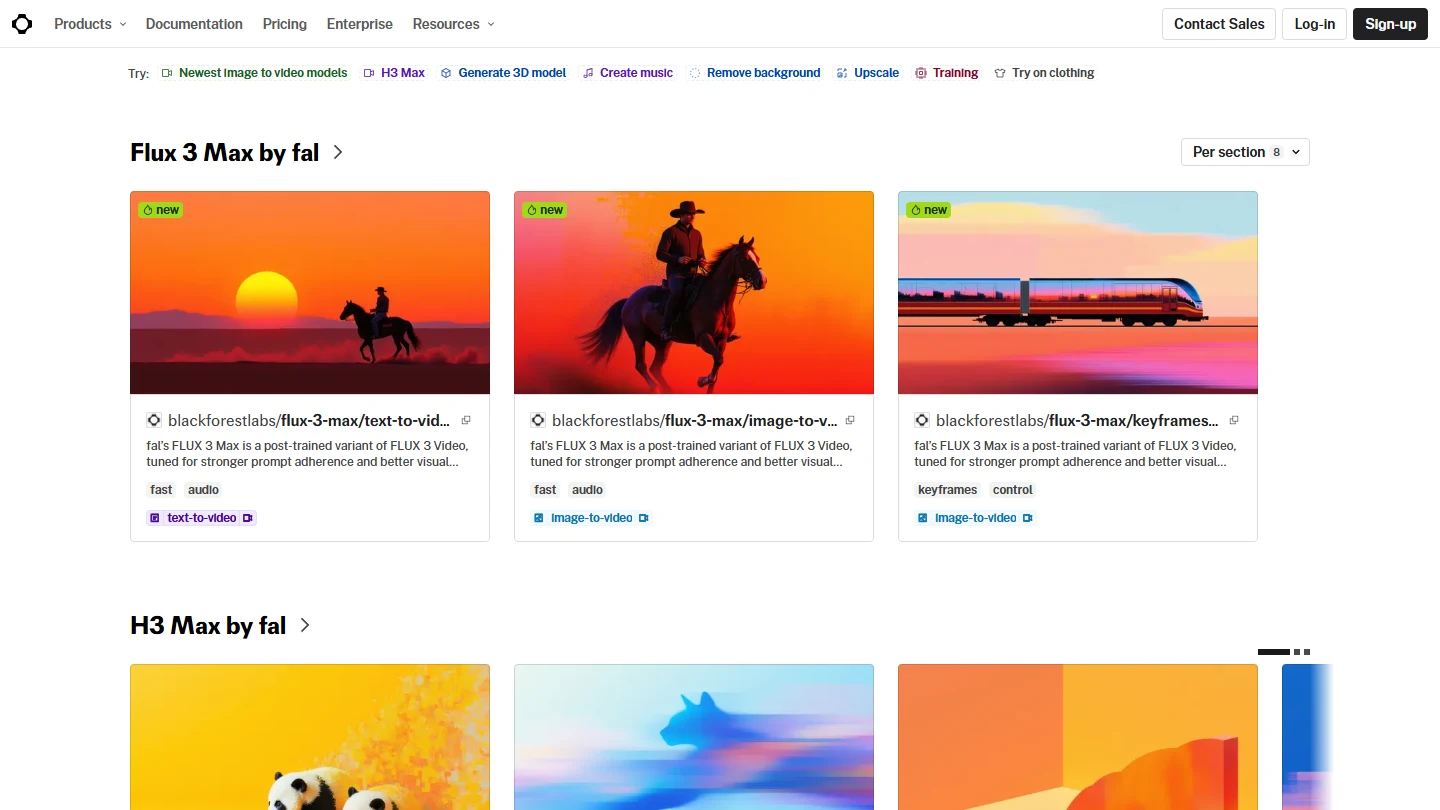
Official product image. Click to inspect the details.


Official examples and public-page captures; these are not results from a paid-feature trial.
The catalogue spans image, video, audio and other media tasks. Each endpoint has its own accepted inputs and output schema. Read the model page instead of assuming a parameter from one endpoint works unchanged on another.
The quickstart provides Python, JavaScript and HTTP paths. A queued workflow is useful for longer generation jobs because your application can keep a request identifier and check progress without treating every request as an immediate response.
Pricing and platform APIs expose information useful for integration and cost monitoring. Request payload retention and media-file retention are separate concerns; configure both deliberately when working with uploaded assets or customer-generated output.
1. Select a specific endpoint
2. Keep the key on the server
3. Submit and inspect a small job
4. Add operational controls
Read the model’s task, schema, pricing unit and applicable terms. Pick a low-volume test that resembles your real workload. Do not choose purely from a sample image because examples do not establish performance on your own inputs.
Create an API key and use the official client or HTTP example. Store the key in a server environment variable, never in a public browser bundle. Keep a separate development budget and avoid using a production credential for initial experiments.
Submit one request, record its identifier and inspect the returned media and metadata. Save a copy if you need it later. Check the result in the actual destination application rather than relying only on the dashboard preview.
Before increasing volume, set limits, handle timeouts and retries, and make sure a retry cannot accidentally duplicate a user-visible job. Configure data retention and file access, then track actual cost per accepted output rather than cost per request alone.
Model APIs use prepaid credits and endpoint-specific output pricing. Images may be billed per image or megapixel; video can use seconds or another model-specific unit. For one concrete example, the public table lists FLUX.1 [schnell] at USD 0.003 per megapixel. That is one endpoint’s rate, not a flat platform price.
The official billing guide says Model APIs do not charge for server errors or queue waiting time. Serverless uses a different compute-based billing model. No universal recurring free generation allowance was verified for this profile.
No. It hosts a catalogue of models and provides infrastructure; capabilities and terms depend on the chosen endpoint.
Yes. The official quickstart includes a JavaScript client as well as Python and HTTP examples.
No. Check the endpoint and billing unit, including output dimensions and other parameters that affect cost.
No. Route authorized requests through a controlled backend and keep the secret outside the public bundle.
Do not assume so. File lifecycle settings are separate from request history; download assets you need to retain.
No. It documents the platform and a suggested integration evaluation; it makes no measured speed or quality claim.
Explore platforms, inputs and outputs, licensing, and access requirements.
These tools overlap with parts of the workflow; compare the specific task, export requirements and current plan rather than treating them as identical products.
The retention documentation states that request payloads are stored for 90 days by default; disabling request-history storage does not automatically disable CDN or application storage. Zero Data Retention is not enabled by default and its endpoint coverage should be confirmed with fal. Download required outputs and review access controls instead of treating a returned URL as permanent private storage.
Loading experiences…
Bring a real task and see how it fits the way you work.
User experiences