Before funding an API experiment, check whether your existing subscription includes credits. This guide covers claiming them and testing your first workflow.
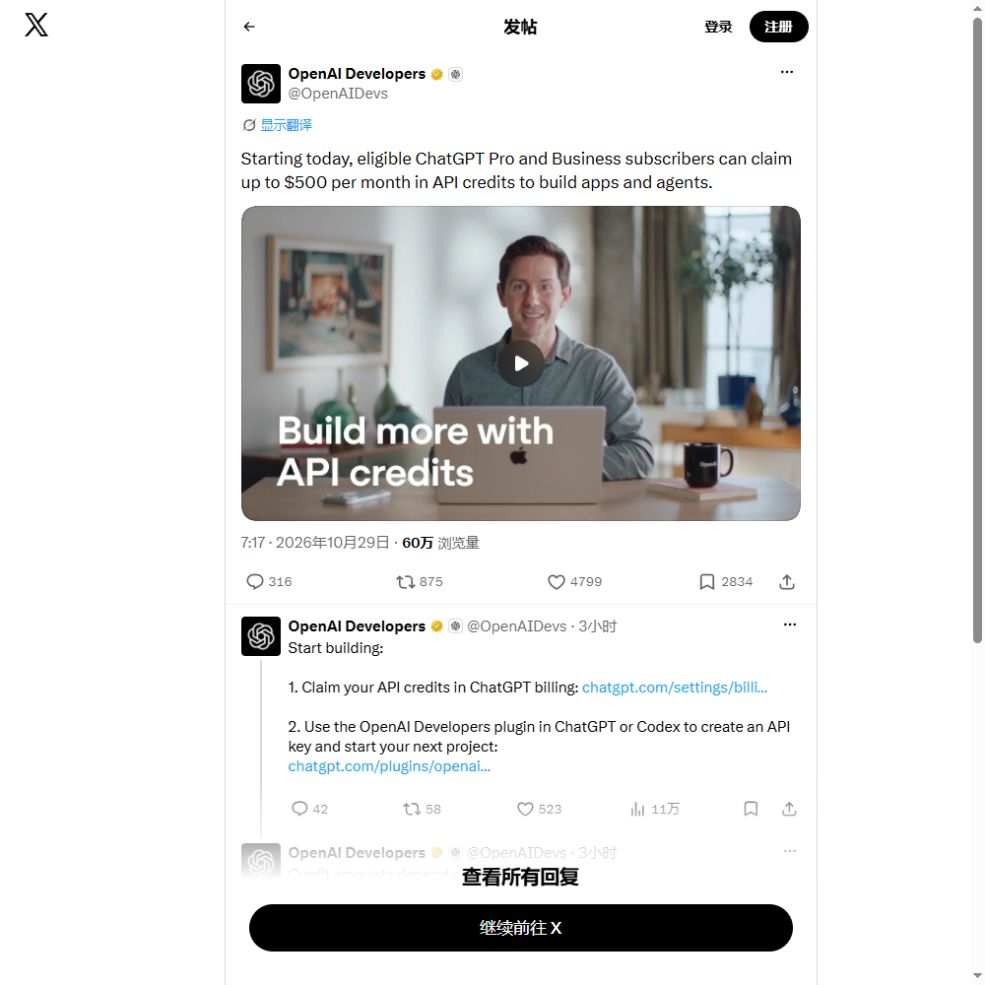
Eligible ChatGPT Pro and Business subscribers can claim API credits for applications and agents, with a monthly allowance up to $500. That ceiling is not a universal grant. ChatGPT and API billing remain separate, and the benefit funds a linked API organization rather than expanding conversation allowances.
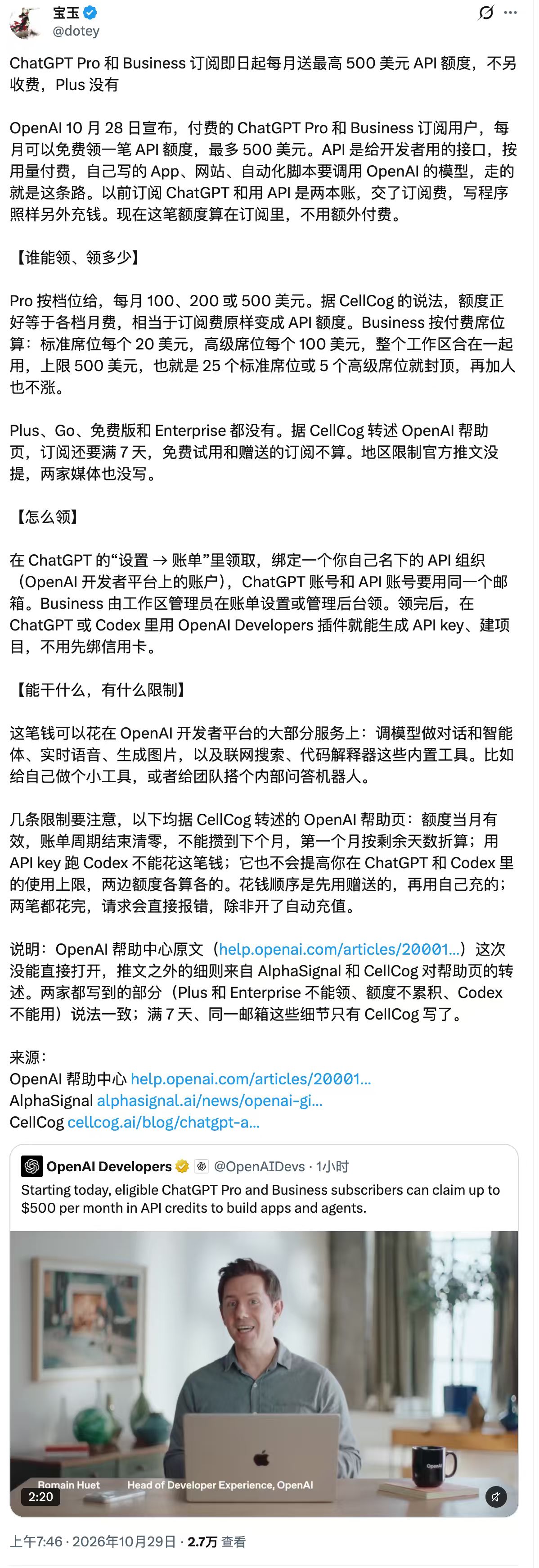
OpenAI announced this benefit on October 28, 2026 (October 29 in Beijing).
Calculate the allowance
Pro tiers priced at $100, $200 and $500 receive matching full-period monthly allowances. Monthly Business workspaces pool $20 per paid Standard seat and $100 per paid Premium seat, capped at $500. Plus, free trials and complimentary subscriptions are excluded; Enterprise, Edu and legacy Codex seats are not listed as eligible.
Five Standard seats and three Premium seats contribute $400. Ten Standard and three Premium seats reach the $500 monthly cap. Adding another Premium seat raises the calculated amount to $600, but the actual monthly grant remains $500. Additional seats have subscription costs, so buying seats solely for credits needs a separate cost comparison.
Check ownership and organization
The eligible paid subscription must be active for at least seven days. The linked ChatGPT and API accounts must use the same email address. A Pro claimant must own the subscription and the receiving API organization. A Business claimant must be both the workspace owner and an owner of the receiving API organization; workspace administrator status alone is insufficient. The claimant must also have permission to manage billing in that API organization. Availability also depends on cohort and country.
One subscription or workspace links to one API organization, and that organization can have one active benefit link. Identify the organization your application uses before confirming. Checking another organization can make an issued grant appear missing.
Claim, verify, make a small request
Pro users start in ChatGPT Settings and Billing. Business owners use workspace billing or Admin Console. Select the receiving organization, review the amount and confirm, then inspect Billing and Credit grants in API Platform. API Platform Billing also provides a linking entry point.
Activation, usable credentials and a successful request are separate milestones. Create a restricted test-project key, store it on the server or in a secret manager, and run one small request. Check activity and balance in the intended organization. Never embed the secret in public browser code.
Expiration follows the billing cycle
Monthly grants expire at the subscription cycle’s end without rollover. A first grant claimed partway through a period is prorated. Eligible renewals issue later grants automatically while the benefit remains available.
Annually prepaid Business workspaces receive the annual grant upfront, capped at $6,000 per annual cycle. The first grant is prorated and expires at that cycle’s end. Read the grant’s actual expiration date rather than assuming all credits disappear at calendar month-end.
What is covered
The benefit covers applicable linked-organization API usage including text, agents, realtime voice, images and relevant built-in tool usage or storage. It excludes Codex through API keys and does not increase ChatGPT or signed-in Codex limits. Business seats do not automatically grant API organization or project access.
A useful first project could classify support questions into a fixed schema for human review. Keep inputs small, retain failures and compare results with a manual baseline. Credits fund experiments; they do not replace access controls, data checks or evaluation before deployment.
What happens when credits run out
An active promotional grant does not require an API payment method. Promotional credits are spent before purchased credits. Requests continue against any remaining paid balance; with none available, they fail for insufficient credit. Auto Recharge can purchase additional balance, so inspect its threshold, target and monthly purchase limit.
A balance does not remove request-rate, model or project limits. Use clear errors and bounded retries. Existing eligible subscribers can experiment at lower incremental cost, while upgrade decisions should still consider actual demand, collaboration needs and recurring expense.
Who gets the most value?
The grant offsets eligible API usage; it is not cash back. If Pro or Business already fits your needs, claiming the benefit and testing a small project can reduce additional API purchases. Its practical value is the eligible usage you consume before expiration, not the maximum amount displayed.
Consider a hypothetical developer who does not otherwise need a paid ChatGPT subscription and plans to spend $30 a month on the API. Buying a $100 monthly Pro subscription solely for its credits still costs $100. If only $30 of eligible API usage is consumed, the unused grant expires at the billing-period end. The subscription’s other features need to provide value too for that purchase to make sense.
Teams should check their existing seat mix before adding seats. Once a monthly Business workspace reaches the $500 cap, more seats do not increase this grant. An annual Business grant is larger because it covers the annual period, and it still expires; a larger displayed balance is not a reason to run workloads without a useful goal.
English original and Chinese screenshot
Sources and further reading
Sources & references
Copy the link to save or share this article.