
Uizard
Image & designTurn prompts, screenshots or sketches into editable interface concepts. Uizard helps product teams explore screens and communicate flows before committing to full implementation.
Prompt-to-interface conceptsScreenshot Scanner
Denoise, sharpen, upscale and repair photographs through a desktop application or supported editing plugin. Topaz Photo combines several enhancement tools with local and cloud rendering options.
Topaz Photo targets photographs that need a finishing or recovery pass: high-ISO noise, soft focus, limited resolution or small defects in an older image. Different tools address different problems, so choose the smallest correction that improves the intended output rather than applying every enhancement at maximum strength.
Evaluate at both 100% zoom and the final display or print size. Fine detail can look impressive while introducing halos, altered textures or invented facial features. Keep the source image and export a separate result so the enhancement remains reversible.
Low-light photography
Print preparation
Family photo restoration
Official product image. Click to inspect the details.
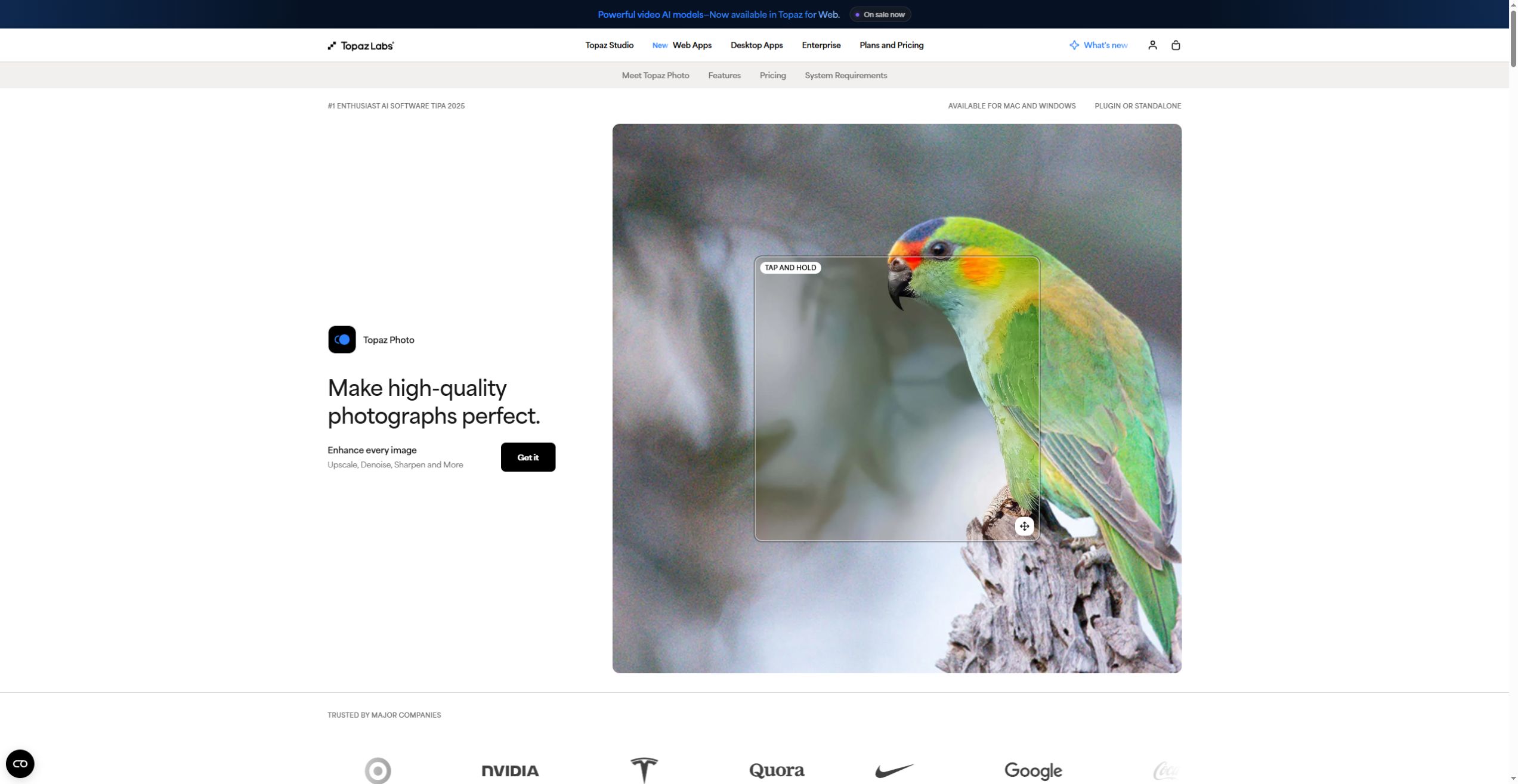
Use Denoise for noisy images and the appropriate RAW workflow when working from camera files. Check smooth surfaces and fine textures separately.
Sharpen and focus-related tools improve the appearance of soft detail. Watch for bright outlines and repeated artificial patterns around edges.
Choose an upscale approach for the output size and fidelity you need. More pixels do not by themselves prove that original detail has been recovered.
Dust, scratch, removal and healing tools address image defects. Review repaired areas next to unedited texture to catch mismatches.
Use the standalone app or a supported plugin with editors such as Photoshop and Lightroom Classic. Local and cloud processing have different hardware and data implications.
Keep an original copy
Identify the main defect
Inspect and adjust
Export and check downstream
Choose a representative image and record the intended output dimensions. Avoid overwriting the source.
Decide whether noise, blur, low resolution or surface damage is the main issue, then start with the relevant tool.
Compare before and after at full zoom and final size. Reduce processing if textures, text or faces drift from the source.
Save a separate output and open it in the final editor or print workflow. Check dimensions, color and compression before delivery.
Pricing checked on October 5, 2026. See plan details below.
The product page lists Personal at $199 billed annually, $25 per month with a 12-month commitment, or $39 on monthly billing. The $25 option is annual billing paid in installments, not the same commitment as a cancel-any-month plan.
The listed plans include local and cloud image rendering. Personal commercial use is limited to organizations below $1 million in annual revenue; Pro adds broader commercial licensing and other capabilities. Topaz Studio is a separate bundle, so compare the single-app and bundle offers before choosing.
No. It is a desktop product for Windows and macOS, with supported plugin workflows.
The product provides local rendering; check model and hardware requirements for your chosen workflow.
The page identifies that offer as a 12-month commitment billed monthly.
No. Compare the result carefully because enhancement can infer details that were not visible in the source.
The page limits Personal commercial use to organizations below its stated annual-revenue threshold.
Inspect edges, text, faces and texture at 100% and at the final output size, while keeping the original for comparison.
Explore platforms, inputs and outputs, licensing, and access requirements.
Topaz Photo is proprietary desktop software. Check current system requirements, GPU support and plugin compatibility for the exact version before subscribing. Local processing depends on your hardware; cloud processing is a separate execution path, and some models differ by license or location.
For confidential images, select the local workflow and verify which processing path is active. Cloud rendering sends the image to a remote service. Obtain appropriate permission for identifiable people and do not present generated restoration detail as verified historical evidence.
Loading experiences…
Saved tools are private. Approved comments are public; edits return to moderation. Comment counts include approved comments and replies. Each person has one rating. New ratings are automatically approved; withdrawn, unapproved or invalid ratings do not count. Share real experiences and avoid spam, private information or personal attacks.
For moderation appeals or data requests: support@findgoodai.com
Bring a real task and see how it fits the way you work.
User experiences