

Sources & references
Current Playground Design home ↗
Current plans and usage comparison ↗
Start a poster, social image, logo concept or product graphic from a template or prompt, then edit pieces through Smart Layers. Playground now resolves to playgroundai.com; plan limits combine rolling generation caps and monthly model credits.
Playground Design is a visual editor built around common deliverables: posters, T-shirts, social posts, stickers, cards, mockups and more. The former playground.com/design address redirects to playgroundai.com/design. A user can browse templates or start a blank design, generate imagery, and then adjust layout elements rather than accepting a flat AI image. Its 2026 Smart Layers feature is especially relevant for practical design: it attempts to separate objects and text into selectable pieces that can be moved, resized, deleted or rewritten. The separation is AI-assisted and should be checked in the final export.
Try it with a real promotional card. Choose a template matching the destination ratio, replace every placeholder with approved copy, then edit an object and the headline as separate elements. If text is embedded in a flattened template, Extract Text may turn it into an editable layer, but the official post says that action uses credits. Check legibility at phone width and verify that AI has not altered a logo, price or date. Save the editable file as well as the final image, because a design team often needs a later size or language variant.
The current pricing page combines a rolling image-generation allowance with a smaller shared monthly credit pool for selected models. Free has a limited plan and three monthly shared model credits; Pro lists 150 monthly credits and Pro Plus 1,000. The visible comparison table has a Free rolling-window number that differs from the headline, and an older help article contradicts the current Pro Plus unlimited claim. Treat the signed-in counter and live pricing page as the operational limit, and test the intended model before purchasing for volume.
Social campaign graphics
Print-on-demand concept
Event invitations
Official product image. Click to inspect the details.
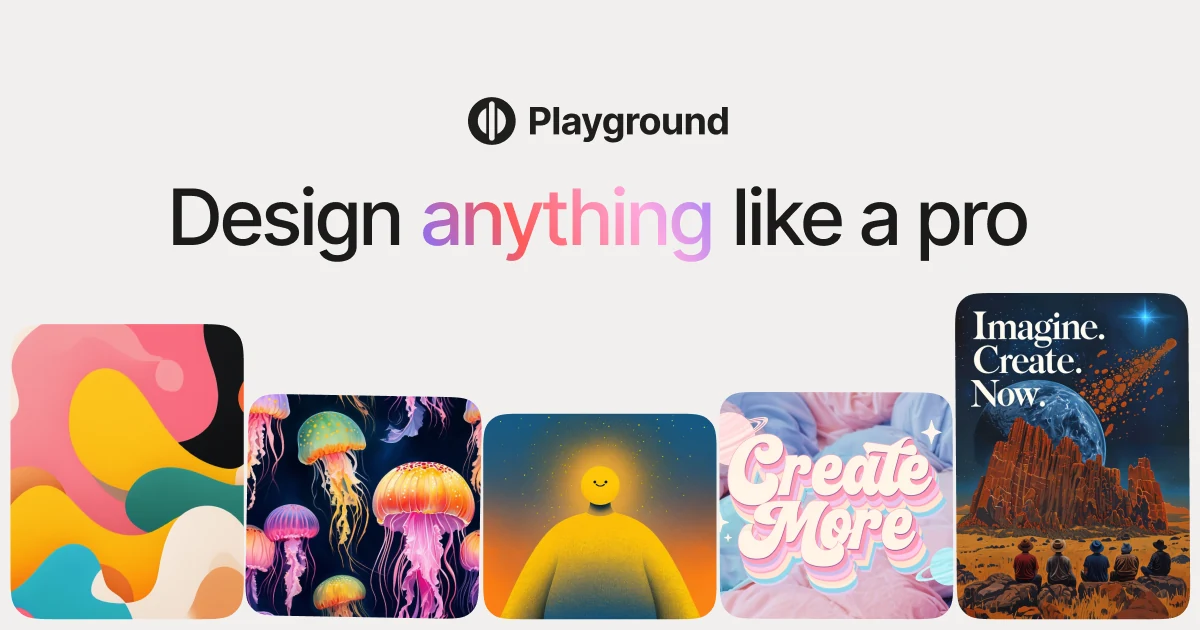
Browse formats such as posters, social graphics, cards and merchandise layouts, then replace placeholder copy and imagery with approved material.
Move, resize, rotate, delete or rewrite selected elements of an image; inspect whether the separation changed nearby pixels.
Turn flattened template text into editable layers where possible; the official guide says the conversion consumes credits.
Compare model output with the brief and note monthly credit use; the Auto model and cost can differ by plan.
Keep the editable design for later crops or language variants, and check which plan permits SVG or unlimited downloads.
Choose format and template
Generate a controlled variant
Edit layers and proof text
Export and preserve master
Select the destination first, then a template that leaves room for exact copy and accessibility needs.
Create a small set under the same brief and note the model, rolling limit and monthly credit counter.
Use Smart Layers or Extract Text, then verify logo, prices, dates, font and mobile legibility.
Download the final format permitted by the plan and retain the editable file for resizing or translation.
Pricing checked on October 7, 2026. See plan details below.
The live page describes Free, Pro and Pro Plus. Free includes limited generation with a three-credit shared monthly allowance for selected models and limited downloads. Pro currently displays $15 on monthly billing or $12 per month when billed $144 annually, with 150 monthly model credits. Pro Plus displays $45 monthly or $36 per month when billed $432 annually, with 1,000 monthly model credits and additional advanced tools. Distinguish the annual effective monthly figure from a month-to-month charge.
The page also describes a rolling generation allowance, and Free figures in its headline and comparison table differ. Pro Plus calls some generation unlimited, while older help text says otherwise. Model-specific credits, Smart Layers actions, upscaling and background removal are separate usage considerations. Before scaling production, inspect the account counters and cost shown for the exact model and action.
playground.com/design redirects to playgroundai.com/design, the current official design page.
Yes. The site lists posters, social posts, shirts, stickers, cards and many other formats.
Smart Layers attempts to separate objects and text; review the result for visual artifacts.
Yes. The official product article says extracting text into editable layers uses account credits.
The first caps generation over a moving time window; the second is a shared monthly allowance for particular models or actions.
The pricing FAQ says created images may be used commercially under its terms; check rights in any uploaded source.
Explore platforms, inputs and outputs, licensing, and access requirements.
Playground is a hosted service. Its commercial-use answer says users may use created images commercially under its terms, but it does not remove the need to clear uploaded marks and third-party assets. Smart Layers are generated separations, not guaranteed original vector layers. Keep an approved original and check every exported copy at target resolution.
Uploaded photographs, customer logos and campaign drafts may enter a cloud editor. Keep team sharing controlled and avoid placing confidential or unlicensed assets in public template workflows. Visible text and design rights deserve a manual check even when the generated image looks finished.
Current Playground Design home ↗
Current plans and usage comparison ↗
Loading experiences…
Saved tools are private. Approved comments are public; edits return to moderation. Comment counts include approved comments and replies. Each person has one rating. New ratings are automatically approved; withdrawn, unapproved or invalid ratings do not count. Share real experiences and avoid spam, private information or personal attacks.
For moderation appeals or data requests: support@findgoodai.com
Convert bitmap logos, sketches and artwork into editable SVG, PDF, EPS or DXF paths. Web previews can be inspected free; production downloads need a web subscription, while API calls use a separate credit plan.
Freepik adopted the Magnific name in April 2026. The current suite spans image, video, audio, design and stock assets; AI credits and stock-download rights are separate, and the free tier is for personal use.
Remove a photo background automatically, inspect the cutout, then download a transparent or replaced-background result. Website previews are free at low resolution; full-size downloads use image credits.
Bring a real task and see how it fits the way you work.


User experiences