InVideo
Video creationCreate and revise videos with AI agents while retaining an editable multitrack timeline. InVideo’s current editor combines footage search, storyboard planning, generated assets and real-time collaboration.
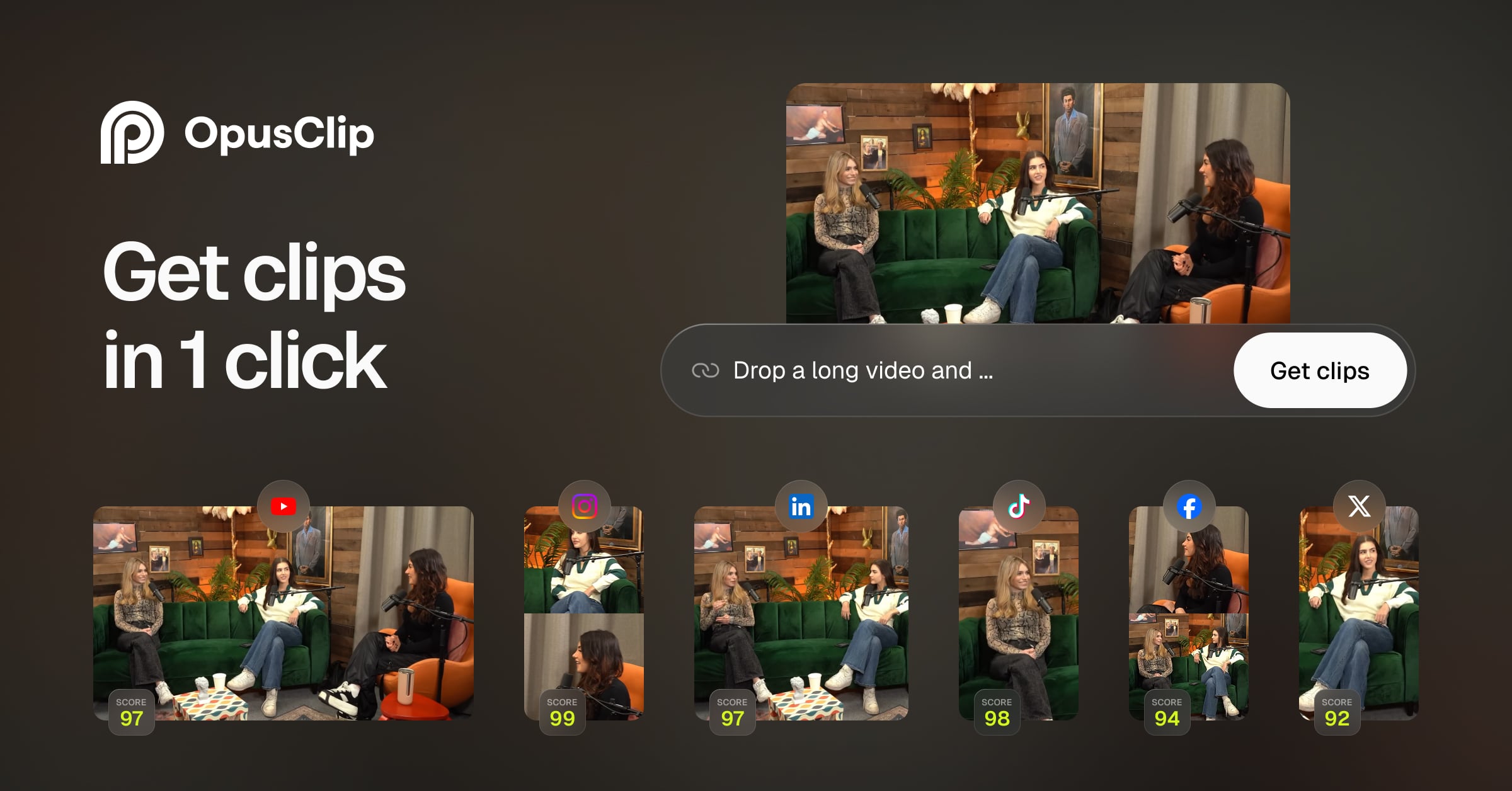
Turn longer recordings into short clips with AI-assisted selection, captions and reframing. OpusClip targets creators and teams repurposing podcasts, interviews, webinars and other recorded content.
OpusClip is designed for finding useful moments inside material you already have. Its workflow combines candidate selection with captions and framing for short-form delivery. This makes it a practical starting point for publishing highlights without manually reviewing the entire recording on a traditional timeline first.
The best clip still needs editorial judgment. Check whether the opening establishes the topic, whether a claim depends on omitted context and whether the ending feels complete. A high automated score cannot establish that a clip is accurate, engaging for your audience or likely to go viral.
Podcast highlights
Webinar summaries
Interview distribution
Official product image. Click to inspect the details.

Generate candidate highlights from a longer source. Where available, topic and prompt controls help narrow the search to the story you want to tell.
Adapt the source to short-video aspect ratios while keeping important subjects visible. Inspect speaker changes, screen shares and fast movement.
Add readable captions with keyword emphasis and style choices. Correct names and terminology before applying the final visual treatment.
Paid editing workflows support refining selected clips, removing filler or silence and adding supporting material. Keep enough context for the statement to remain fair and understandable.
Depending on plan, schedule social posts or export work to Premiere Pro and DaVinci Resolve for a more detailed finishing pass.
Choose a source and purpose
Generate candidate clips
Review context and captions
Export or schedule
Use a recording you can publish and identify the audience and topics that matter.
Set the supported duration and framing options, then review the suggested extracts.
Compare the clip with the surrounding source, correct the transcript and adjust the crop.
Watch the finished clip, confirm branding and choose the approved account or download destination.
Pricing checked on October 5, 2026. See plan details below.
Free includes 60 monthly credits, watermarked output up to 1080p and no editing; clips stop being exportable after three days. Starter is $15/month with 150 credits, an editor, one brand template and watermark removal.
The base Pro offer is $29 monthly or $174 annually, with 300 monthly credits and unused-credit rollover for two months. It adds a team workspace and more advanced editing, scheduling and handoff options. Business plans provide customized usage and integration terms.
The current Free plan explicitly lists no editing.
The pricing page says they are no longer exportable after three days.
No. Treat the score as a sorting aid and review the actual clip.
Automatic reframing supports short-form delivery; available aspect ratios vary by plan.
Applicable plans list exports to Adobe Premiere Pro and DaVinci Resolve.
A complete, understandable point with accurate context and readable presentation.
Explore platforms, inputs and outputs, licensing, and access requirements.
OpusClip is a proprietary service. Import sources, retention, export formats and editing controls differ by tier. Its Virality Score is an automated selection aid, not independent evidence of future audience response or earnings.
Confirm speaker permission and source rights before repurposing recordings. Check who can access the team workspace and which social accounts are connected. Save approved exports in your own archive instead of relying on a free plan’s short retention window.
Loading experiences…
Saved tools are private. Approved comments are public; edits return to moderation. Comment counts include approved comments and replies. Each person has one rating. New ratings are automatically approved; withdrawn, unapproved or invalid ratings do not count. Share real experiences and avoid spam, private information or personal attacks.
For moderation appeals or data requests: support@findgoodai.com
Bring a real task and see how it fits the way you work.
User experiences