

Kittl
Image & designExplore Kittl for AI graphics, editable vectors and merchandise design, with practical first-project steps, free-plan limits and licensing considerations.
AI image toolsEditable vector artwork
Create images and edit visual assets for invitations, posts and everyday communication. Microsoft Designer gives non-designers a prompt-led starting point, with credit-based AI access and Microsoft 365 upgrade options.
Microsoft Designer is an AI-powered design and image-editing application. It is useful for quick visual work where a person needs an editable starting point rather than an empty canvas: a social graphic, invitation or themed image. Users can combine generation with editing tools, then adjust composition and text to suit the actual audience. The result still needs human judgment about legibility, likeness and whether it communicates the intended message.
For a useful first design, specify the format, audience, subject and space reserved for text. Create a few alternatives, choose the clearest one and refine it instead of repeatedly generating from scratch. Add important wording manually when exact spelling matters. Before publishing, inspect the visual at the size people will actually see, especially mobile posts and small thumbnails.
Social graphics: Create a background or visual concept, then add accurate wording.
Invitations: Generate an image direction and refine its layout for readable details.
Presentation assets: Create illustrations or supporting visuals for an existing slide deck.
Official product image. Click to inspect the details.
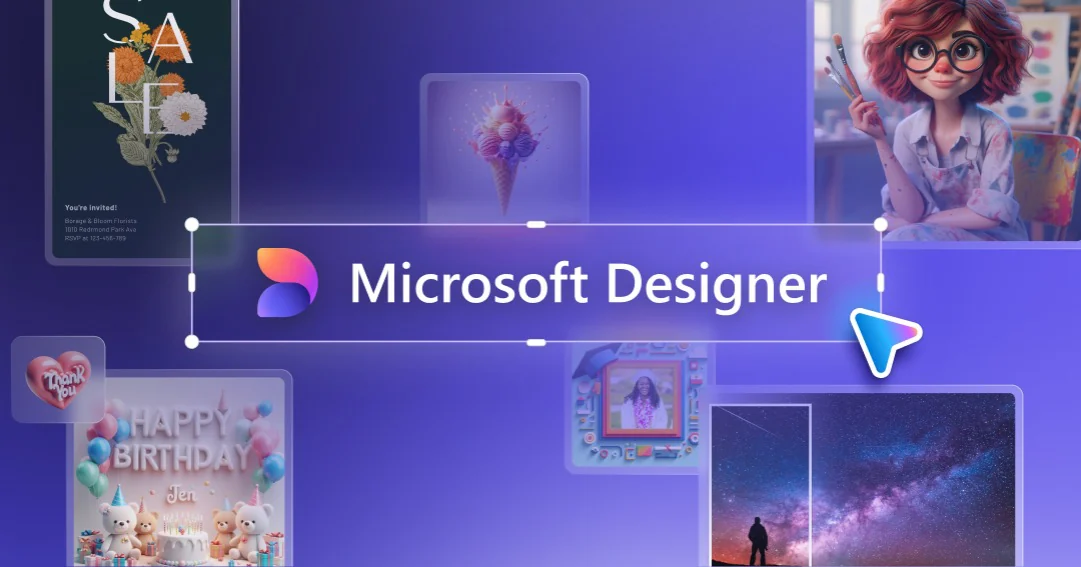
Describe the subject and style to create a visual starting point.
Use the product's supported editing tools to refine an existing asset.
Create communication assets for posts, invitations and related tasks.
Compare alternatives and refine composition for the intended use.
Use the app with the required account and available AI-credit allowance.
Define the format: Choose the audience, aspect ratio and placement where the asset will appear.
Write a concrete prompt: Describe the subject, visual style and text-free space you need.
Refine the best option: Adjust the image and add exact text rather than accepting the first result.
Check and export: Inspect faces, spelling and small-size legibility before sharing.
Choose the audience, aspect ratio and placement where the asset will appear.
Describe the subject, visual style and text-free space you need.
Adjust the image and add exact text rather than accepting the first result.
Inspect faces, spelling and small-size legibility before sharing.
Free AI-credit allowance; Microsoft 365 upgrade options
Microsoft describes free Designer access with an AI-credit allowance and upgrade options through Microsoft 365 Personal or Family. A free entry does not mean unlimited generation. The allowance and applicable subscription benefits should be checked on the signed-in account.
Do not buy a subscription only from an old credit table or promotional statement. Confirm the current local currency price, renewal commitment and which Designer benefits apply to that Microsoft 365 plan.
It is a design and image-editing app; you can use its assets in presentations.
Microsoft lists free access with a credit allowance.
No; check the AI credits available to your account.
Inspect spelling and add important wording manually where necessary.
It includes supported image-editing tools as well as generation.
Review the current account terms and rights in any uploaded material.
Explore platforms, inputs and outputs, licensing, and access requirements.
Generated text and faces can need correction. Check current account eligibility, content rules, AI-credit limits and usage terms before using images in a business campaign.
Uploaded pictures and prompts are processed by the service. Avoid including private identity documents or confidential visual material unless the account and organizational terms permit that use.
Loading experiences…
Explore Kittl for AI graphics, editable vectors and merchandise design, with practical first-project steps, free-plan limits and licensing considerations.
A browser-based collection of image generation, photo editing, chat and other creative AI tools.
AI-assisted brand content and website creation for small and medium-sized businesses
Bring a real task and see how it fits the way you work.

User experiences