CodeRabbit
CodingReview pull requests with repository-aware AI feedback, discuss findings and bring checks into the development workflow. CodeRabbit also offers CLI review and higher-tier triage and security features.
Junie combines a coding agent with planning, model choice and JetBrains development workflows. Use the CLI, supported IDE integration or repository automation to work on scoped code changes.
Junie is a fit for developers who want an agent to work through an implementation while keeping the plan and execution visible. The current product offers a terminal workflow and connections to JetBrains tools, with options to choose models or bring a provider key.
Start with a change that already has a clear definition of done, such as correcting a parser or adding validation. Ask for a plan, review the files that will change and compare the result with existing behavior. An agent is easier to evaluate when the success condition is observable and the patch is small.
Add tests around an existing function
Prepare a framework migration
Automate a small repository task
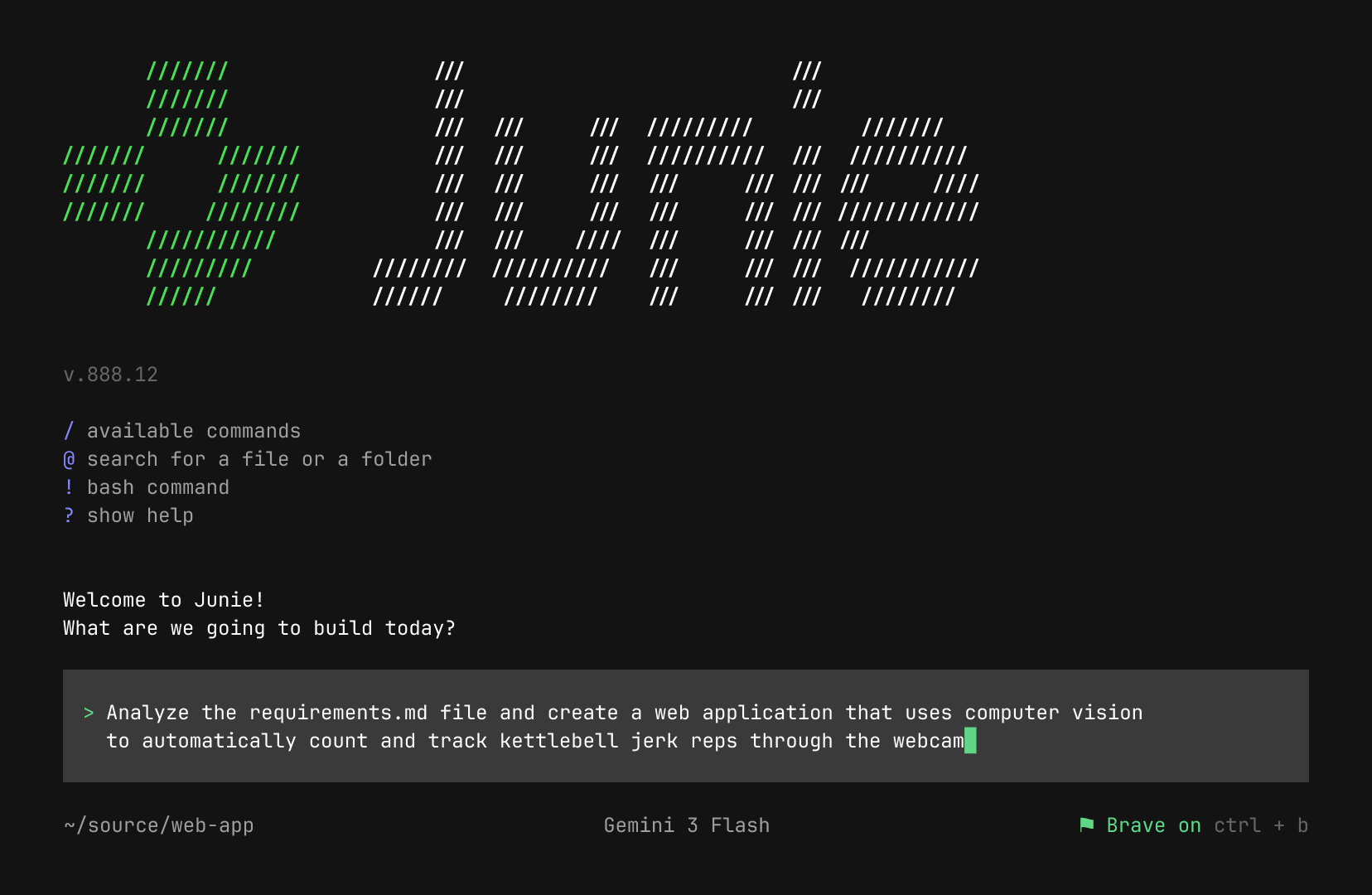
Official product image. Click to inspect the details.

Plan Mode produces staged requirements, design and delivery work. The official site describes plans stored under .junie/plans, making them available for editing and version control.
Choose different models for planning and implementation or connect your own key. Compare total task cost and success rate rather than assuming the cheapest model is cheapest end to end.
The product allows instructions while work is running. Use this to correct an assumption early, but keep the final requirement clear so later reviewers can understand the result.
The current site lists CLI, GitHub Action and GitLab CI/CD paths. Automation should run against a controlled environment and return inspectable changes instead of silently modifying production.
Persist coding conventions and reusable task instructions. Keep guidelines specific to the repository and remove stale rules when the architecture changes.
Select an official entry point
Choose how model usage is billed
Approve a scoped plan
Review the final patch
Choose the CLI or supported JetBrains workflow, then open a backed-up project with a known verification command.
Check the free option, subscription allowance or provider key before starting. A provider key can create a bill outside JetBrains.
Specify desired behavior and ask Junie to list affected files and checks. Resolve missing information before implementation.
Inspect the diff, run the relevant tests and check the actual output. Save the useful plan and adjust guidelines only when they generalize.
Pricing checked on October 5, 2026. See plan details below.
The current Junie site advertises a free Junie Lite route and bring-your-own-key access with provider-rate billing. A free interface does not make external inference free: provider keys and locally hosted models have their own costs.
JetBrains AI subscriptions provide an alternative cloud allowance, with AI Pro and AI Ultimate shown on the product page and optional top-ups. The page distinguishes individual and organization plans and monthly versus annual billing. Check the selected combination before comparing its displayed monthly equivalent.
The current site offers Junie Lite and a BYOK route; external model usage can still cost money.
The product page lists local-model support. Check compatibility and hardware before relying on it.
Yes. The current site describes separate model choices for planning and implementation.
The documented .junie/plans files are designed to be editable and committable.
No. Junie also provides a CLI and repository automation paths.
No. Model location and the agent’s software license are separate questions.
Explore platforms, inputs and outputs, licensing, and access requirements.
The current site supports local-model connections, but using a local model is a configuration choice rather than a default guarantee of offline operation. Distinguish the agent software, model provider and integration permissions. The product is provided under JetBrains terms; model support alone does not establish an open-source license for Junie.
Protect provider keys and limit tool execution to the project being evaluated. Inspect the approval configuration before allowing commands to run. In a company repository, confirm that both the agent and the chosen model provider meet the organization’s data requirements.
Loading experiences…
Saved tools are private. Approved comments are public; edits return to moderation. Comment counts include approved comments and replies. Each person has one rating. New ratings are automatically approved; withdrawn, unapproved or invalid ratings do not count. Share real experiences and avoid spam, private information or personal attacks.
For moderation appeals or data requests: support@findgoodai.com
Bring a real task and see how it fits the way you work.
User experiences