
Sources & references
JetBrains AI Assistant — Official product page ↗
JetBrains AI Assistant — Official documentation and feature details ↗
JetBrains AI Assistant brings contextual chat, editor assistance and coding-agent integrations into supported IDEs. It uses relevant project context to help developers understand unfamiliar code and make focused changes without repeatedly copying files into a separate chat application.
JetBrains AI Assistant brings contextual chat, editor assistance and coding-agent integrations into supported IDEs. It uses relevant project context to help developers understand unfamiliar code and make focused changes without repeatedly copying files into a separate chat application.
Developers already working in IntelliJ IDEA, PyCharm, WebStorm, Rider or other supported JetBrains environments. It is particularly useful when the question depends on the code currently being edited.
Ask for an explanation of one unfamiliar method, add a boundary-case test and inspect the resulting change. AI Assistant is the broader IDE assistance layer; Junie is a distinct coding-agent product.
Official product image. Click to inspect the details.
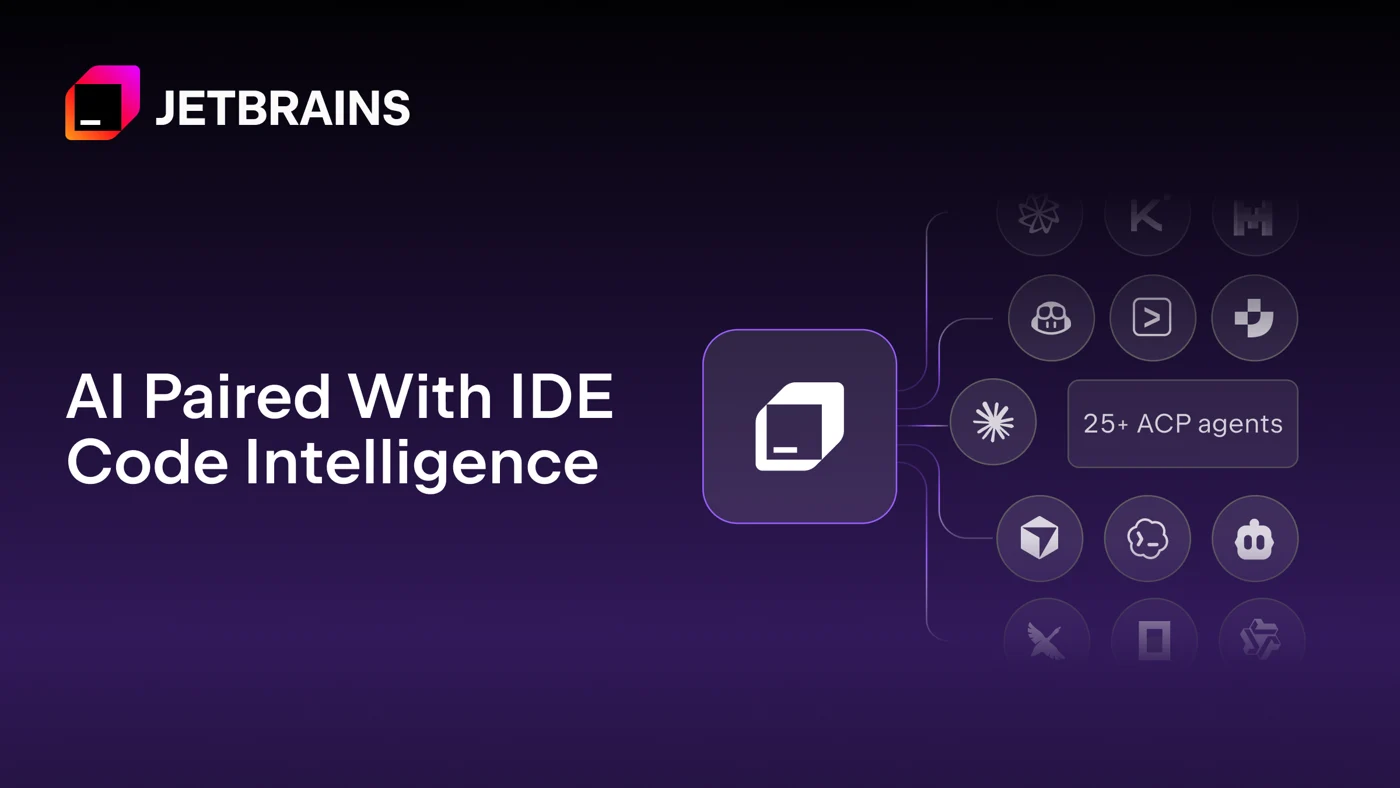
Ask about a selected function or project structure and check the explanation against the actual implementation.
Generate or update code from a natural-language request, with inline completion and next-edit suggestions where supported.
Request explanations or refactoring ideas before changing a legacy module.
Draft tests, documentation and commit messages, then correct omissions against the actual change.
The documentation describes subscriptions, personal API keys and agent integrations; capability depends on the selected configuration.
Check support for your IDE version and install the assistant.
Select a small function and ask for an explanation with relevant context.
Request a focused change and inspect the generated diff.
Run the relevant tests before accepting the edit.
Check support for your IDE version and install the assistant.
Select a small function and ask for an explanation with relevant context.
Request a focused change and inspect the generated diff.
Run the relevant tests before accepting the edit.
JetBrains AI plans include their own usage allowances. Supported personal API-key connections are billed by the external model provider. An IDE license and AI usage are separate entitlements, and connected agents can have additional billing conditions.
Developers already working in IntelliJ IDEA, PyCharm, WebStorm, Rider or other supported JetBrains environments. It is particularly useful when the question depends on the code currently being edited.
Ask for an explanation of one unfamiliar method, add a boundary-case test and inspect the resulting change. AI Assistant is the broader IDE assistance layer; Junie is a distinct coding-agent product.
JetBrains AI plans include their own usage allowances. Supported personal API-key connections are billed by the external model provider. An IDE license and AI usage are separate entitlements, and connected agents can have additional billing conditions.
Supported JetBrains IDEs and integrations. Project context and prompts → explanations and code edits
Features differ across IDEs and model connections. Requests can send selected code and relevant context to the configured model, so review the connection and data settings before using private repositories.
Run the relevant tests before accepting the edit. Treat this suggested workflow as a starting point and compare the result against the requirements of your own project.
Explore platforms, inputs and outputs, licensing, and access requirements.
Features differ across IDEs and model connections. Requests can send selected code and relevant context to the configured model, so review the connection and data settings before using private repositories.
For a first evaluation, use a repository you are allowed to share and inspect the requested file and service permissions. Review the selected provider’s data settings before sending proprietary code. Accept a change only after reviewing its diff and running the relevant checks.
JetBrains AI Assistant — Official product page ↗
JetBrains AI Assistant — Official documentation and feature details ↗
Loading experiences…
Bring a real task and see how it fits the way you work.
User experiences