
Runway’s Adobe plugin lets Premiere Pro and After Effects users call its models from the timeline to generate, edit, and upscale assets. It reduces the loop of exporting a frame, uploading it in a browser, downloading the result, and re-importing it. The plugin can create images and video, restyle existing footage, and place results back into a sequence or composition. Read Runway’s announcement and installation guide.
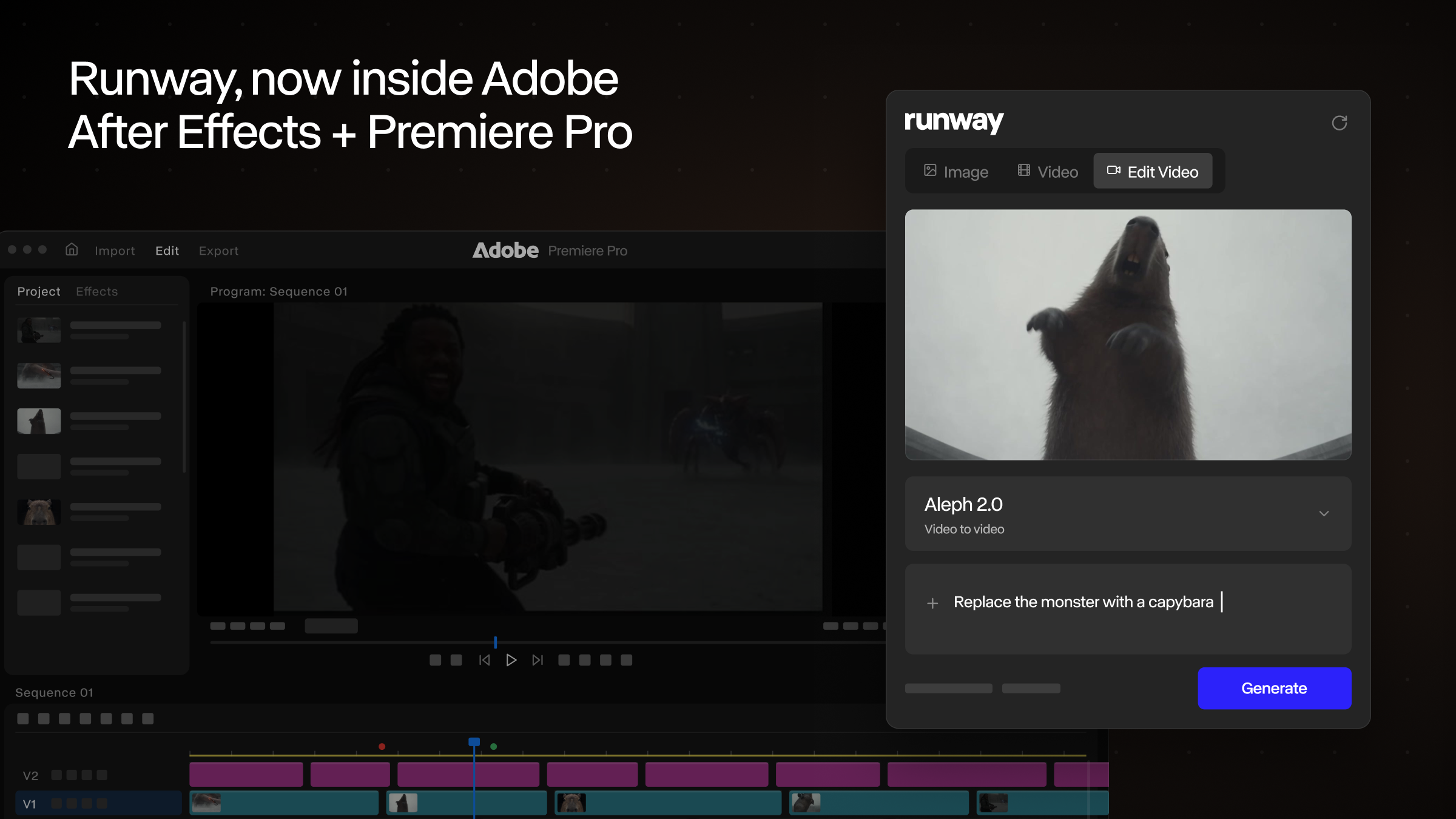
How it works in Premiere and After Effects
Install the plugin, open the Runway panel, sign in with an existing account, and select a workspace and generation tool. Preview results in the panel and place them in the timeline; in Premiere they land at the playhead, where they can be trimmed and moved like other clips. Edit Studio works on selected footage: adjust anchor frames, then have Aleph 2 rerender a clip at the same duration as the source so you can compare the result.
The announcement also lists HDR conversion, background removal, and upscaling. These are useful for trying a visual direction or processing an asset during an edit, but they do not replace a complete grading, compositing, or mastering workflow. Check motion, lighting, subject details, and frame-to-frame consistency before using a generated clip between existing shots.
Try it without risking the original
- Duplicate the sequence or use an alternate track so the source footage remains recoverable.
- Start with a short clip and one clear subject. Test one change, such as a new style or background.
- Give specific instructions for anchor frames and preserve constraints such as people, branded objects, camera movement, and aspect ratio.
- Compare the output in the panel. Check duration, motion continuity, captions, and brand details before moving it into the main timeline.
Free download does not mean free generation
Runway says the plugin is free to download on macOS and Windows. Generation requires a paid plan and consumes existing plan credits. Production teams should confirm upload permissions, available credits, and confidentiality requirements, especially for unreleased client footage.