
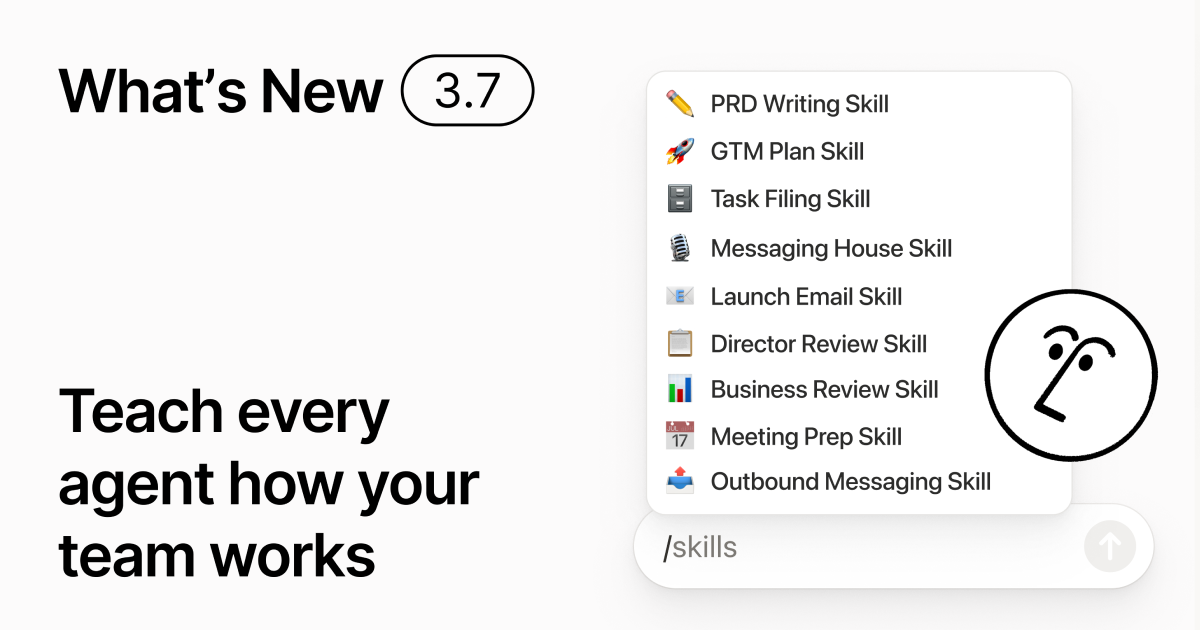
Notion 3.7 adds a team Skills library for turning personal prompts and repeatable work methods into reusable instructions. Teams can store skills in a Notion database and share one skill or the whole library. In a Notion Agent chat, type a slash, select a skill, and add task context; a skill can also be configured to run automatically. Read the Notion 3.7 release notes.
What the library is for
Team conventions often live in one person’s chat history or a standalone document that others cannot reproduce. A skill can capture a monthly business-review format, standards for reviewing a product proposal, or the company’s new-hire checklist. A shared library helps people find the same version instead of explaining the same format and process repeatedly.
Create a useful skill
- Start with a frequent, repeatable task. Collect the applicable rules, good and bad examples, and output template.
- Specify inputs, steps, acceptance criteria, output structure, and what to do when information is missing. Avoid saving only “make this sound professional.”
- Ask Notion Agent to draft the skill from the team’s process, test it on real tasks, and record its scope and owner.
- Type
/in an Agent chat to select the skill, add the materials for this task, and check that the result follows the standards.
Export to other agents
Notion can export a skill as SKILL.md with approved supporting files for use in tools such as Claude Code, Codex, Cursor, Gemini, or Grok. When a Notion skill changes, its update badge signals a new version, but local copies in other tools must be downloaded or synchronized again. Assign an owner and a version-check process, and make sure supporting files do not contain internal data that should not be shared.