
Sources & references
Free versus subscription versions ↗
A general-purpose AI assistant for questions, drafting, summaries and web-grounded exploration. A continuing free tier is available in supported markets, with separate Microsoft 365 and premium benefits.
Microsoft Copilot is a conversational starting point for everyday information and writing tasks. You can ask a question, organize notes or develop a draft without first building a specialized workflow. Its value is greatest when the task has a clear audience and a result that you can review against the original material.
Microsoft uses the Copilot name across consumer, work and Microsoft 365 products. This listing focuses on the continuing free assistant described in its support documentation. A free conversation should not be confused with paid access to every Office integration, advanced agent or organization feature carrying the same name.
A clearer project update
A first reading guide
A webpage comparison
A tone revision
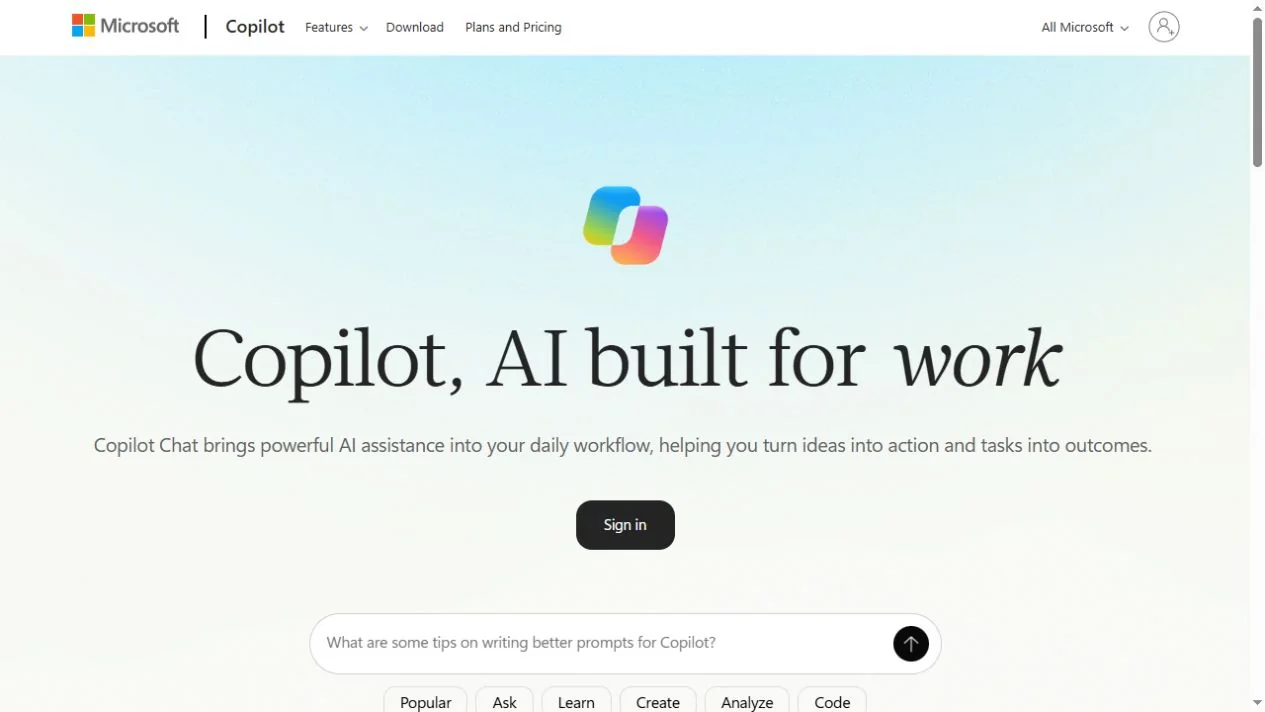
Official product image. Click to inspect the details.
Check the appropriate entry point
Describe one concrete task
Ask for a reviewable result
Verify and use the result
Example prompt or task: Turn these notes into a brief project update for a nontechnical reader. Separate completed work, open questions and next steps. Preserve dates and numbers, and do not invent owners or deadlines.
This is a suggested writing task, not an assertion that the assistant can see private project files without your input.
Chinese-language support does not mean mainland China availability. Office desktop integration is not a blanket free benefit.
Microsoft documents a continuing free version for general questions, writing and web-based tasks. Access and usage limits depend on the feature, account and region; this page does not promise a fixed unlimited image, voice or advanced-reasoning allowance.
Eligible Microsoft 365 plans provide additional integrations and benefits, and work accounts have their own licensing and administration. Before paying, identify the exact feature you need and the account that will use it. Do not assume that sharing a family subscription transfers every AI benefit to every member.
Yes, Microsoft’s support guide explicitly describes one.
No. Subscription and work-account benefits are separate.
No. The region guide lists mainland China as unsupported.
Not necessarily; region, account and platform can differ.
No. Check that the linked source supports the actual claim.
Do not assume that; access depends on what you provide and the authorized product context.
Review facts, tone and commitments before sending.
Explore platforms, inputs and outputs, licensing, and access requirements.
The current region guide supports Chinese text but lists China excluding Hong Kong among unsupported consumer markets. Language support and geographic availability are different questions. New features may also reach regions and devices at different times.
For dependable everyday use, retain the original notes and review the generated version side by side. A conversation can help organize material, but it cannot establish the truth of a missing fact or guarantee that a summarized page reflects the latest version of a policy.
Choose the correct personal or organizational account and understand the context the assistant receives. Work data should be handled through the environment approved by your organization rather than copied into a personal session by default.
For routine drafting, remove unrelated personal details and credentials. Review the current product privacy controls before using sensitive material, and remember that a generated summary may still contain private information copied from the input.
Reviewed October 3, 2026. Product facts come from the official sources below. Suggested projects, prompts and review methods are FindGoodAI editorial guidance, not measured performance results.
Free versus subscription versions ↗
Loading experiences…
Saved tools are private. Approved comments are public; edits return to moderation. Comment counts include approved comments and replies. Each person has one rating. New ratings are automatically approved; withdrawn, unapproved or invalid ratings do not count. Share real experiences and avoid spam, private information or personal attacks.
For moderation appeals or data requests: support@findgoodai.com
Bring a real task and see how it fits the way you work.
User experiences