JetBrains Junie
CodingJunie combines a coding agent with planning, model choice and JetBrains development workflows. Use the CLI, supported IDE integration or repository automation to work on scoped code changes.
A free coding assistant inside your IDE, with completion, code explanation, comments, tests and chat. An optional local mode connects to CodeGeeX4 or a compatible model service.
CodeGeeX is designed for developers who want help in the editor where they already work. Instead of copying a function into a separate chat window, you can request an explanation, generate a comment or work on a proposed change near the relevant code. The most useful starting point is a small, clearly bounded task whose result you can inspect.
The official extension listing says the plugin is free for developers. There is also an optional local-model path documented by the CodeGeeX4 project. These are related but different products: the extension is the working interface, while a model provides its answers. Choosing local inference changes the setup, hardware requirements and data route; it does not automatically improve every coding task.
Understand an inherited function
Improve a maintenance change
Document a team convention
Practice a new language
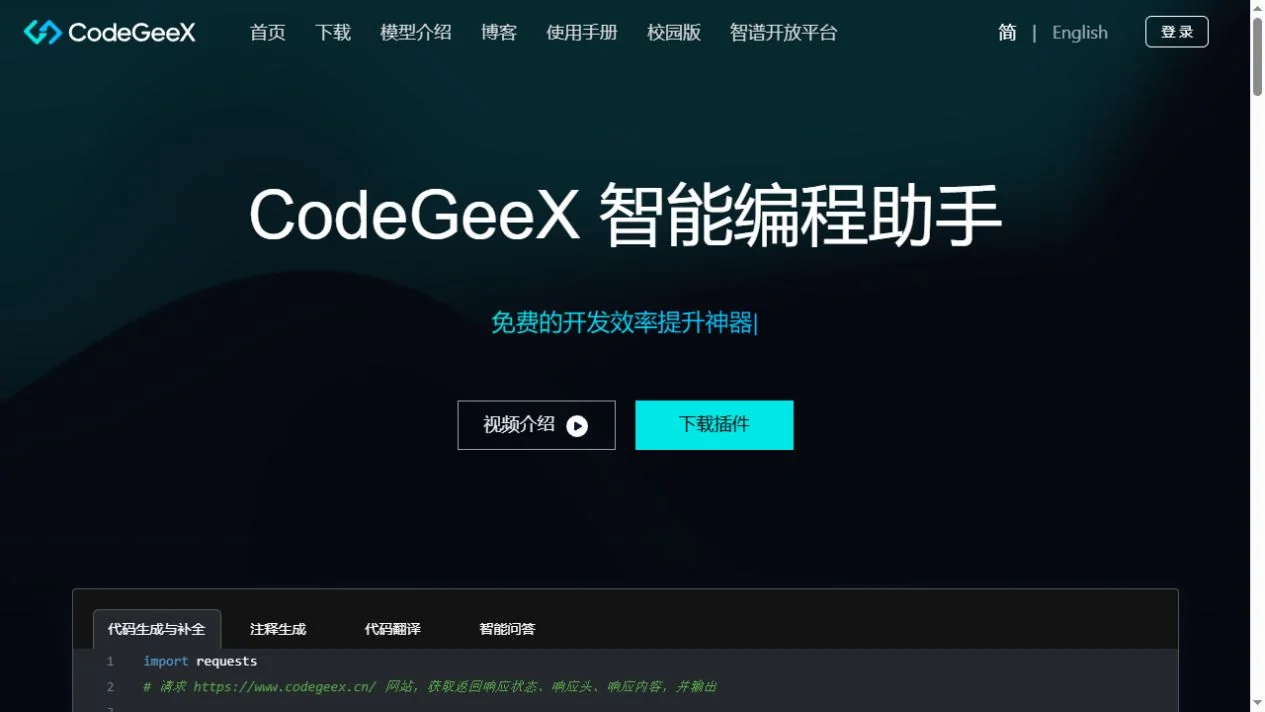
Official product image. Click to inspect the details.

Choose the official extension
Set the context and a narrow objective
Review one proposed change
Validate the useful outcome
Example prompt or task: Explain this function’s inputs, return value and side effects. Identify one plausible edge case, propose the smallest correction if needed, and explain how to verify the expected behavior.
This is a suggested coding exercise, not a claim that generated code has been independently tested or is correct by default.
Free plugin access does not make every connected model service free or every model license identical.
The official marketplace describes CodeGeeX as a free IDE plugin. That is the free route recorded here; the listing does not establish an unlimited service-level guarantee or a permanent numeric cloud quota.
Local CodeGeeX4 inference can avoid a hosted inference bill, but requires a suitable machine and maintenance. External model APIs can charge independently. Repository code and model weights have different licensing terms: commercial use of the weights requires registration and compliance with the model agreement.
Yes, the official extension listing describes free developer access.
No. Local mode is an optional setup path.
No. Repository code and model weights use different agreements.
The model license requires registration and its other conditions to be satisfied.
No. The endpoint may still be a remote provider.
No. Confirm expected behavior and meaningful edge cases yourself.
Do not assume that; verify the feature’s documented scope and selected context.
Explore platforms, inputs and outputs, licensing, and access requirements.
The official download page offers several editor integrations. Feature availability can differ between extensions and versions, so use the documentation for your actual editor. The CodeGeeX4 local-mode guide specifically covers VS Code and JetBrains and allows a model endpoint and name to be configured.
For a local setup, begin with a service restricted to your own machine and a model your hardware can run comfortably. A compatible API format is an integration mechanism, not a promise of identical features. Keep model choice, endpoint, extension version and a few representative examples together when evaluating the setup.
Check which files, selections and conversation history reach the model provider. Remove credentials and unrelated private data before asking for help, and follow the repository owner’s policy on external processing.
If you distribute a product based on CodeGeeX4 weights, read the model agreement in full, including registration, attribution and redistribution conditions. This page distinguishes the agreements; it does not replace a review of your particular distribution or commercial use.
Reviewed October 3, 2026. Product facts come from the official sources below. Suggested projects, prompts and review methods are FindGoodAI editorial guidance, not measured performance results.
Loading experiences…
Saved tools are private. Approved comments are public; edits return to moderation. Comment counts include approved comments and replies. Each person has one rating. New ratings are automatically approved; withdrawn, unapproved or invalid ratings do not count. Share real experiences and avoid spam, private information or personal attacks.
For moderation appeals or data requests: support@findgoodai.com
Bring a real task and see how it fits the way you work.
User experiences