
Sider
AssistantsRead pages with Chat, handle browser tasks with Hand and customize your browsing experience with Code. Sider adds an AI workspace to the sites and documents you already use.
Chat beside the sourceHand browser tasks
A free self-hosted AI chat platform that combines multiple providers, reusable agents, project conversations and optional file or tool workflows in one web interface.
LibreChat provides a common web interface for conversations across several AI providers. A self-hosted deployment can organize models, reusable agent instructions, files and projects without tying every workflow to a single provider’s website. It suits people who are comfortable managing an application and want control over their interface, access arrangements and stored conversations.
It is a web application, not a native desktop installer that automatically brings a local model with it. The official documentation recommends a Docker-based starting route and also describes other installation choices. Models and optional services must be configured separately. Begin with a working chat connection before adding agents, document retrieval or code execution.
Compare two approaches
A small team chat portal
A reusable research assistant
Prototype an interactive explanation
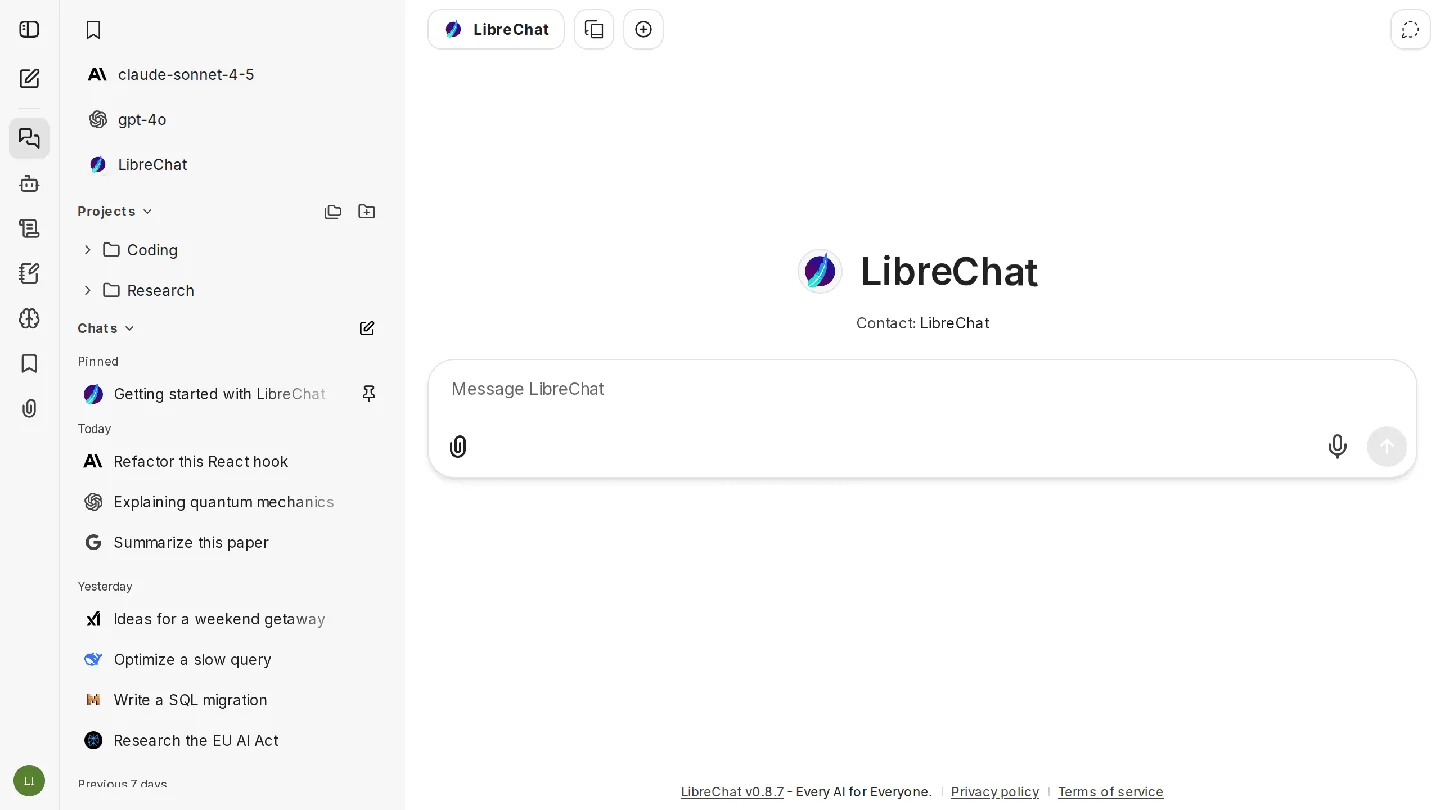
Official product image. Click to inspect the details.
Install the application
Connect one model
Define a small workspace or agent
Check and preserve a useful result
Example prompt or task: Draft a concise explanation from the supplied notes. Keep facts, interpretation and open questions separate. Do not contact external services or change files; identify what further evidence would be needed before taking action.
This editorial example is appropriate for a first bounded agent. Add action tools only when the workflow actually needs them and the intended permissions are clear.
The free application does not bundle unlimited inference or every hosted execution service.
LibreChat’s application is MIT-licensed and can be self-hosted without a software subscription. You still provide hosting, storage and model access. Local models can avoid per-request external inference billing, while paid API providers charge according to their own accounts and terms.
Optional services, including some code-execution routes, search providers and other tools, may have separate costs. The public demo is an evaluation surface, not a promise of permanent free production hosting or private data storage. The free route listed here is your own deployment.
The MIT-licensed application provides a free self-hosted route. Infrastructure, model providers and optional external services remain separate.
No. The official documentation describes a self-hosted web application. Running it locally still means setting up that application and its dependencies.
No. A supported provider integration is not an entitlement to its models. Configure an account or compatible local service with the necessary access.
It copies selected history into a new conversation so you can explore a different direction without altering the original thread.
No. Displaying or previewing generated content differs from running code through an execution service. Check the configured route, permissions and costs.
The official docs frame the demo as evaluation-only and advise against using it for private or important retained data. Use an appropriately configured deployment for your own work.
Not always. The documentation can describe development features. Match the guide and feature expectations to the release you actually run.
Explore platforms, inputs and outputs, licensing, and access requirements.
The official docs explicitly describe LibreChat as a self-hosted web app rather than a native Windows application or Linux AppImage. Docker is a common local installation path, including Docker Desktop on Windows; other documented deployment routes serve different operational needs.
The docs can display a latest-development version, while your installed release may be older. Check the chosen release’s compatibility before planning around a new agent or administration feature. Model credentials, databases, uploaded files and application settings also need a deliberate backup and access arrangement.
Self-hosting lets you manage the application and its stored data. It does not prevent a configured external model or tool from receiving the content required to answer or act. Review file uploads, retrieval, search and tool calls as separate data paths.
Restrict administrative access and keep provider credentials out of shared prompts or exported examples. MIT covers the application code; model terms, external service conditions and rights to uploaded documents are independent.
Reviewed October 3, 2026. Product facts come from the official sources below. Suggested projects, prompts and review methods are FindGoodAI editorial guidance, not measured performance results.
Loading experiences…
Saved tools are private. Approved comments are public; edits return to moderation. Comment counts include approved comments and replies. Each person has one rating. New ratings are automatically approved; withdrawn, unapproved or invalid ratings do not count. Share real experiences and avoid spam, private information or personal attacks.
For moderation appeals or data requests: support@findgoodai.com
Bring a real task and see how it fits the way you work.
User experiences