
Sources & references
Official rename announcement ↗
Product and privacy overview ↗
Supported sources and import limits ↗
Turn documents, webpages and supported media into cited answers, briefings and study material.
Gemini Notebook is Google’s research workspace, previously called NotebookLM. Google announced the new name in July 2026; it remains a standalone product. Bring a defined collection of material, ask questions with references, and turn the findings into formats you can revisit. Our suggested fit is a project with a clear evidence boundary: course reading, product research or an internal knowledge pack. Start small enough that you can check every important answer against the original document.
Course reading and revision
Research and product investigation
Source comparison and briefings
Knowledge-pack Q&A
Official product image. Click to inspect the details.
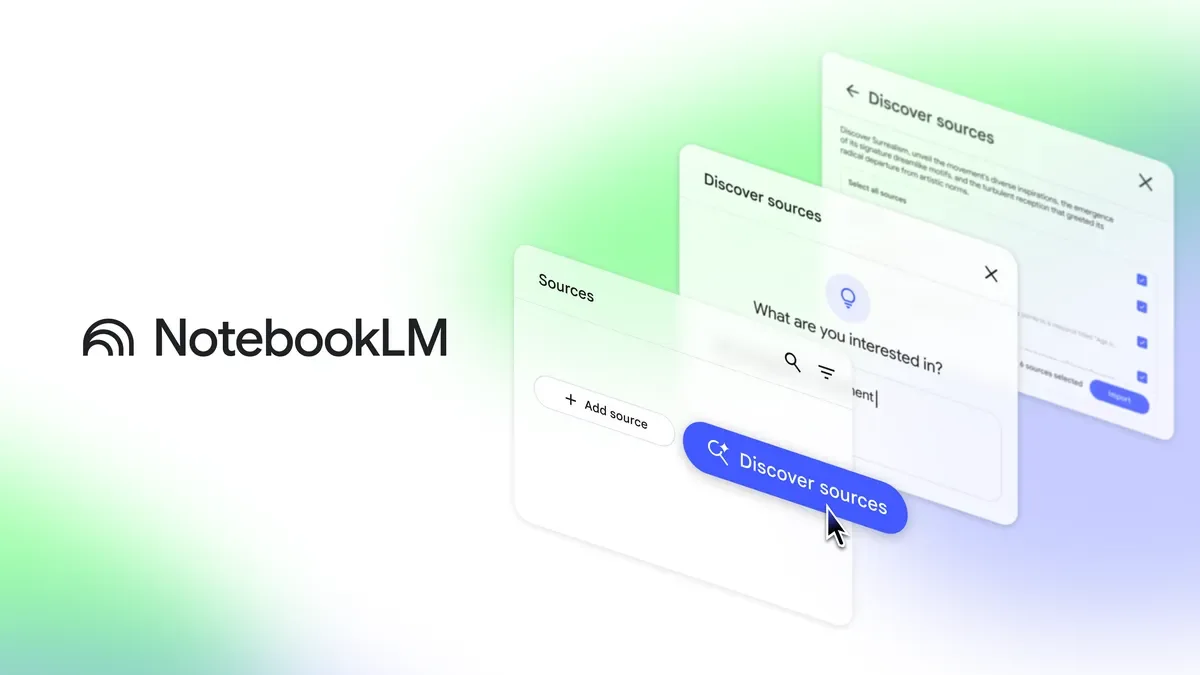
Practical tip: keep a separate notebook for each decision or course. A deliberately selected source collection is usually easier to audit than a large miscellaneous archive. Name each document with its subject and date so that competing versions remain distinguishable.
Choose one research question and add trusted sources
Ask focused questions and check the references
Create a brief or audio summary with the original sources
These steps are an editorial workflow suggestion, not a promise that the model will verify your sources for you.
Checked 2026-10-03: a no-plan option is available, while Google AI subscriptions provide higher limits. Current limits depend on computation, rather than a fixed universal number of questions. Usage refreshes every five hours until the weekly allowance is reached. Check Settings → Usage and the subscription offer shown to your account before upgrading. Official limits.
Yes. The official July 2026 announcement renamed it Gemini Notebook. Existing notebooks remain available; this listing keeps the familiar NotebookLM name for discovery.
Supported public videos need captions. The imported source is the transcript, so do not assume it includes visual details from the footage.
No. An HTML URL imports the page’s text, not every linked page or embedded image. Review the imported source before relying on it.
Google offers mobile apps as well as the browser product. Mobile capabilities and availability can differ.
No. A reference makes checking easier. Confirm that the cited passage actually supports the claim and that the source itself is suitable for your task.
Explore platforms, inputs and outputs, licensing, and access requirements.
A Google account is required; organization-managed access can depend on an administrator. The service is hosted by Google, rather than supplied as a self-hosted open-source application. Supported imports include PDF, Word, text, Markdown, Google files, webpages and eligible audio or video sources. Each imported source is subject to size and format limits.
For listening outside the app, use the Audio Overview download option where available. Some publisher-controlled sources can restrict artifact downloads. Treat imported material and generated output as separate rights questions. Audio export guide.
Google says personal-account data is not used to train this product unless feedback is submitted; feedback can include the interaction context. Workspace and Education protections differ. Upload only material you are authorized to process, and check your organization’s rules before adding confidential documents. Official privacy explanation.
Checked October 3, 2026.
Official rename announcement ↗
Product and privacy overview ↗
Supported sources and import limits ↗
Loading experiences…
Saved tools are private. Approved comments are public; edits return to moderation. Comment counts include approved comments and replies. Each person has one rating. New ratings are automatically approved; withdrawn, unapproved or invalid ratings do not count. Share real experiences and avoid spam, private information or personal attacks.
For moderation appeals or data requests: support@findgoodai.com
Bring a real task and see how it fits the way you work.
User experiences