
Together AI
CodingTogether AI is a cloud for open models: serverless APIs for models such as Kimi, DeepSeek and Qwen, dedicated endpoints, fine-tuning and GPU clusters.
Serverless inferenceDedicated capacity
DeepSeek Harness is an open-source (MIT) agent app for documents, data, code and schedules. Everything is a plugin; Creator Mode builds new ones for you.
DeepSeek Harness is an open-source agent from DeepSeek built on the Cordis “everything is a plugin” architecture. You can install it as a desktop app or launch a web UI from the command line, then use it for everyday work, coding, research and background tasks. Tools, skills and even parts of the interface are plugins, so you can install community plugins or create new ones in conversation with Creator Mode. It is in public preview worldwide under the MIT licence.
Editorial suggestion: try it first on a contained folder or test repository. Harness can read files, run scripts and write code on your machine, so check the workspace permissions it asks for and keep anything sensitive outside that folder while you learn how it behaves.
Weekly reports
Data checks
Repo maintenance
Custom tools
Official product image. Click to inspect the details.
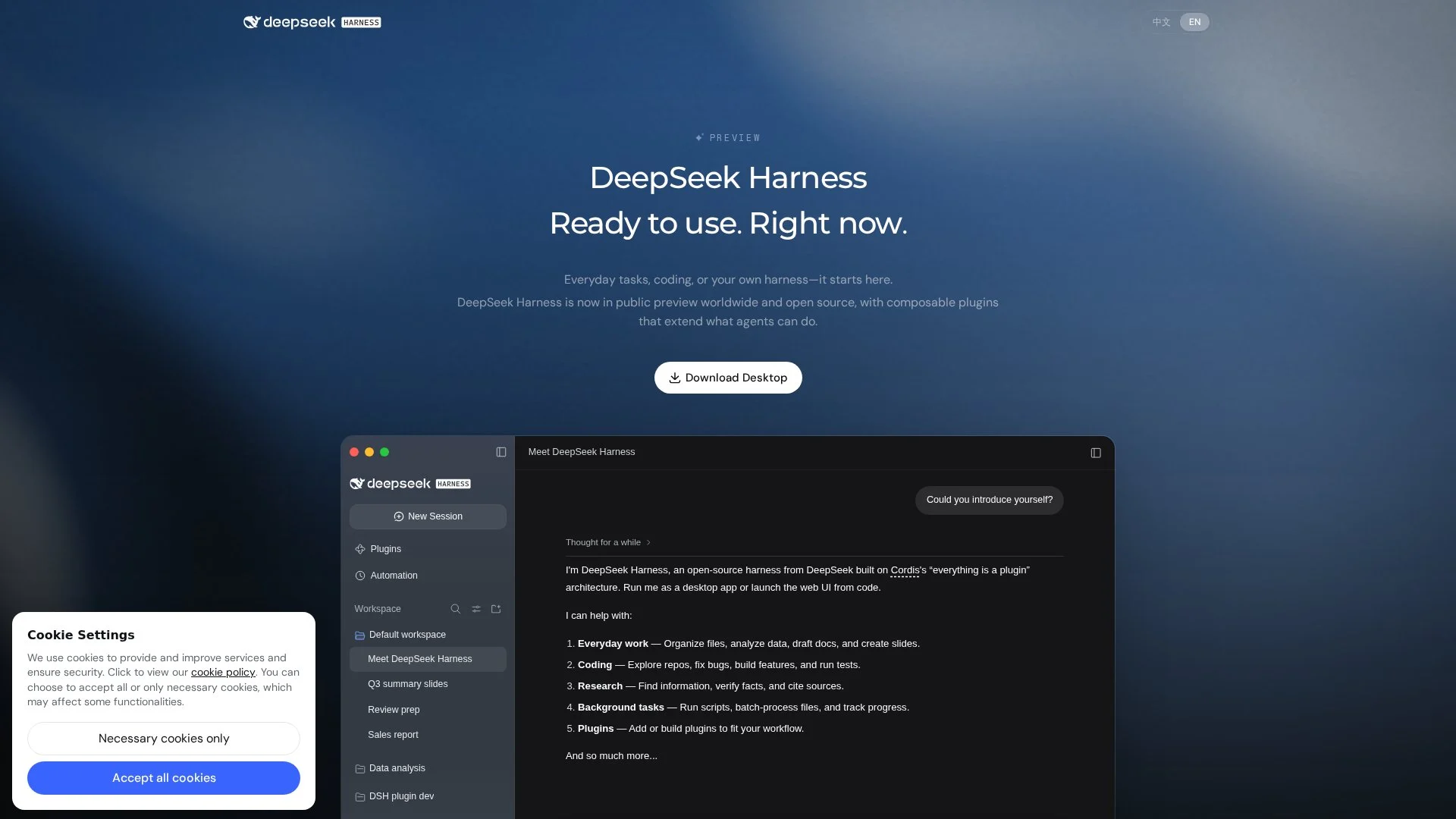
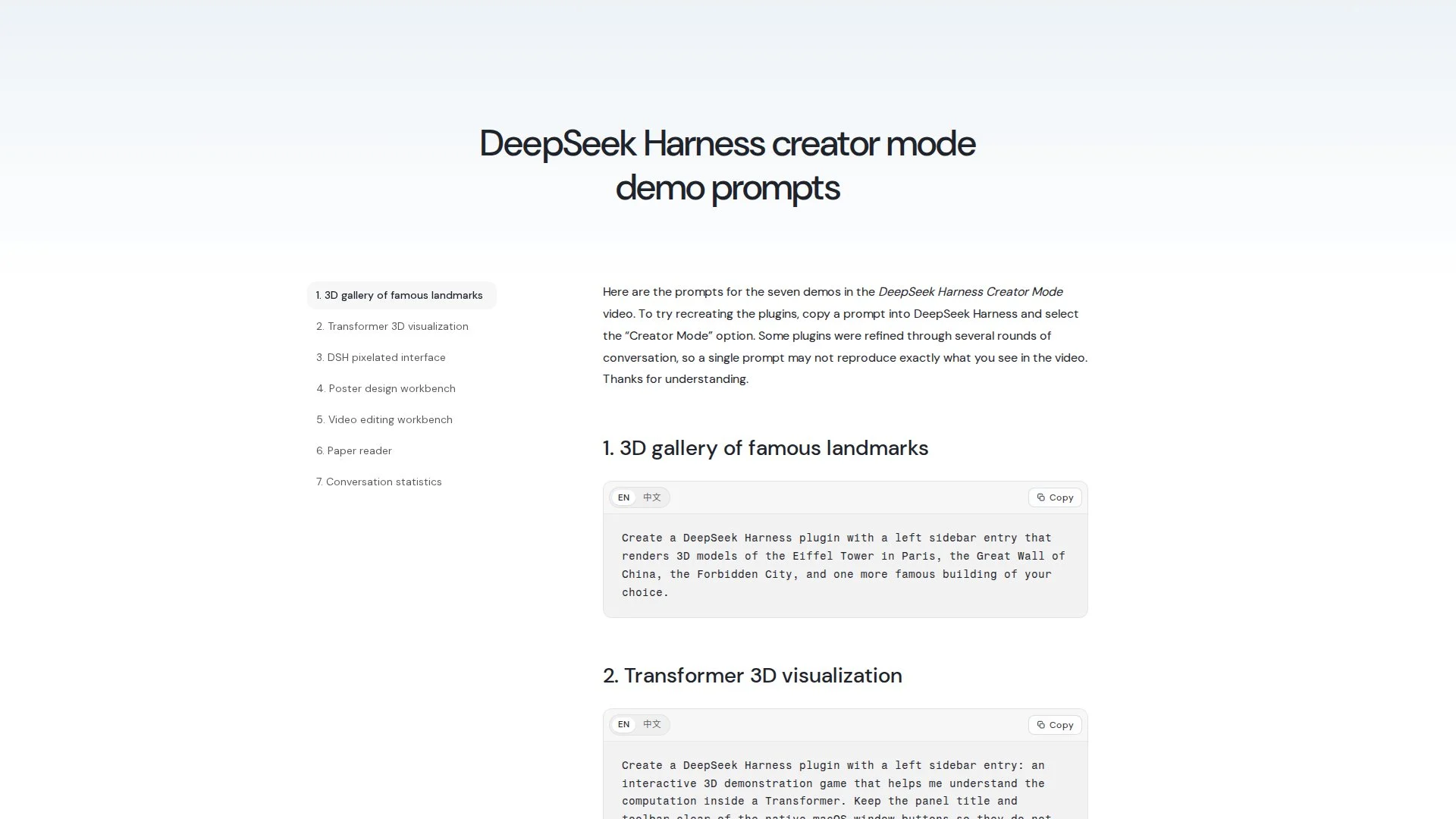
Official examples and public-page captures; these are not results from a paid-feature trial.
Organise files, analyse spreadsheets, draft documents and create slides, then preview Word, Excel or HTML results and refine them in chat.
Explore repositories, fix bugs, build features and run tests, with diffs shown for review.
Run recurring work on a schedule, such as a weekly project report every Friday, and inspect tool calls when needed.
Describe a plugin and the agent writes, installs and checks it; DeepSeek’s Pomodoro-timer example took about 5 minutes 24 seconds.
Install
Choose a workspace
Start with one task
Try Creator Mode
Download the desktop app for Apple-silicon Macs or 64-bit Windows, or install Node.js and run npx @deepseek-ai/dsh web.
Point it at a test folder and review the access it requests.
Ask for something you can check quickly, such as a summary of three files.
Describe a small plugin with clear inputs and outputs, then refine it in chat.
The software is open source under the MIT licence and can be installed from the website or built from the GitHub source. The website does not list a price for the app.
The interface runs on a DeepSeek model (DeepSeek-V4.1-Flash is shown on the site). The page does not explain how model usage is billed, so check the account or settings before running long tasks.
The software is MIT-licensed open source. The website does not explain how model usage is billed.
Desktop apps for Apple-silicon Macs and 64-bit Windows, plus a web UI started with npx.
You describe a plugin in chat and the agent writes, installs and verifies it.
Yes. It can explore repositories, fix bugs, build features and run tests.
It is a public preview; DeepSeek says core plugins and APIs are still evolving.
On GitHub at deepseek-ai/deepseek-harness.
Explore platforms, inputs and outputs, licensing, and access requirements.
These tools overlap with parts of the workflow; compare the specific task, export requirements and current plan rather than treating them as identical products.
Harness runs tools and plugins on your own machine, so a plugin can read whatever the workspace allows. Install plugins from sources you trust, review generated plugin code, and remember that prompts and files sent to the model leave your computer. It is a preview, so core plugins and APIs may change.
Loading experiences…
Bring a real task and see how it fits the way you work.
User experiences