

DeepAI
Image & designA browser-based collection of image generation, photo editing, chat and other creative AI tools.
Image generationPhoto editing
Explore Kittl for AI graphics, editable vectors and merchandise design, with practical first-project steps, free-plan limits and licensing considerations.
Kittl combines a browser design editor with AI tools for images, vectors and visual production. It is particularly relevant when a generated picture is only one part of the deliverable: a poster still needs readable type, a product label needs a layout, and merchandise needs artwork prepared for its intended output. The official site also presents templates, mockups and collaborative workspaces.
Editorial suggestion: begin with one small asset family, such as a product label and a matching social post. Write down the exact text, dimensions and brand colors before generating. Keeping these constraints outside the prompt helps you inspect whether the finished design actually meets the brief, rather than choosing only the most attractive first result.
Merchandise concepts
Small-business assets
Client presentations
Official product image. Click to inspect the details.
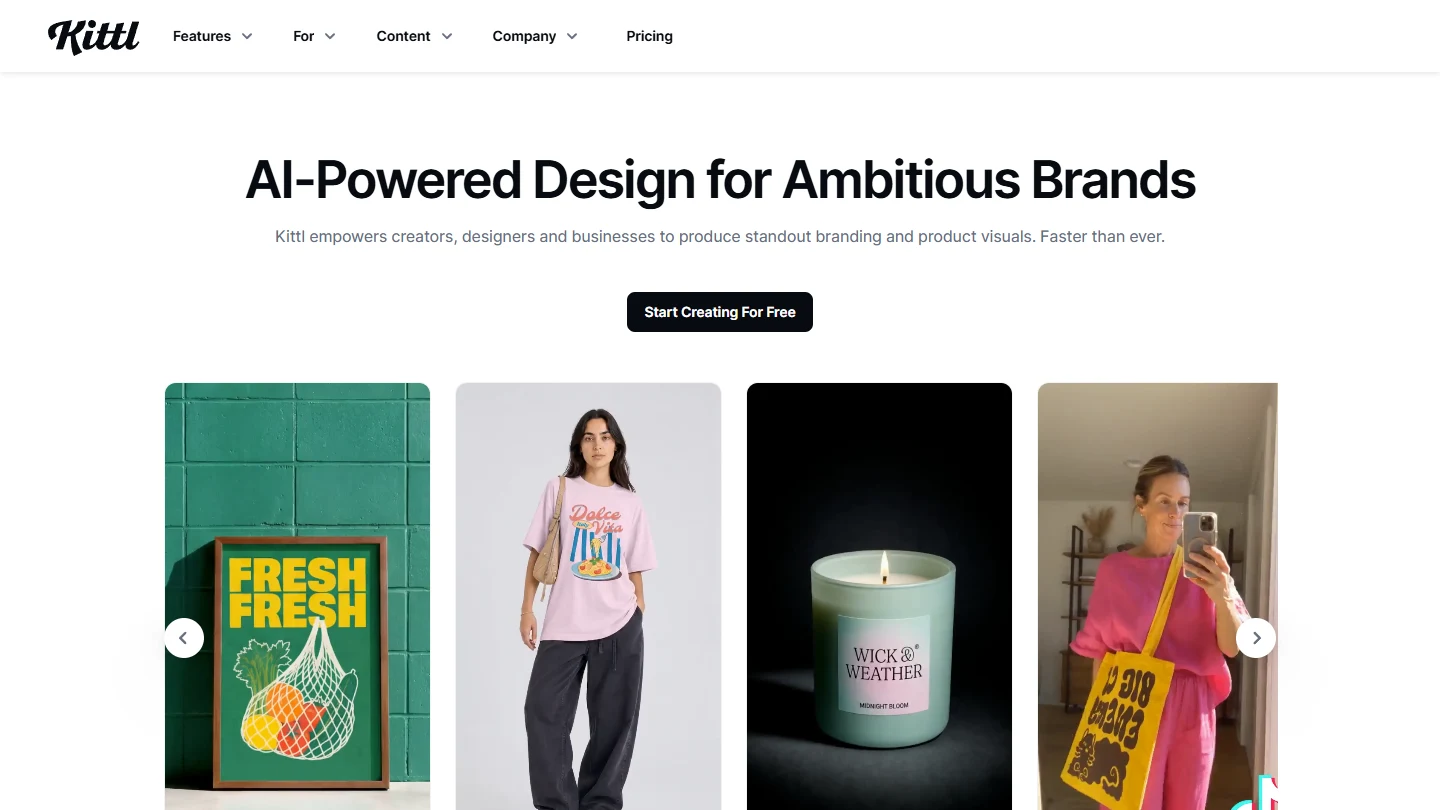
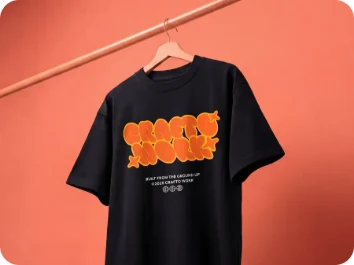
Official examples and public-page captures; these are not results from a paid-feature trial.
Use the image generator as a source of concepts and visual elements. Check output details at the intended display size, especially small lettering, product shapes and any details that must match real merchandise.
The vector generator is aimed at artwork that can be edited and scaled. Before a production handoff, inspect paths and export compatibility instead of assuming every generated shape is ready for manufacturing.
Templates, typography and mockups help turn separate elements into a coherent presentation. Use a mockup to discuss placement and proportions, while checking actual print specifications independently with the supplier.
1. Define the final format
2. Build a small visual direction
3. Edit the composition
4. Check rights and export
Choose one deliverable and record its dimensions, intended use and required text. If it will be printed, ask the printer about resolution and file format first. This avoids polishing a design that cannot be delivered in the required form.
Start from an appropriate template or a blank layout. Generate a small number of images or vector concepts with a clear subject and composition. Keep the project focused rather than using the initial session to explore every model.
Replace placeholder text, align elements and inspect contrast. Review the asset at both full size and thumbnail size. Ask another person to read the text without your explanation; that is often a more useful test than another generation.
Confirm that the subscription and asset license cover the intended commercial use. Export a test file and open it in the receiving application. Keep an editable project and record which assets were used for future revisions.
Free currently includes 100 one-time AI tokens and five projects. The live pricing page served SGD in this check: the annual-billing view displayed Pro SGD 18, Expert SGD 33 and Max SGD 61 per editor per month. These are annual-plan monthly equivalents in Singapore dollars, not USD monthly subscriptions; region, billing cycle and checkout may differ.
The official pricing FAQ limits Free to personal use. Paid plans expand exports, AI allowances and commercial licensing. Review the license for your exact output and distribution before selling a design.
Yes. The current Free card shows 100 one-time AI tokens and five projects; it is a limited starting allowance.
No. The rendered pricing page showed SGD. Confirm the currency and billing period in your own checkout.
The official pricing FAQ says Free is for personal use. Check a paid commercial license before selling.
Do not assume so. Check paths, dimensions, text and the printer’s required file format.
It provides creation and editing tools. The brief, selection, typography and final acceptance still need judgment.
No paid-generation benchmark was performed. Images are official examples, not results from an editorial trial.
Explore platforms, inputs and outputs, licensing, and access requirements.
These tools overlap with parts of the workflow; compare the specific task, export requirements and current plan rather than treating them as identical products.
Treat uploads and shared workspaces as cloud collaboration. Use only customer assets you are permitted to upload, check who can edit or view a project, and confirm font and image rights separately. A subscription does not by itself establish that a generated logo is unique or that a third-party trademark is cleared.
Loading experiences…
A browser-based collection of image generation, photo editing, chat and other creative AI tools.
AI-assisted brand content and website creation for small and medium-sized businesses
An AI-native canvas for creating, iterating, and collaborating on high-fidelity UI designs.
Bring a real task and see how it fits the way you work.
User experiences