
Raycast AI
ProductivityAI assistance, models, and automations from Raycast
Multi-model interfaceAI Agent
Voice-to-text dictation and meeting notes across your everyday apps
Wispr Flow turns spoken language into polished text wherever you can type. It removes filler words, handles corrections and repetition, adds punctuation, and formats content while you speak, so the result is ready for messages, email, notes, code, and AI tools.
Individuals, professionals, multilingual users, teams, and organizations that want hands-free dictation or meeting notes. It is also suited to people who regularly write in email, messaging, productivity, coding, and AI applications.
Speak a rough update, correction, or request into Gmail, Slack, or another messaging app and let Flow turn it into a concise, formatted draft.
Dictate notes, code comments, prompts, or documentation directly into a terminal, editor, Notion, or AI assistant without changing applications.
Use Notetaker for a meeting or in-person conversation, then review the transcript, topic summary, speakers, and next steps afterward.
Official product image. Click to inspect the details.
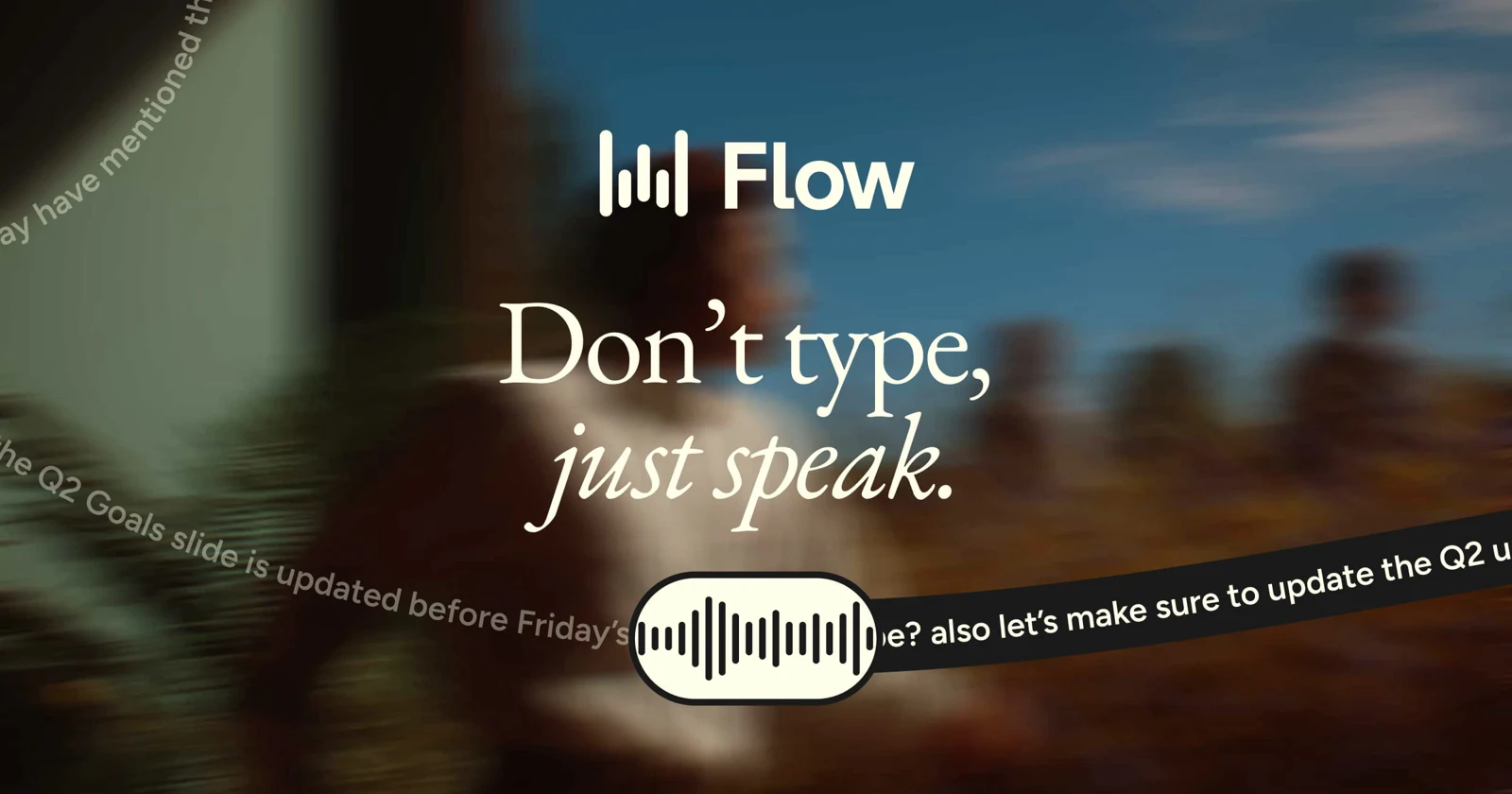
Flow converts natural speech into clean writing by removing filler words, adding punctuation, formatting content, and handling mid-sentence corrections as you speak.
The cursor-based workflow operates across apps without plugins, including Gmail, Slack, iMessage, Notion, terminals, code editors, ChatGPT, Claude, and Cursor.
Flow supports more than 100 languages, automatically detects spoken language, and provides a language picker for switching between languages during the day.
The app learns names, acronyms, and specialized terminology, while its personal dictionary lets you add words that matter to your work.
Create shortcuts for frequently used emails, links, addresses, and bios, then speak the shortcut to expand the saved text instantly.
Flow can adapt output to different contexts, including messages, work chats, and emails, with styles ranging from formal to very casual.
Wispr Notetaker records meetings or in-person conversations on Mac and Windows, producing transcripts with speakers, topic-based summaries, and documented next steps.
Users can manage data-sharing preferences and storage controls, while higher plans add centralized billing, SSO, provisioning, audit logs, and organization-wide policies.
Speak a rough update, correction, or request into Gmail, Slack, or another messaging app and let Flow turn it into a concise, formatted draft.
Dictate notes, code comments, prompts, or documentation directly into a terminal, editor, Notion, or AI assistant without changing applications.
Use Notetaker for a meeting or in-person conversation, then review the transcript, topic summary, speakers, and next steps afterward.
Download Wispr Flow for Mac, Windows, iPhone, or Android, depending on where you plan to dictate.
Place the cursor in an email, message, note, editor, terminal, or AI tool where you want the spoken text inserted.
Dictate at your normal pace, including pauses, changes of mind, corrections, and informal phrasing.
Select the language you are speaking, add uncommon names or jargon to the dictionary, and create snippets for repeated text.
On Mac or Windows, use Notetaker for supported online or in-person meetings, then review its transcript, summary, and next steps.
Download Wispr Flow for Mac, Windows, iPhone, or Android, depending on where you plan to dictate.
Place the cursor in an email, message, note, editor, terminal, or AI tool where you want the spoken text inserted.
Dictate at your normal pace, including pauses, changes of mind, corrections, and informal phrasing.
Select the language you are speaking, add uncommon names or jargon to the dictionary, and create snippets for repeated text.
On Mac or Windows, use Notetaker for supported online or in-person meetings, then review its transcript, summary, and next steps.
A free plan includes dictation and limited Notetaker access. Pro is listed at $15 per user per month and adds unlimited dictation and expanded Notetaker access. Enterprise pricing is custom.
$0 per month Dictation across supported devices, 100+ languages, personal dictionary and snippets, and limited Notetaker access.
$15/user per month For individuals and teams needing unlimited dictation, longer Notetaker history, shared vocabulary, centralized billing, and team management.
Custom annual Adds advanced organizational security, provisioning, audit logs, managed deployment, custom contract terms, invoicing, and dedicated support.
Yes. It types wherever the cursor is active, including email, messaging, notes, terminals, code editors, and AI tools, without requiring plugins or integrations.
Flow is designed to produce what you meant to write rather than a word-for-word transcript. It handles filler, false starts, corrections, punctuation, and structured formatting.
Yes. Flow supports more than 100 languages. Selecting the specific language currently being spoken can improve accuracy when switching languages or using an accent.
No. A built-in microphone is sufficient. A microphone closer to your mouth can help in noisy environments or when speaking quietly; Bluetooth earbuds may reduce accuracy.
Yes. Notetaker is included on the free and Pro plans, with limited weekly access on Free and higher limits plus longer history on Pro.
Yes. Pro supports shared dictionaries and snippets, centralized billing, user management, and team usage analytics. Enterprise adds advanced security and administrative controls.
Explore platforms, inputs and outputs, licensing, and access requirements.
The free plan limits desktop dictation to 2,000 words per week and provides limited weekly mobile and meeting usage. Notetaker is currently limited to Mac and Windows. Bluetooth earbuds such as AirPods may reduce dictation accuracy. HIPAA accounts disable Notetaker and Scratchpad.
Loading experiences…
Saved tools are private. Approved comments are public; edits return to moderation. Comment counts include approved comments and replies. Each person has one rating. New ratings are automatically approved; withdrawn, unapproved or invalid ratings do not count. Share real experiences and avoid spam, private information or personal attacks.
For moderation appeals or data requests: support@findgoodai.com
Bring a real task and see how it fits the way you work.
User experiences