

Raycast AI
ProductivityAI assistance, models, and automations from Raycast
Multi-model interfaceAI Agent
Edit and organize PDFs, ask questions about their content and use natural-language assistance for supported file tasks. PDFgear offers a low-cost starting point for routine document work, with free tools described on its site.
PDFgear combines PDF editing and conversion with AI-assisted reading and a Copilot for supported document operations. Its site describes summarization, translation, rewriting and proofreading, as well as conversational requests for tasks such as compression or page operations. This suits students, freelancers and office users who need both basic file handling and help understanding a document. Availability can differ between desktop, mobile and online tools.
Use a copy of a small document for the first task. Compare an AI summary with the original, then try a simple page or conversion operation and inspect the resulting file. For a scanned PDF, check whether text recognition is needed before asking content questions. Never assume that a convenient desktop interface proves every AI operation is offline.
Everyday PDF work: Make a corrected copy or reorganize pages for a practical document task.
Study reading: Summarize a permitted document and check unfamiliar terminology.
Multilingual documents: Use translation as a reading aid and verify important names or figures.
Official product image. Click to inspect the details.
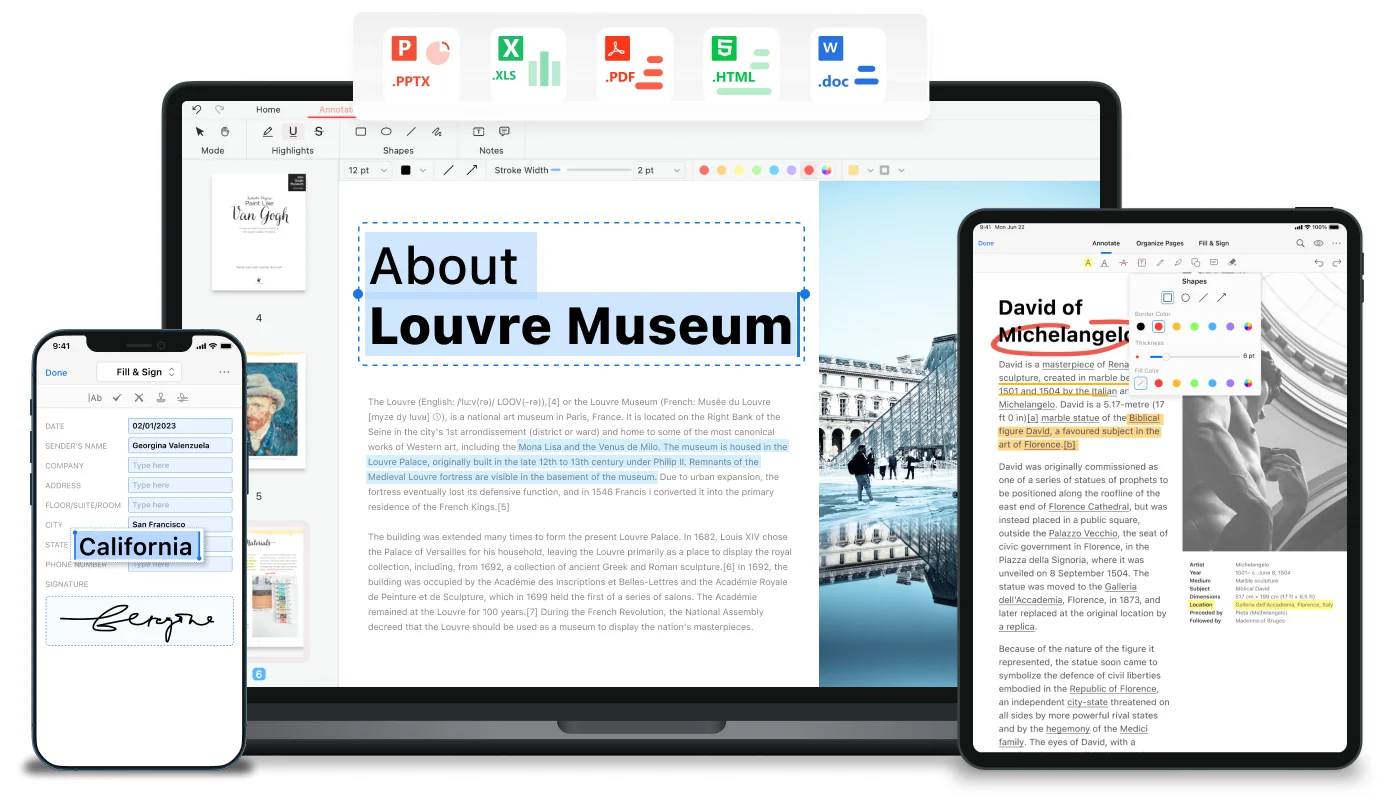
Use supported tools to change text and inspect the page layout afterward.
Ask questions about a file and verify answers against its content.
Prepare a first reading aid while preserving access to the original text.
Request supported document operations through conversational instructions.
Handle common PDF conversion, compression and page tasks in the available tools.
Choose the right app: Check which desktop, mobile or online version supports your task.
Work on a copy: Keep the original document and use a non-sensitive sample first.
Try one AI operation: Ask for a summary or supported change with a clearly stated result.
Inspect the output file: Review layout, text accuracy, page order and whether the file opens correctly.
Check which desktop, mobile or online version supports your task.
Keep the original document and use a non-sensitive sample first.
Ask for a summary or supported change with a clearly stated result.
Review layout, text accuracy, page order and whether the file opens correctly.
Official site describes free PDF and AI tools
PDFgear's AI PDF editor page describes its summarization, translation and related tools as free, with no sign-up, ads or watermarks for the stated workflow. Feature availability and any present AI service conditions should still be checked in the selected version.
Do not generalize a free product description into a guarantee that every platform has identical capabilities or unlimited future usage. Choose the app by the needed operation, and inspect the current download and AI terms before committing a large document workflow.
Its tools include supported PDF text and page operations.
Yes; the official page describes free AI PDF workflows.
No; check the operation in the version you intend to use.
Translation is described among its AI features.
No; inspect the AI processing and privacy information separately.
Use a copy, verify the result and retain the unchanged source document.
Explore platforms, inputs and outputs, licensing, and access requirements.
PDF conversion can alter formatting, while scans may need text recognition. AI summaries, translation and command results should be checked against the original and the saved file.
Desktop document tools and AI processing may follow different data paths. Read the selected app's privacy information before using personal documents; use public or redacted samples to evaluate it.
Loading experiences…
Saved tools are private. Approved comments are public; edits return to moderation. Comment counts include approved comments and replies. Each person has one rating. New ratings are automatically approved; withdrawn, unapproved or invalid ratings do not count. Share real experiences and avoid spam, private information or personal attacks.
For moderation appeals or data requests: support@findgoodai.com
Bring a real task and see how it fits the way you work.
User experiences