Topaz Photo
Image & designDenoise, sharpen, upscale and repair photographs through a desktop application or supported editing plugin. Topaz Photo combines several enhancement tools with local and cloud rendering options.
A browser-based image toolkit for removing backgrounds, cleaning unwanted objects, enlarging images and changing lighting. Several editing tools have recurring free daily limits, making it useful for occasional product and social-media visuals.
Clipdrop is a collection of focused image tools rather than a full design canvas. It is useful when the source photograph already exists and the next job is specific: isolate a product, remove a distracting object, improve presentation at a larger size or explore a different lighting mood. The browser workflow makes these small edits approachable without setting up a local model.
The best results start with a clear original. AI can reconstruct an area or suggest missing detail, but that reconstruction is not a record of what was actually photographed. For product listings, preserve shape, color, labels and included accessories; for editorial images, decide whether a generated change needs to be disclosed.
Prepare a product cutout
Repair a presentation image
Refresh a social graphic
Compare lighting directions
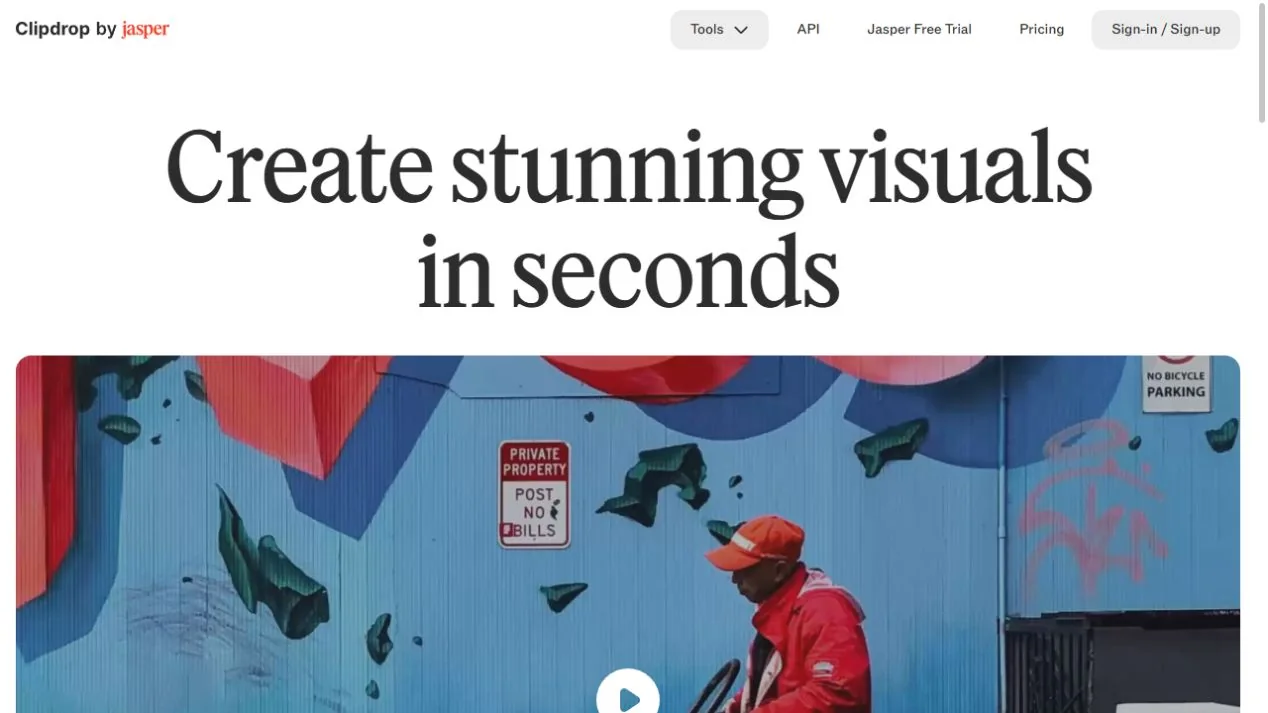
Official product image. Click to inspect the details.

Prepare the source
Choose one tool
Review at two scales
Export for the destination
Example prompt or task: Create a clean product cutout from this owned photograph. Preserve the label, handle, transparent parts and exact product color; inspect those areas before using the exported image.
The workflow is editorial guidance, not a measured product test.
Free pricing currently lists background removal, x2 upscaling, Cleanup and Relight at 20 uses per 24 hours each, and Text Remover at 50 per 24 hours. Higher resolution, other generation tools and API access have separate restrictions or charges.
The current Free column lists 20 uses per 24 hours for each of background removal, x2 image upscaling, Cleanup and Relight, plus 50 per 24 hours for Text Remover. These are tool-specific allowances, not a promise that every feature or export quality is unrestricted.
Pro provides higher limits and high-resolution capabilities for listed tools, while API use is priced separately. Before starting a batch, check the actual output offered by your account and whether the job requires a paid resolution. Do not treat a promotional trial as an additional permanent free entitlement.
Yes. Several editing tools have recurring free quotas.
No. The listed free route is x2 and has a daily limit.
No. Check the selected tool and current pricing conditions.
It generates a plausible replacement; it cannot verify what was hidden.
Clipdrop is a hosted service, not a local-only image editor.
Consumer free allowances and API billing are separate.
Yes. Preserve wording, shape and color that could affect the meaning of the image.
Explore platforms, inputs and outputs, licensing, and access requirements.
The workflow is hosted in the browser: an image is supplied to a selected editing tool and the resulting visual is reviewed and downloaded. Input and export restrictions can differ between tools, so inspect the current interface for the file type, size and resolution you need.
For ecommerce, keep the final image consistent with the physical item. A repaired background is usually easier to evaluate than a generated product surface. If a label or material matters to a purchasing decision, use an original photograph for that detail rather than relying on an AI reconstruction.
Uploading an image sends it to a cloud service. Use material you are allowed to provide and consult the current privacy terms for sensitive or client-owned images. Removing a visible name from a photo does not necessarily remove other identifying details.
Image rights and the truthfulness of the final presentation remain separate from the ability to download an edited file. Keep source records for commercial assets and avoid removing attribution or altering documentary evidence in a way that misrepresents the original.
Reviewed October 3, 2026. Product facts come from the official sources below. Suggested projects, prompts and review methods are FindGoodAI editorial guidance, not measured performance results.
Loading experiences…
Saved tools are private. Approved comments are public; edits return to moderation. Comment counts include approved comments and replies. Each person has one rating. New ratings are automatically approved; withdrawn, unapproved or invalid ratings do not count. Share real experiences and avoid spam, private information or personal attacks.
For moderation appeals or data requests: support@findgoodai.com
Bring a real task and see how it fits the way you work.
User experiences