Topaz Photo
Image & designDenoise, sharpen, upscale and repair photographs through a desktop application or supported editing plugin. Topaz Photo combines several enhancement tools with local and cloud rendering options.
A browser-based AI inpainting tool for painting over unwanted objects or small defects and generating a replacement area, with a free low-resolution export option.
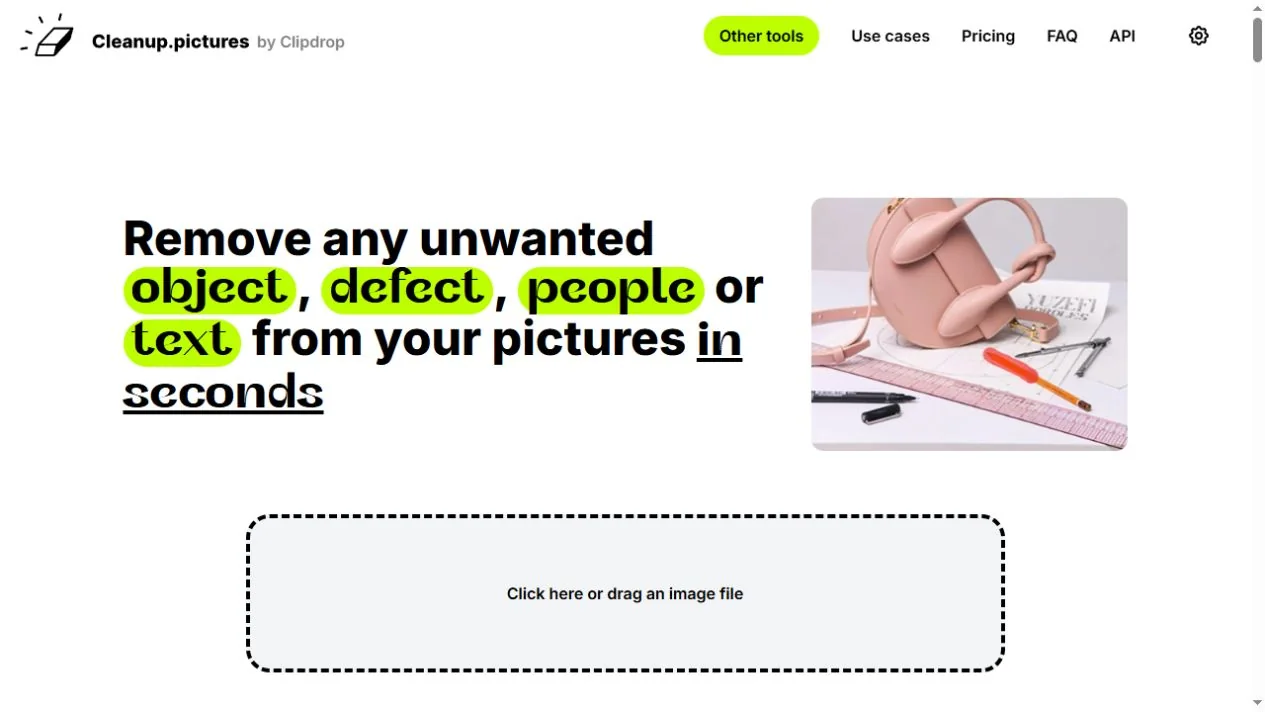
Cleanup.pictures is a focused web editor for removing unwanted elements from an image. You upload a picture, mark the area to change and let its inpainting system generate replacement content from the surrounding scene. It is useful for a distracting object, a small defect or an unwanted detail in a photo you are entitled to edit.
Inpainting creates a plausible replacement; it does not recover a hidden, historically accurate view of what was behind the removed object. That distinction matters for product pictures, documentary images and other contexts where viewers expect the image to represent reality. Use the result as an edited image and preserve the original.
Clean a personal travel photo
Prepare a social-media draft
Retouch an authorized product image
Test an inpainting integration
Official product image. Click to inspect the details.

Choose the source
Mark one region
Inspect the reconstruction
Export for the real destination
Example prompt or task: On a photo you own, remove a small background distraction while preserving the main subject, perspective and visible product details. Inspect the edited region and compare the downloaded dimensions with the intended use.
This is an editing task outline. Cleanup uses brush selection; the text is not presented as a required prompt field or a claim of tested output quality.
The FAQ describes free export limited to 720px. Importing a large image does not mean downloading it at the original resolution is free.
The official page offers a free route with unlimited images at limited export resolution, described as 720px in its FAQ. This is an ongoing low-resolution option, distinct from a time-limited trial of higher-quality output. Always inspect the actual saved dimensions for your target layout.
Pro provides higher-resolution processing and an additional quality option according to the product page. API access uses separate credits and conditions; introductory development credits are not an unlimited free API. Check current checkout and developer documentation rather than assuming a website subscription automatically includes every related Clipdrop service.
Yes, there is a free web route with a low-resolution export limit. Higher-resolution access is separate.
The FAQ allows importing images larger than the free output limit, but downloading at the original resolution is not thereby included free.
No. Inpainting generates a plausible replacement from context; it does not recover hidden factual information.
Its focus is editing selected regions. The official site links to a separate background-removal tool for that task.
Inspect edges, lines, shadows, text and repeated patterns, then review the saved file at the intended display size.
Only when you have the necessary permission or license. Removing a mark does not create rights to someone else’s image.
No. API authentication, credits and input requirements are documented separately.
Explore platforms, inputs and outputs, licensing, and access requirements.
Cleanup.pictures is a hosted browser editor rather than a complete layered design application. Its main interaction is selecting a region for removal. For compositing, typography, precise masks or a complex production layout, plan how the downloaded image will fit into the rest of your editing workflow.
The API documentation describes JPG or PNG source input and a same-sized PNG mask with black and white regions. It also distinguishes faster and higher-quality processing modes. These technical conditions apply to the developer route and should not be confused with the consumer editor’s free export limit.
Uploading an image to a hosted editor is different from editing entirely offline. Review the linked privacy policy for the current service and avoid submitting confidential source material without appropriate permission.
Keep editing rights and factual context clear. For commercial images, preserve an accurate representation of the subject; for evidence or documentation, retain the original and make relevant alterations clear to the audience.
Reviewed October 3, 2026. Product facts come from the official sources below. Suggested projects, prompts and review methods are FindGoodAI editorial guidance, not measured performance results.
Loading experiences…
Saved tools are private. Approved comments are public; edits return to moderation. Comment counts include approved comments and replies. Each person has one rating. New ratings are automatically approved; withdrawn, unapproved or invalid ratings do not count. Share real experiences and avoid spam, private information or personal attacks.
For moderation appeals or data requests: support@findgoodai.com
Bring a real task and see how it fits the way you work.
User experiences