
Sources & references
Current subscription pricing ↗
Consent recording requirements ↗
Create presenter-led videos from scripts, build a consented digital twin, or translate existing footage with a workflow that includes review and export.
HeyGen is a hosted video-production service centered on AI presenters, scripts and translation. You can create a presenter-led video in its editing environment or adapt existing footage for another language. It is useful when the explanation needs a visible speaker, while repeated recording sessions would make updates difficult.
A sensible first test is a short lesson you already understand. Decide what the viewer should learn, approve the wording, then evaluate voice, pacing and clarity. An avatar can deliver a script, but it does not validate product claims, teach an unclear process or supply missing expertise.
Prepare a short onboarding lesson
Localize an approved product video
Create a repeatable product explanation
Draft an internal training series
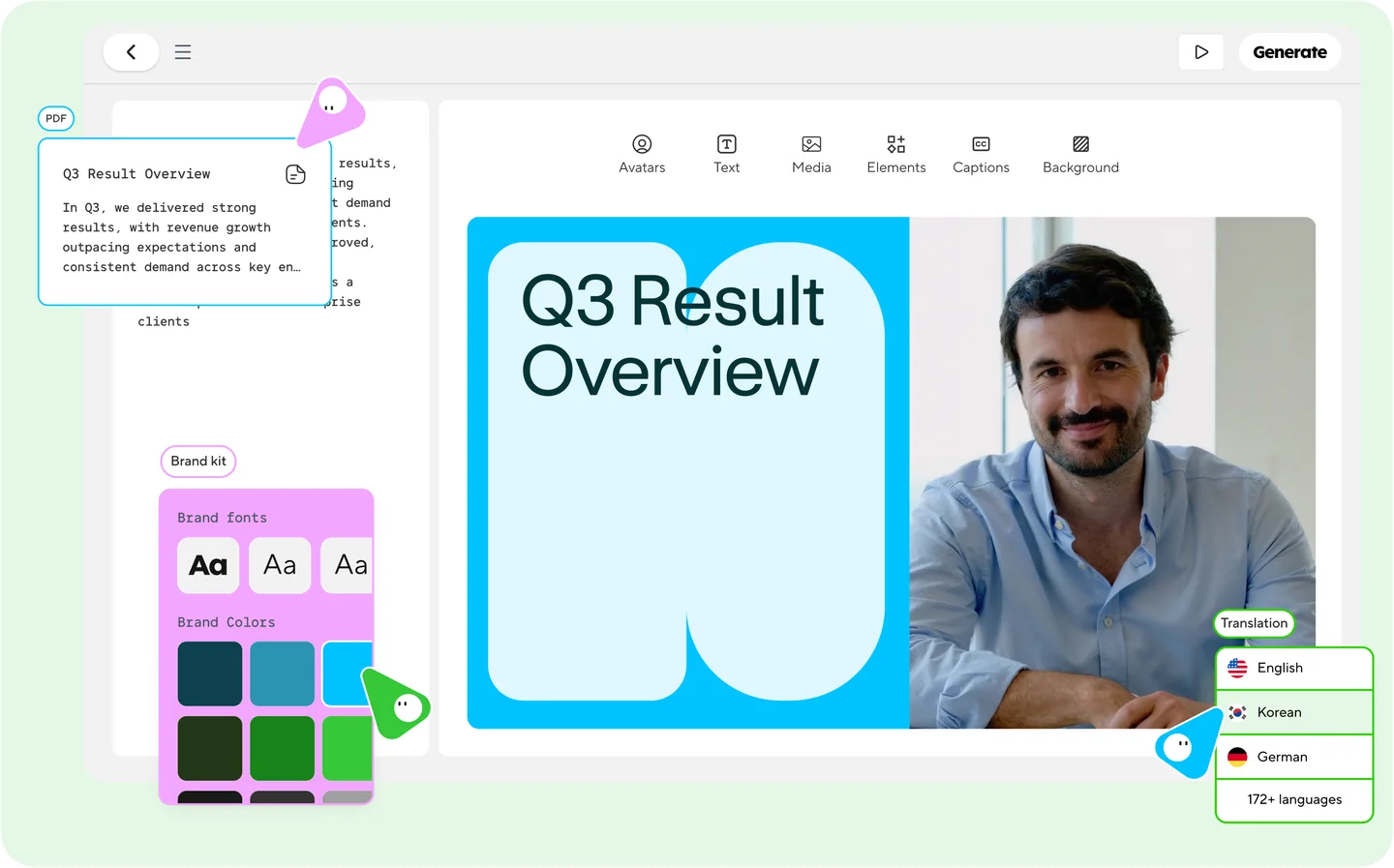
Official product image. Click to inspect the details.
Approve the script and source rights
Choose a presenter and build a short scene
Review voice, subtitles and visual details
Export and check the intended delivery version
Sample production brief: “Create a 45-second onboarding lesson from this approved password-reset procedure. Use three short scenes: when to reset, the approved steps, and where to get help. Keep product names unchanged. Show captions and the support link. Do not invent security guarantees. Provide a script for review before rendering.”
Credits, duration, resolution and content-use rights vary. Confirm checkout, tax and billing period; API usage is purchased separately.
At the check date, the official monthly pricing page lists Creator at US$29 with 600 credits and Pro starting at US$49 with 1,000 credits. The Free offer lists up to three videos per month, each up to one minute. These are dated public terms, not a guarantee of the price shown in every account or currency.
Plan limits also involve duration, resolution, branding and feature access. Credits are consumed by production choices, so count revised takes and translations in the budget. Confirm annual versus monthly billing and applicable taxes at checkout. A higher export resolution alone does not correct a low-quality source recording.
The API pricing guide explicitly separates API purchases from website subscriptions. Its billing depends on the selected generation product and output time or other applicable units. A Creator subscription should not be treated as an API allowance. Start with a small representative API job and inspect the charge before automating volume.
Only with the necessary permission and the platform’s consent process. The Digital Twin guide requires the actual depicted person to record their consent; someone else cannot substitute for them.
The current terms restrict Free-plan output to personal, noncommercial and internal evaluation use. Check the applicable paid-plan terms for commercial work rather than assuming a download grants all uses.
No. The terms explain that outputs may resemble other users’ outputs. Separately verify rights in your script, images, music and presenter material.
No. Review meaning, names and specialist terms in the target language. A convincing voice or synchronized mouth movement does not establish that the translated claim is accurate.
The official API guide treats API access and website subscriptions separately. Confirm the API product and account balance directly before building an automated workflow.
The download guide includes SRT subtitles and audio-only options. Open the caption file and check wording, timing and line breaks with the actual final video.
Use a short real script. Measure how many corrections were needed, whether a viewer understood the action and how much the complete approved result cost.
Explore platforms, inputs and outputs, licensing, and access requirements.
These are FindGoodAI editorial workflow ideas. Use a plan that permits the intended deployment; a free evaluation is not a blanket commercial-content license.
The main studio runs as a web service with an account. Official help also covers mobile-app and mobile-browser camera and microphone permissions for relevant recording workflows. Do not assume every detailed desktop editing feature is available identically on a phone; test the exact capture and review steps you need.
Inputs can include scripts, uploaded visual material, presentation files and existing video for translation. Custom avatars require suitable footage and the depicted person’s consent recording. Outputs may include rendered video, audio and subtitle files. Resolution availability depends on the plan and generation conditions, so verify both source and export settings.
For a dependable handoff, keep the script, pronunciation glossary, consent record and final captions together. Maintain a list of facts that may expire, such as product screens or support addresses. This makes a future revision easier to review than rebuilding the project from memory.
HeyGen is proprietary hosted software. Content-use rights do not grant ownership of its platform or model code. Its terms distinguish paid-plan content rights from Free-plan restrictions, while requiring you to have appropriate rights in source material.
The privacy policy states that supplied text, voice, images and video may be used to improve models and describes a contact route to request a training opt-out. Review the policy and any separate agreement applicable to your account before uploading confidential scripts or personal recordings. Record only the material needed for the project and obtain the participant’s informed authorization.
Checked on October 3, 2026.
Current subscription pricing ↗
Consent recording requirements ↗
Loading experiences…
Saved tools are private. Approved comments are public; edits return to moderation. Comment counts include approved comments and replies. Each person has one rating. New ratings are automatically approved; withdrawn, unapproved or invalid ratings do not count. Share real experiences and avoid spam, private information or personal attacks.
For moderation appeals or data requests: support@findgoodai.com
Bring a real task and see how it fits the way you work.
User experiences