JetBrains Junie
CodingJunie combines a coding agent with planning, model choice and JetBrains development workflows. Use the CLI, supported IDE integration or repository automation to work on scoped code changes.
Build web applications through natural language, refine their interface and keep the code.
Lovable is an AI development platform for creating web applications through natural-language instructions. It can work across the interface, backend, database and sign-in flow, while keeping editable project code. Our recommended starting point is a narrowly scoped customer portal, internal dashboard or product prototype. Give the app one meaningful job first. Once that path works, improve its presentation and expand it deliberately. This makes feedback more useful and helps you understand what you are publishing.
Product prototypes
Internal dashboards
Customer portals
Campaign websites
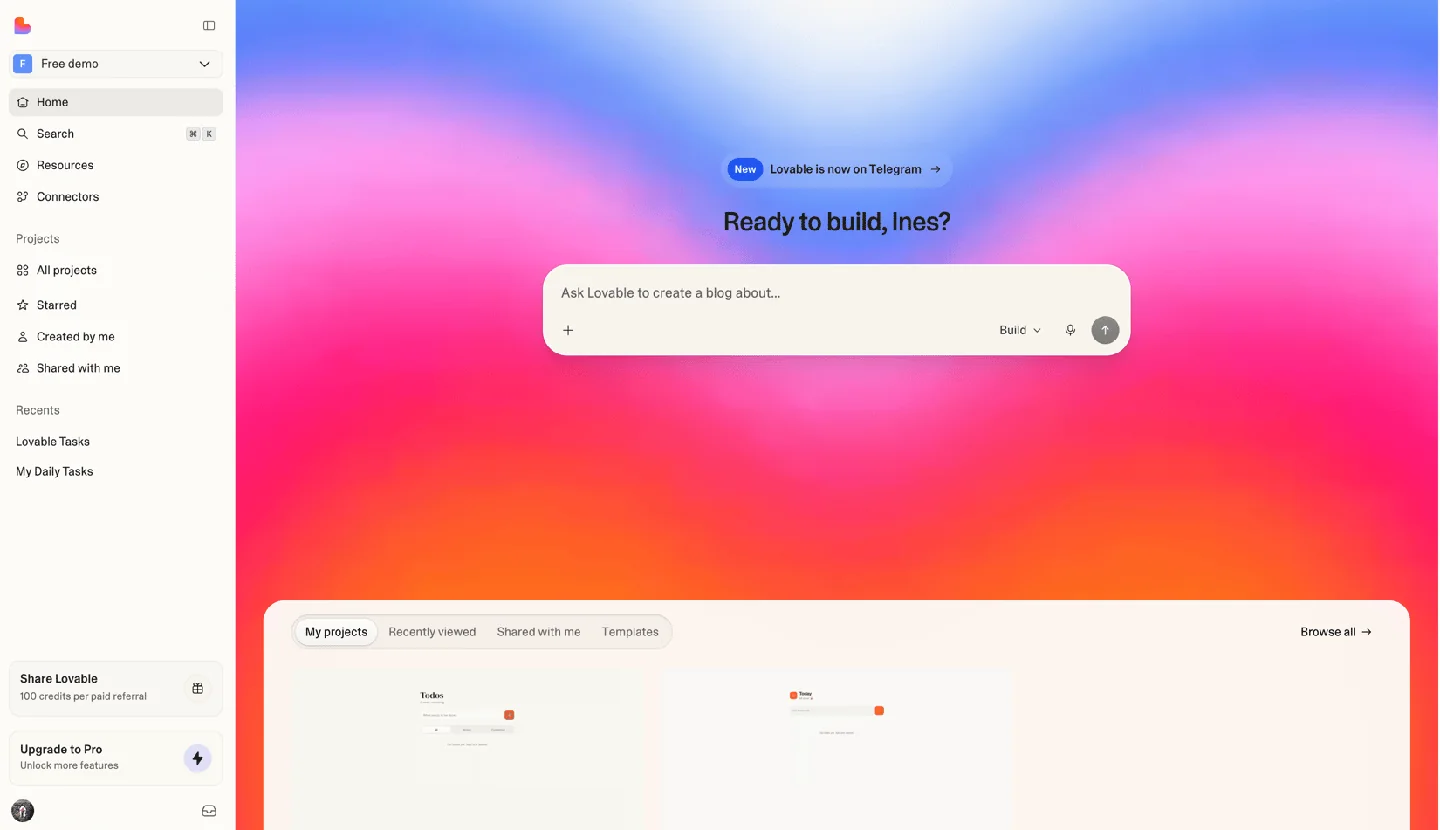
Official product image. Click to inspect the details.

For a first project, we suggest a real but small workflow: a contact directory with search, a booking request form, or a simple reporting dashboard. Avoid adding payments, complex permissions and multiple integrations in the first instruction.
Describe the goal, pages and example data
Build and check one core user journey
Keep the code, review permissions and publish
These are editorial recommendations. Generated code still needs review appropriate to the application; a polished preview alone does not establish that permissions and backend behavior are correct.
Checked 2026-10-03: the free plan includes five daily build credits, capped at 30 per month. Paid plans use a shared workspace credit balance; building, Cloud and in-app AI can consume credits. Plan pricing. Budget for both making changes and running the finished app.
You can start with natural-language instructions. Technical review remains valuable when you add authentication, permissions, payments or important customer data.
Yes. The official GitHub integration supports export and two-way sync. Keep in mind that transferring source code does not by itself configure another hosting environment.
No. You can use Lovable without it. Connecting a repository is useful when you want version control, external development or an independent code copy.
It depends on the action. Requests made by selecting elements or drawing annotations use build credits. Commenting itself does not; inline text edits have their own free allowance.
Lovable says you own your project code and generated output, subject to third-party rights. Check dependencies, assets and service terms before distributing a commercial product.
Explore platforms, inputs and outputs, licensing, and access requirements.
Start with a Lovable account in the web platform. GitHub synchronization connects a workspace authorization with an individual project repository. Changes can move in both directions, allowing developers to review code and work locally. The hosted development platform and your generated app are different things: owning an app does not mean Lovable’s own service is open source.
Practical handover advice: document the database, domains, external services and person responsible for billing. A code archive is only part of an operational handover. Official GitHub guide.
From September 9, 2026, Free and Pro customer content may be used for model training unless the individual user opts out in account settings. Business and Enterprise workspace data is excluded by default. Opt-out applies going forward and does not change other team members’ settings. Official data controls.
Checked October 3, 2026.
Loading experiences…
Saved tools are private. Approved comments are public; edits return to moderation. Comment counts include approved comments and replies. Each person has one rating. New ratings are automatically approved; withdrawn, unapproved or invalid ratings do not count. Share real experiences and avoid spam, private information or personal attacks.
For moderation appeals or data requests: support@findgoodai.com
Bring a real task and see how it fits the way you work.
User experiences