
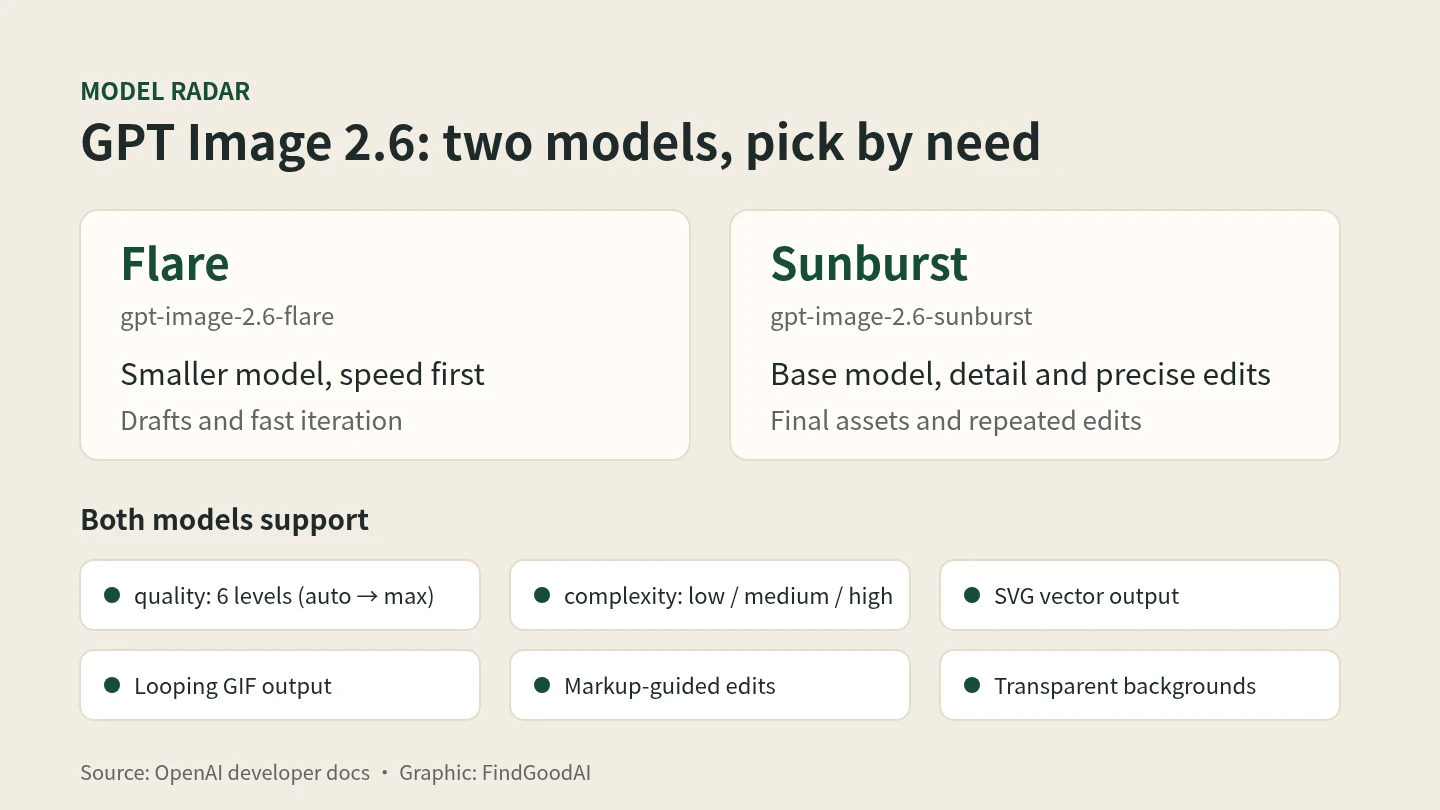
OpenAI released GPT Image 2.6 for developers on November 4 as two models. gpt-image-2.6-flare is the smaller model for workflows where speed matters most. gpt-image-2.6-sunburst is the base model for work that needs more detail or precise edits. OpenAI says Flare can return an image in as little as six seconds.
What changed
- Two models, two jobs: both handle generation, editing and transparent backgrounds. They differ in speed and detail.
- Six quality levels: auto, low, medium, high, xhigh and max.
- A new complexity setting: low, medium or high, defaulting to high.
- SVG and looping GIF output: output_format now accepts svg and gif, so you can get an editable vector file or a short animation directly.
- Markup-guided edits: send a transparent PNG overlay the same size as the source image and draw on the parts you want changed. Leave out mask when you use markup.
Who this affects
Developers: projects on the older image models need to pick one. Flare fits drafts, bulk generation and products that need fast responses. Sunburst fits posters, product shots and assets that go through several rounds of edits. Remove input_fidelity from image edit calls.
Design and content teams: SVG output means logos, icons and simple illustrations can arrive as editable vectors. Drawing on the image is a more direct way to say what to change than a long text prompt.
Editorial perspective
The prompting guide does not list prices for the two models, so check the OpenAI pricing page before you switch. SVG and GIF output come with their own constraints (SVG generates one image per request, for example). Test with a small batch before replacing a production workflow.
Source: OpenAI developer docs: GPT Image 2.6 prompting guide