
Sources & references
Spline AI — Official product page ↗
Spline combines browser-based 3D design with AI asset generation. The important distinction is that a generated object can become part of an editable interactive scene, making the tool relevant to web experiences and product presentations as well as isolated model creation.
Spline combines browser-based 3D design with AI asset generation. The important distinction is that a generated object can become part of an editable interactive scene, making the tool relevant to web experiences and product presentations as well as isolated model creation.
Web designers, interaction designers and product teams exploring lightweight 3D scenes without beginning every object from manual geometry.
Create one rotating product object with a hover response, then measure whether the mobile page remains usable.
Web designers, interaction designers and product teams exploring lightweight 3D scenes without beginning every object from manual geometry.
Create one rotating product object with a hover response, then measure whether the mobile page remains usable.
Official product image. Click to inspect the details.
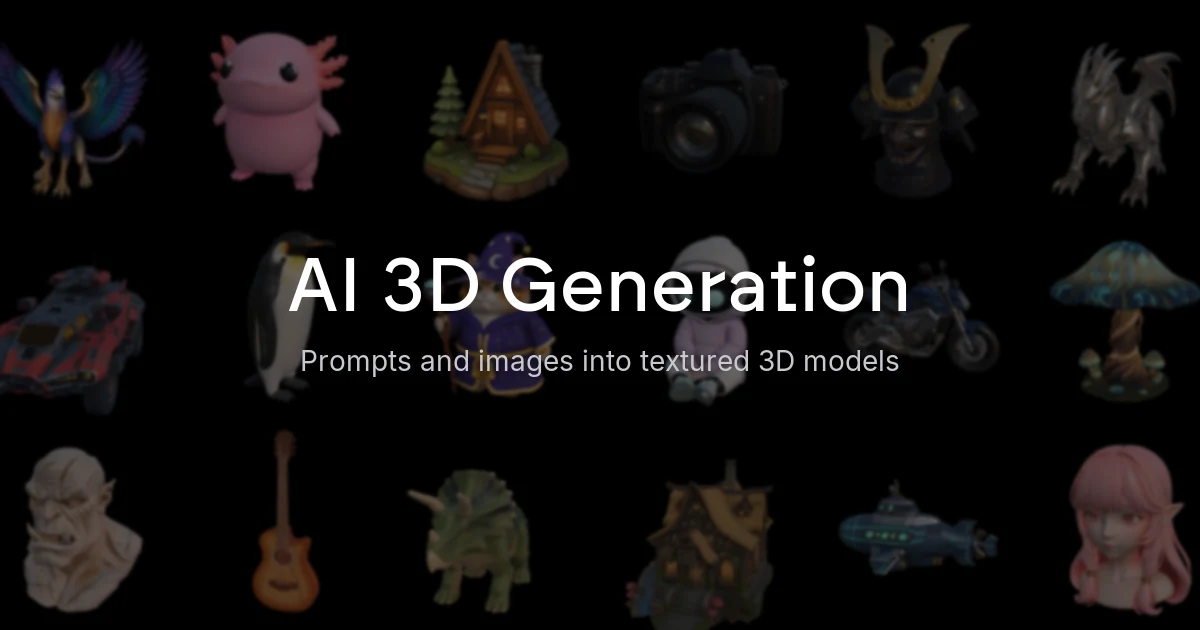
Describe an object and generate a textured model as a starting asset.
Use a reference image to guide the model’s appearance.
Place assets in a scene and refine transforms, materials and lighting.
Use Spline’s design environment to explore states and user interaction around the asset.
Choose an export or embed workflow and test it on the intended devices.
Sketch the interaction before generating decorative objects.
Create one asset with a simple silhouette.
Build a small scene and add the required states.
Test loading, responsiveness and interaction on a phone.
Sketch the interaction before generating decorative objects.
Create one asset with a simple silhouette.
Build a small scene and add the required states.
Test loading, responsiveness and interaction on a phone.
Spline separates workspace plans from AI generation credits. Seats, collaboration and export options affect the workspace subscription; generation consumes the available AI allowance.
Web designers, interaction designers and product teams exploring lightweight 3D scenes without beginning every object from manual geometry.
Create one rotating product object with a hover response, then measure whether the mobile page remains usable.
Spline separates workspace plans from AI generation credits. Seats, collaboration and export options affect the workspace subscription; generation consumes the available AI allowance.
Browser 3D editor and supported exports. Prompts/images → 3D assets and interactive scenes
A visually rich 3D scene can slow a webpage. AI output still needs optimization; export formats, watermark removal and collaboration depend on plan.
Test loading, responsiveness and interaction on a phone. Treat this suggested workflow as a starting point and compare the result against the requirements of your own project.
Explore platforms, inputs and outputs, licensing, and access requirements.
A visually rich 3D scene can slow a webpage. AI output still needs optimization; export formats, watermark removal and collaboration depend on plan.
Use reference images and brand assets that you are permitted to process. Check the current plan’s export and commercial-use terms, including attribution where required. Review the output in its destination application before sending it to a client or publishing it.
Spline AI — Official product page ↗
Loading experiences…
Explore Kittl for AI graphics, editable vectors and merchandise design, with practical first-project steps, free-plan limits and licensing considerations.
A browser-based collection of image generation, photo editing, chat and other creative AI tools.
AI-assisted brand content and website creation for small and medium-sized businesses
Bring a real task and see how it fits the way you work.

User experiences