
Sources & references
Amazon Q Developer — Official product page ↗
Amazon Q Developer — Official documentation and feature details ↗
Amazon Q Developer combines coding assistance with knowledge of AWS services. It can help explain a project, propose changes and support development work from the editor or command line, while account permissions still determine which cloud resources it can access.
Amazon Q Developer combines coding assistance with knowledge of AWS services. It can help explain a project, propose changes and support development work from the editor or command line, while account permissions still determine which cloud resources it can access.
Developers maintaining AWS applications or teams that want coding help within an AWS identity and administration environment. It can also assist with code that does not run on AWS.
Ask it to add input validation to one API endpoint, then test empty, invalid and valid requests.
Developers maintaining AWS applications or teams that want coding help within an AWS identity and administration environment. It can also assist with code that does not run on AWS.
Ask it to add input validation to one API endpoint, then test empty, invalid and valid requests.
Official product image. Click to inspect the details.
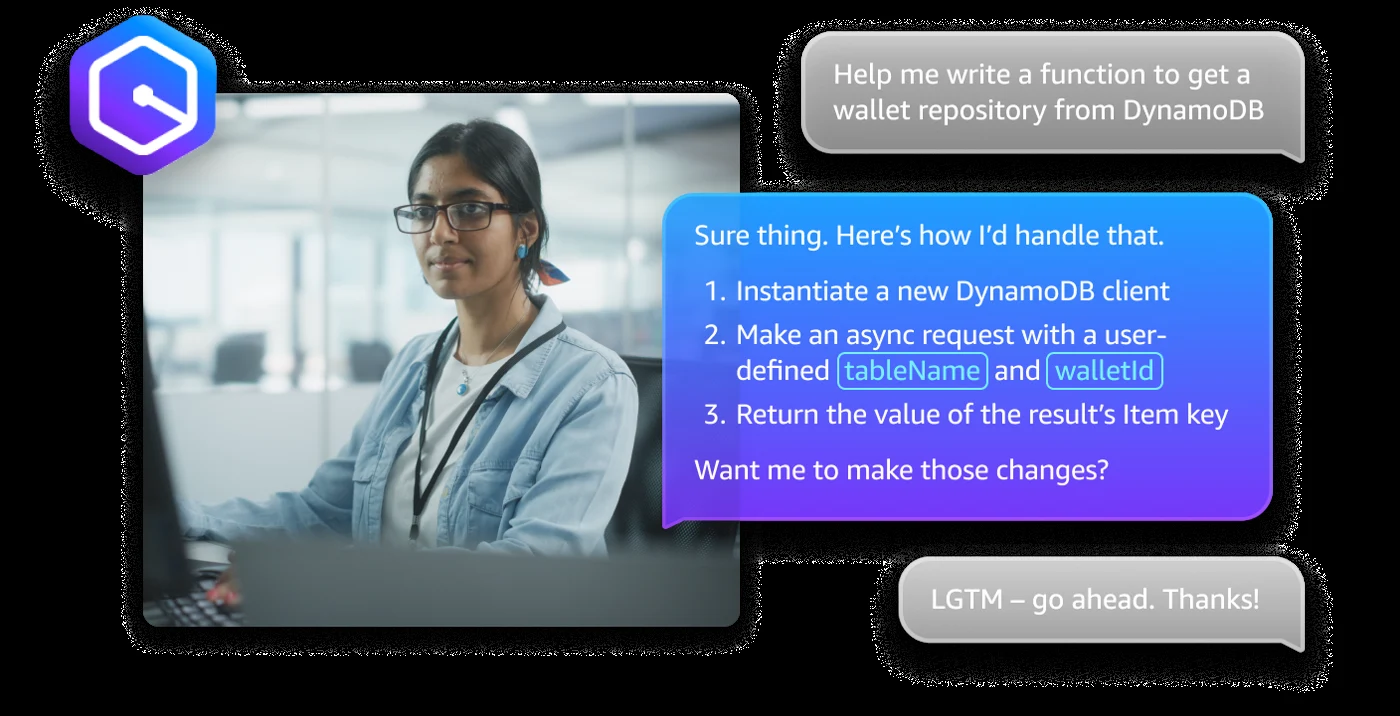
Use comments and surrounding code to request snippets or functions, then inspect how the suggestion fits the existing API.
Ask for an explanation of unfamiliar code or an AWS service configuration before requesting edits.
The agent can read files, propose diffs and run development commands. Review its scope and execution permissions.
Generate tests and investigate security findings in the context of the codebase; validate suggested fixes with your own checks.
Transformation capabilities assist supported Java and .NET modernization workflows, with separate plan and usage conditions.
Install the supported IDE integration or CLI and sign in.
Open a small repository and ask for an architectural explanation.
Request one bounded change with an explicit acceptance check.
Review the diff and run the existing tests before accepting it.
Install the supported IDE integration or CLI and sign in.
Open a small repository and ask for an architectural explanation.
Request one bounded change with an explicit acceptance check.
Review the diff and run the existing tests before accepting it.
Free and Pro tiers have different monthly agentic-request allowances. Pro costs $19 per user per month and adds organizational controls. Application transformation has a separate usage allowance.
Developers maintaining AWS applications or teams that want coding help within an AWS identity and administration environment. It can also assist with code that does not run on AWS.
Ask it to add input validation to one API endpoint, then test empty, invalid and valid requests.
Free and Pro tiers have different monthly agentic-request allowances. Pro costs $19 per user per month and adds organizational controls. Application transformation has a separate usage allowance.
Supported IDEs, CLI and AWS surfaces. Code and questions → explanations, diffs and tests
A generated command can alter cloud resources or incur costs. Code completion is not proof of correctness, and transformation support is narrower than arbitrary framework migration.
Review the diff and run the existing tests before accepting it. Treat this suggested workflow as a starting point and compare the result against the requirements of your own project.
Explore platforms, inputs and outputs, licensing, and access requirements.
A generated command can alter cloud resources or incur costs. Code completion is not proof of correctness, and transformation support is narrower than arbitrary framework migration.
For a first evaluation, use a repository you are allowed to share and inspect the requested file and service permissions. Review the selected provider’s data settings before sending proprietary code. Accept a change only after reviewing its diff and running the relevant checks.
Amazon Q Developer — Official product page ↗
Amazon Q Developer — Official documentation and feature details ↗
Loading experiences…
Bring a real task and see how it fits the way you work.
User experiences