

Sources & references
Riverside current pricing and recording limits ↗
Riverside FAQ on Free and multitrack hours ↗
Record separate participant tracks, edit a conversation and turn useful moments into clips or show notes. Riverside combines a recording studio with AI assistance, but its Free two-hour multitrack allowance is a one-time allocation.
Riverside is built for interviews, podcasts, webinars and other conversations where the recording will become finished content. Its remote studio can capture separate audio and video tracks for each participant, which gives an editor more control over uneven microphones or a speaker who talks over someone else. The platform then provides transcription, text-based editing, clips and other AI-assisted production features according to plan. The strength is a continuous path from capture to deliverable rather than a collection of unrelated files.
The first production test should be a short two-person recording, not an important live event. Ask the guest to join from the device and room they normally use. Record an introduction, a pause, overlapping speech and a phrase containing a proper name. After the session, verify that both local tracks finished uploading before editing. Compare the transcript with the audio, trim one segment, and inspect whether the generated clip preserves context instead of cutting a catchy sentence away from its explanation.
Riverside's Free plan is useful for this pilot but has a critical limitation: the current pricing table lists two hours of separate-track recording as a one-off allowance, not two fresh hours each month. Free also has a watermark and lower video resolution. Paid plans increase recurring multitrack hours and unlock higher quality or more AI production tools. Planning around a repeated show therefore requires looking at multitrack hours per month, not just the headline $0 tier.
Remote interviews
Educational webinars
Product stories
Official product image. Click to inspect the details.
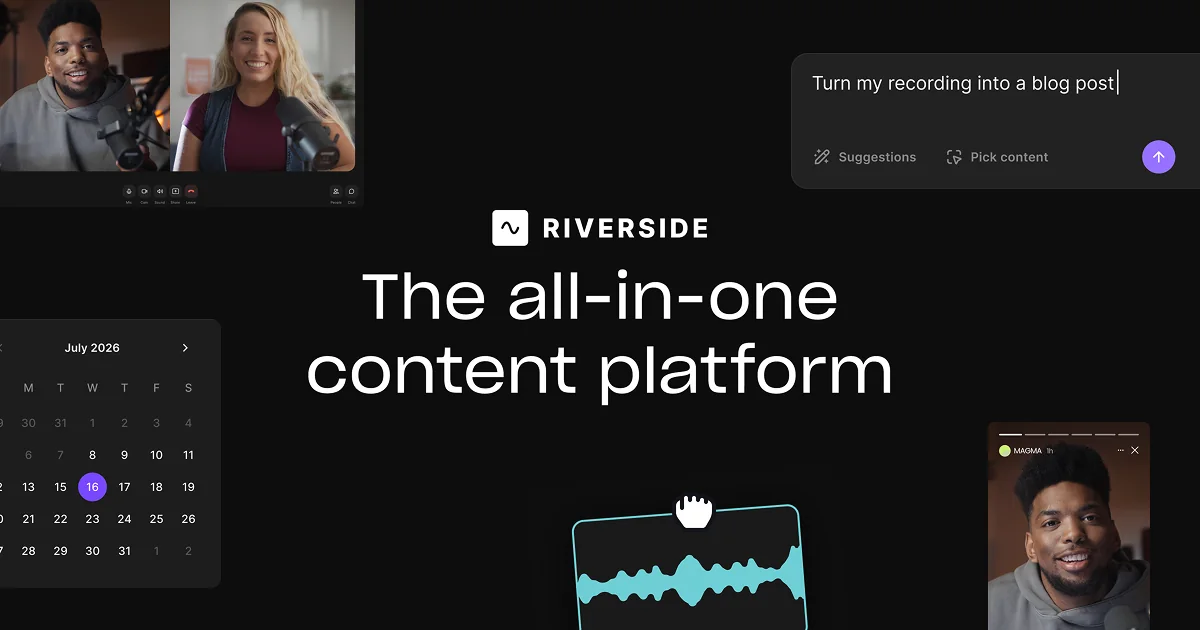
Capture each participant separately, allowing cleaner mixing and camera selection after a remote call. Confirm upload completion before the guest leaves.
Work from a transcript to locate a passage and make an initial cut, then listen around every join to catch abrupt transitions or missing context.
Generate candidate social clips from a longer recording. Review framing, subtitle accuracy and whether the selected quote represents the original conversation fairly.
Prepare a draft description and chapter cues where the plan supports them. Verify names, links and sponsor wording before publication.
Repurpose a full conversation into long video, audio and short highlights. Keep a source master and note which edits were approved.
Plan recording and consent
Capture a short sample
Edit against the source
Export and review
Define the final output, invite guests, test microphones and explain recording and publication intentions.
Record at least two speakers, a pause and an overlap. Confirm each local track reaches the cloud.
Use the transcript for navigation but return to audio and video at every proposed cut. Correct captions and remove misleading out-of-context fragments.
Check aspect ratio, watermark, loudness and rights before publishing. Keep the master and a note of approved versions.
See plan details below.
Riverside's pricing page lists Free at $0, with two hours of separate-track recording as a one-time allowance, unlimited single-track recording and editing, up to 720p video, a watermark and Magic Clips access. These limits make it a good way to test the workflow, not a free monthly multitrack studio.
The current annual-billing view shows Standard at $15 per month with five multitrack hours per month and Pro at $24 per month with fifteen hours, higher-quality export and broader AI production functions. The monthly-billed figures are higher. Recording hours count the length of a session rather than multiplying by its participant count, according to the FAQ. Verify the live checkout and the precise AI feature list for your plan before committing to a weekly show.
No. The current pricing table calls the two-hour Free allocation one-off.
Riverside says an hour-long session counts as one hour even with multiple participants.
The current Free plan includes a watermark; paid tiers remove it.
Review subtitles, framing and context before using a generated clip publicly.
They let an editor adjust participants independently after the remote recording.
Record a short two-person call, verify both track uploads and complete one transcript-based edit.
Explore platforms, inputs and outputs, licensing, and access requirements.
Riverside is a proprietary cloud-assisted production platform. Separate tracks are recorded on participant devices and uploaded for the host to use. If a track has not finished uploading, the final edit may lack that participant even though a live call seemed fine. Production quality also depends on microphone, room and permission to use the source material; AI editing cannot repair every capture problem.
A recording can contain guest voices, faces and private conversation. Obtain appropriate consent, restrict project access and check retention before using automatic transcripts or clips. Riverside says recordings are protected by encrypted connections and secure storage, with access limited to the owner and team unless shared. Review each sharing link before sending a rough cut outside the team.
Riverside current pricing and recording limits ↗
Riverside FAQ on Free and multitrack hours ↗
Loading experiences…
Deepgram offers APIs for real-time and recorded speech-to-text, text-to-speech and voice agents. New accounts get $200 of free credit with no card.
Separate vocals and instruments from existing recordings, with additional voice-cleaning and audio tools.
Generate and adjust original background tracks, or develop beats for a distributed song. SOUNDRAW separates its Creator background-music license from Artist plans that permit modified songs on streaming services.
Bring a real task and see how it fits the way you work.


User experiences