InVideo
Video creationCreate and revise videos with AI agents while retaining an editable multitrack timeline. InVideo’s current editor combines footage search, storyboard planning, generated assets and real-time collaboration.
Turn recorded footage into styled short videos with automatic editing, captions and prompt-based revisions. Captions also offers avatars, digital twins and generated media for creators who need repeatable video production.
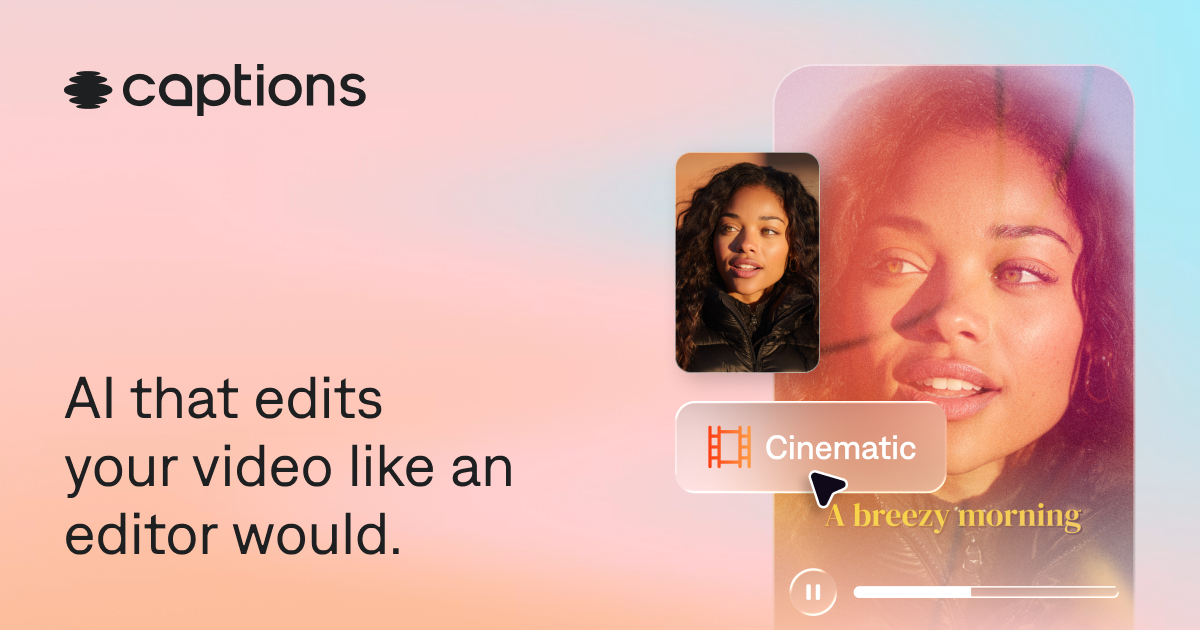
Captions centers on the editing decisions that turn raw footage into a finished social video. AI Edit applies a chosen style, cuts scenes and adds supporting elements such as B-roll. The chat-based editor lets the creator request changes after the first version, while more traditional tools remain relevant for precise corrections.
Try it with a clear, well-lit talking-head recording rather than a heavily compressed repost. Define the audience, desired pace and elements that must stay unchanged. Review any added imagery and cuts to ensure the finished video still communicates what the speaker actually meant.
Talking-head explainers
Short promotional videos
Multilingual social posts
Official product image. Click to inspect the details.

Apply curated editing styles to footage, including cuts and supporting visuals. Compare styles on the same source so the choice reflects readability and pacing.
Use the chat editor to direct changes to the generated edit. Give a specific instruction, then review the affected sequence rather than assuming the request landed perfectly.
Generate styled captions and translated subtitles. Check names, terminology, line breaks and the placement of text on a phone screen.
Eye-contact correction, denoising and pause or filler trimming help polish a recording. Use them selectively to retain natural expression and emphasis.
Supported paid workflows include digital twins, AI actors and generated B-roll, music or effects. Treat likeness and voice permissions as part of preparing the project.
Prepare clean footage
Choose an editing direction
Refine the first version
Review the final export
Record close enough for clear speech, keep the subject visible and decide the final aspect ratio.
Pick a style that suits the audience and describe any pacing or visual requirements.
Correct transcript errors, remove irrelevant B-roll and request targeted changes to the sequence.
Watch at normal speed with and without sound to assess meaning, caption readability and unintended edits.
Pricing checked on October 5, 2026. See plan details below.
Captions lists a limited Free version without AI usage credits. The pricing page explicitly says its USD prices and feature comparison reflect iOS plans only: Max is $24.99/month with 500 credits, while Frontier starts at $69.99/month with 1,400 credits.
Higher Frontier tiers list 2,800 and 5,600 monthly credits at $139.99 and $279.99. Unused credits can roll over for two additional months, up to three times the monthly allowance. Check your actual device and storefront before subscribing; web and Android entitlements should not be inferred from the iOS table.
No. It also offers AI editing, avatars, generated assets and audio-related tools.
The current comparison lists no AI usage credits for Free.
No. The public pricing page explicitly labels them as iOS plans.
The chat-based editor supports prompt-based changes; inspect the result after each important revision.
The FAQ allows two extra months, with a balance cap of three times the monthly allowance.
Use a clear, well-lit recording with understandable speech and a focused message.
Explore platforms, inputs and outputs, licensing, and access requirements.
Captions is a proprietary video platform. The free editor is not a promise of free generative AI usage. Check the specific device, export options and feature availability before designing a production process around a particular AI tool.
Use authorized footage and consented likenesses for digital twins. Review project sharing and retention before using client material. The pricing page lists training-data exclusion under Enterprise; do not assume that enterprise provision applies to every consumer plan.
Loading experiences…
Saved tools are private. Approved comments are public; edits return to moderation. Comment counts include approved comments and replies. Each person has one rating. New ratings are automatically approved; withdrawn, unapproved or invalid ratings do not count. Share real experiences and avoid spam, private information or personal attacks.
For moderation appeals or data requests: support@findgoodai.com
Bring a real task and see how it fits the way you work.
User experiences