InVideo
Video creationCreate and revise videos with AI agents while retaining an editable multitrack timeline. InVideo’s current editor combines footage search, storyboard planning, generated assets and real-time collaboration.
Edit recordings, create subtitles and build AI-assisted videos in a browser. VEED combines a familiar video workflow with generation, voice tools, translation and brand assets for social and business content.
VEED brings routine video jobs into a web workspace: trimming footage, arranging media, adding text, generating subtitles and preparing different delivery formats. AI video, avatar and audio tools sit alongside this editor, making it suitable for teams that combine recorded material with generated assets.
An informative first test is a one-minute explanation recorded with your normal microphone. Edit the opening, correct the transcript, add a title and export a phone-friendly version. Judge how easily you can fix mistakes and keep the message clear, rather than judging only a template preview.
Captioned explainers
Product walkthroughs
Social campaign variants
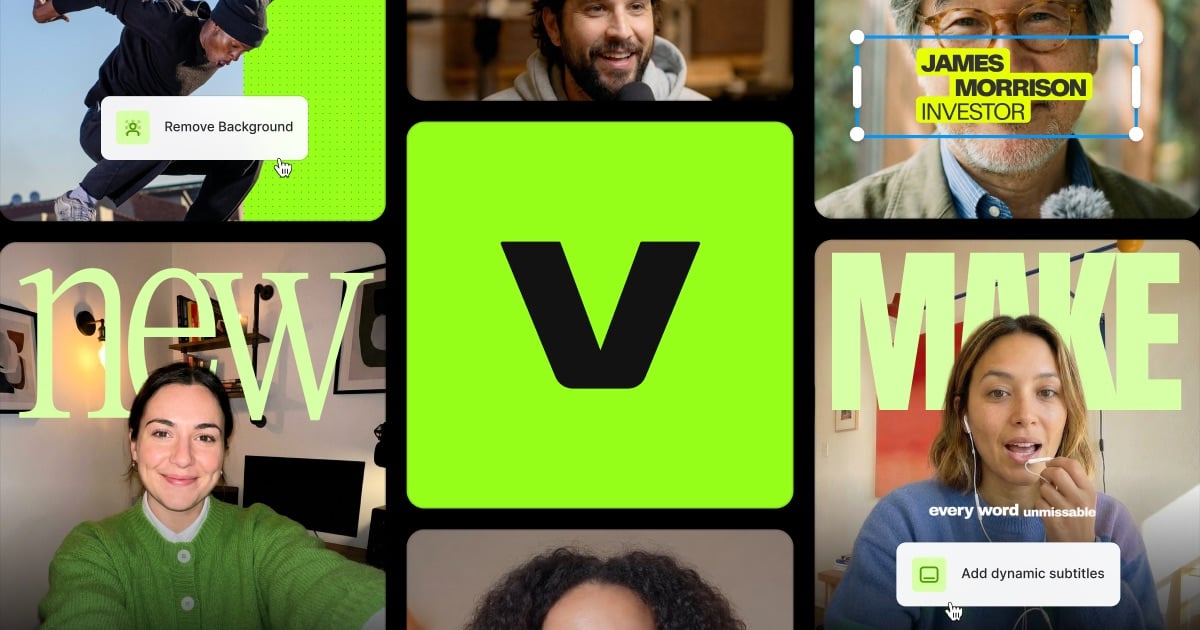
Official product image. Click to inspect the details.

Cut and join footage, arrange media, and add text or audio. Keep a clean master edit before creating variations for different platforms.
Generate captions and adjust their text and presentation. Check names, numbers and line breaks, then preview the safe area used by the target social app.
Use prompt-based generation, image-to-video and avatar tools where they fit the project. Model choice and plan allowances affect availability and cost.
Voice generation and noise-removal tools help prepare narration. Compare processed audio with the original so important consonants and natural pauses are retained.
Brand kits and translation features help reuse a visual identity across versions. Review translated captions in context and track which version has been approved.
Prepare a clear source
Build the main edit
Correct subtitles and styling
Export and watch the result
Record a focused explanation and collect the logo, screenshots and supporting media needed for it.
Remove dead time, arrange the visual sequence and balance narration with background audio.
Review every caption, choose readable styling and apply the appropriate brand assets.
Check the finished file at its delivery size, including audio levels, cropped text and the first and last seconds.
Pricing checked on October 5, 2026. See plan details below.
VEED provides a free starting option. The annual USD view checked for this profile lists Creator at $116 per user per year, Pro at $257 and Studio at $414; the displayed monthly equivalents are rounded. Creator removes the watermark, while higher plans add branding, translation and larger AI allowances.
Paid subtitle generation is advertised as unlimited but has a fair-use limit of 50 hours per month. Translation consumes minutes separately for each target language. AI credits and unused translation minutes do not roll over; their renewal cycle depends on monthly or annual billing.
Yes. The web editor handles common editing, subtitle and media tasks.
The official FAQ specifies a fair-use limit of 50 hours per month.
Translation allowance is consumed for each language version.
The pricing FAQ says they do not carry over.
Brand kits and related capabilities are offered on applicable plans.
Edit a real short recording and assess transcript correction, audio quality and the exported result.
Explore platforms, inputs and outputs, licensing, and access requirements.
VEED is a proprietary cloud editor. Export quality, AI access, team functions and brand tools vary by plan. The number of AI videos illustrated on a pricing card is an estimate, not a promise that every model or duration consumes the same credits.
Check project access and sharing links before uploading internal recordings. Review connected team accounts and use the privacy controls appropriate to your organization. Client footage and generated assets should have an identified owner and an approved distribution destination.
Loading experiences…
Saved tools are private. Approved comments are public; edits return to moderation. Comment counts include approved comments and replies. Each person has one rating. New ratings are automatically approved; withdrawn, unapproved or invalid ratings do not count. Share real experiences and avoid spam, private information or personal attacks.
For moderation appeals or data requests: support@findgoodai.com
Bring a real task and see how it fits the way you work.
User experiences