Topaz Photo
Image & designDenoise, sharpen, upscale and repair photographs through a desktop application or supported editing plugin. Topaz Photo combines several enhancement tools with local and cloud rendering options.
Turn prompts and design context into code-backed prototypes, then refine the result visually. Figma Make connects early product ideas with the Figma design workflow and review process.
Figma Make is designed for exploring how a product should work, using prompts together with design references and other context. Its output can be interacted with and refined, making it useful when a static mockup cannot show a form, a data state or a multi-step journey clearly enough.
Begin with one complete user journey, such as choosing a plan and reviewing a confirmation screen. Supply realistic sample content and define empty, loading and error states. The prototype should help the team decide what to build; any connected data or published application still requires the usual implementation review.
Interaction review
Design-system exploration
Stakeholder demo
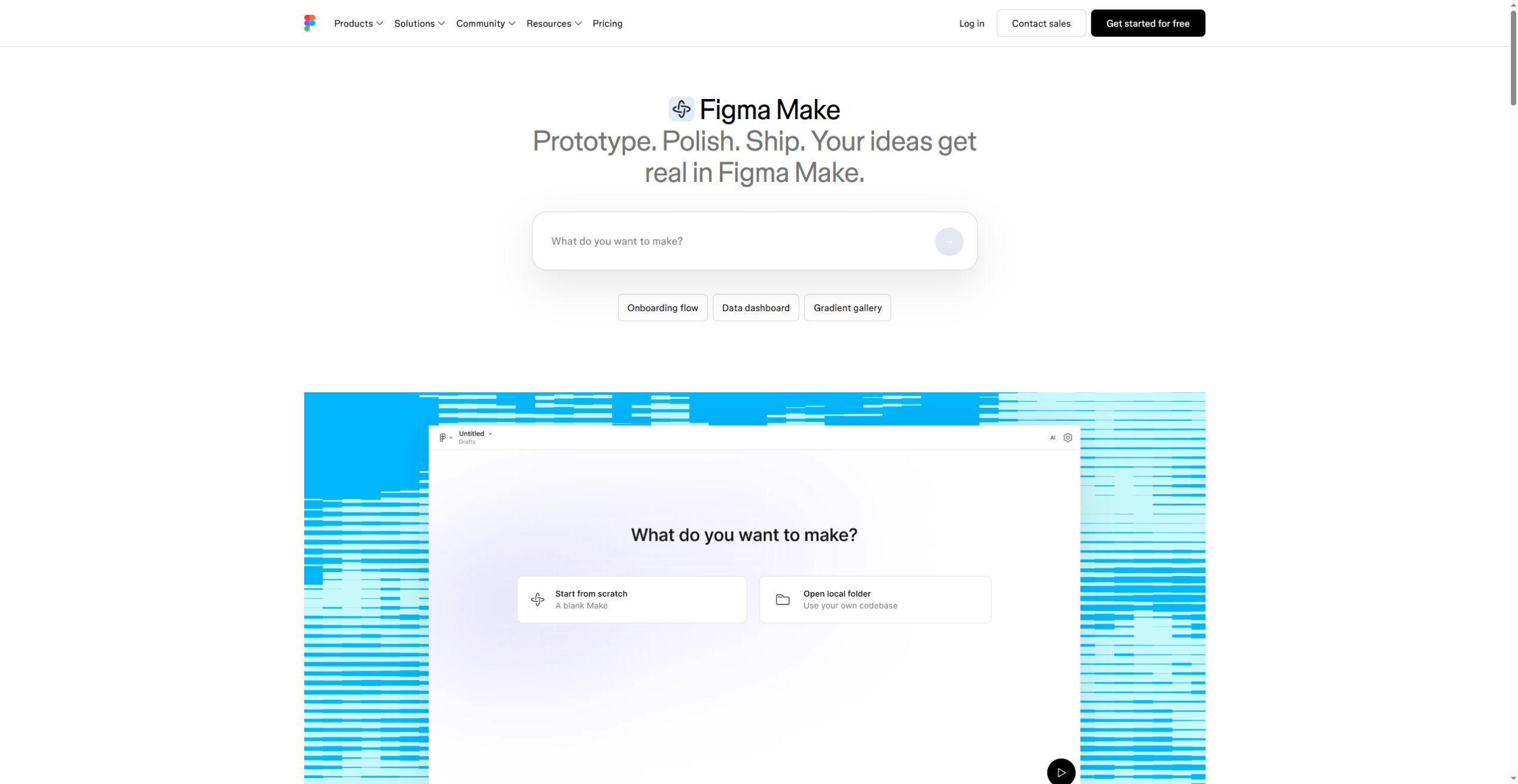
Official product image. Click to inspect the details.

Attach Figma frames and supported reference files to guide generation. A small, coherent set of examples is easier to follow than several contradictory design directions.
Clarify intent before generation with a structured plan. Use this stage to identify the main screens, data assumptions and unanswered questions.
Point-and-edit and annotations help target changes to particular elements. Review the whole flow after a local change because spacing or behavior can affect adjacent states.
Make kits and library context can carry shared styles, guidelines and packages into a prototype. Confirm what your seat and organization support.
Comments and version history support review and recovery. Keep a known-good iteration before changing the structure or connecting a backend.
Define one journey
Add focused references
Generate and refine
Review before sharing
Describe the user, their task, the starting screen and the successful end state.
Attach relevant frames and sample content. State which layout, terminology and brand choices must be preserved.
Review the plan, build the first version and adjust one issue at a time. Test the transitions between screens after each major change.
Check responsive layout, keyboard use, error states and any connected data. Choose sharing and publishing settings appropriate to the audience.
Pricing checked on October 5, 2026. See plan details below.
Figma uses plans, seat types and AI credits. The current Starter offer includes 150 daily AI credits up to a monthly total of 500. The Professional annual view lists a Full seat at $16 per month with 3,000 monthly AI credits. Check the exact Make capabilities included with your seat.
Additional AI credits are offered through add-ons. Estimate the cost of several realistic iterations, not just one successful generation, and distinguish an editor seat from a viewer or commenter. Organization-wide features and governance belong to different plan levels.
No. They are separate Figma products with different creation workflows.
The product supports Figma design context and attachments to guide generation.
The page checked for this profile marks it coming soon.
No. Review data handling, accessibility, error cases and deployment requirements separately.
Make includes version history; keep a known-good iteration before substantial changes.
Describe the user journey, actual content, required states and the design references that should control the result.
Explore platforms, inputs and outputs, licensing, and access requirements.
Figma Make is a proprietary Figma product and is distinct from Figma Sites. The official page currently marks local-codebase work as coming soon; do not choose it on the assumption that every announced local workflow is already available. Backend connections and public publishing need separate configuration and testing.
Use sample data while exploring an interaction. Review who can open the Make file, which external tools are connected and whether a published URL exposes information intended only for a design review. Keep secrets out of reference files and client-side examples.
Loading experiences…
Saved tools are private. Approved comments are public; edits return to moderation. Comment counts include approved comments and replies. Each person has one rating. New ratings are automatically approved; withdrawn, unapproved or invalid ratings do not count. Share real experiences and avoid spam, private information or personal attacks.
For moderation appeals or data requests: support@findgoodai.com
Bring a real task and see how it fits the way you work.
User experiences